Hong Kong Food and Beverage Trade Shows: Connecting Importers, Distributors and Suppliers
Don’t let a pocket full of business cards become a missed opportunity. This article shows how to choose the right Hong Kong food and beverage trade shows, capture contacts efficiently, and turn introductions into orders with a simple digital workflow.
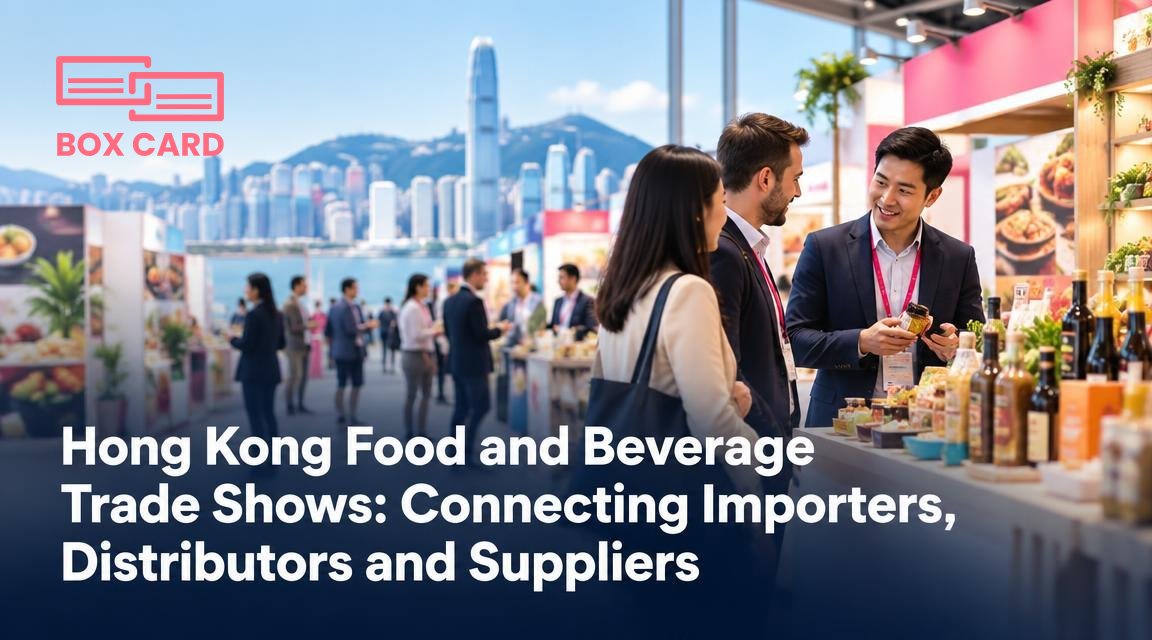
You arrive at a Hong Kong food and beverage trade show with samples, a price sheet, and a tote bag of printed brochures. By the end of the first day you have a pocket full of business cards and half a hundred names in your head. The real test is not the meeting at the booth, it is turning those cards into reliable importers, distributors, and repeat orders. This article helps you pick the right shows for your product, prepare conversations that qualify buyers, capture contact information efficiently, and run a follow-up workflow that wins deals.
Image note: see the picture brief below.
Which Hong Kong shows matter for importers, distributors, and suppliers
Hong Kong hosts several recurring food and beverage trade events that draw different kinds of buyers. Two factors decide which event matters to you: the buyer profile, and the product focus.
- Buyer profile: If your priority is national or regional distributors and supermarket chains, look for shows where wholesalers and procurement managers attend. If you want boutique importers, speciality retailers, or HORECA channels, choose fairs with a strong retail and hospitality presence.
- Product focus: Events that highlight alcoholic beverages, packaged food, gourmet products, or foodservice equipment attract different buyer types. Match your product category to the show theme to avoid wasting travel and sample costs.
Practical selection rule: pick one show this season that aligns with your top two priorities, and reserve a second as backup if your first-choice buyers are not present on the exhibitor list. If you cannot visit in person, target a show with a strong exhibitor directory or virtual meeting options so you can still research and make appointments.
Preparation that actually improves conversion rates
Preparation should focus on three outcomes: being found, qualifying quickly, and leaving a clear next step.
- Be found: Register early, use searchable keywords in your exhibitor listing, and bring clear samples and packaging photos. Buyers often pre-screen online. If your catalogue is easy to inspect from a phone, you get more quality visits.
- Qualify in two minutes: Prepare three quick questions to learn a buyer's channel, minimum order quantity, and lead time. If they cannot meet your MOQ or are purely retail, reallocate effort accordingly.
- Leave a next step: Offer something specific: a sample shipment, a price-by-volume PDF, or an exploratory call. Ask if they prefer email, WhatsApp, or a platform for document exchange.
Bring localized materials: a one-page pricing grid in Hong Kong dollars or the buyer's region currency, and a short product spec sheet that highlights shelf life and certifications. If you expect many Mandarin-speaking buyers, have a translated one-pager ready.
Capture contacts at the show: methods that save time and prevent lost leads
Business cards still matter, but only if you capture them into a usable system before the coffee break. Use a consistent capture workflow so every card becomes an actionable contact.
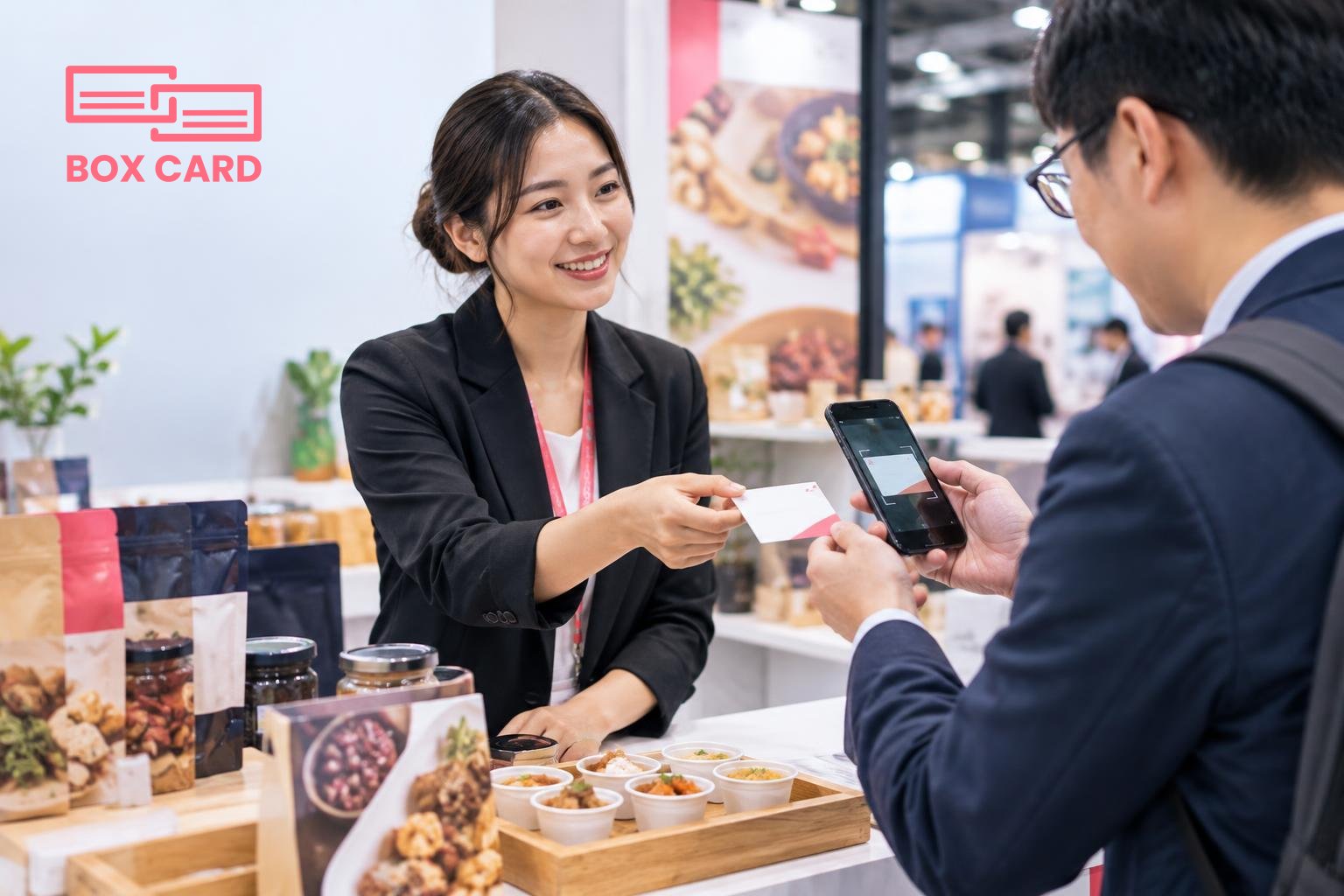
- Scan on the spot. Use a business card scanning app or a dedicated scanner at your booth, and label each contact with tags, for example: importer, distributor, interest: high, sample: requested.
- Record context immediately. In the app note the short qualifier: where they buy, expected order size, and the agreed next step. Two short notes beat a pocket full of anonymous cards.
- Synchronize to your team. If you work with local agents, use a business card information sharing app or cloud tool so field colleagues can pick up high-priority leads fast.
If you need a practical how-to, follow the steps below under the heading How to digitize business cards.
How to digitize business cards: a practical on-site workflow
- Choose one tool before the show. A reliable option is a high-accuracy business card scanning app. Many teams use Boxcard or similar solutions to reduce manual entry. Decide on the app and install it on each staff phone.
- Scan, tag, and add a one-line note. Use tags such as "importer", "distributor", "priority-1" and a short note like "asked for retail price list". That note is what turns a name into action.
- Batch-sync at the end of every day. If you have Cloud business card management or BoxCard cloud capability in your stack, sync so everyone sees new leads. If your app supports CRM integration, connect it after the show for streamlined follow-up.
Two extra points: a business card OCR app will reduce typos, but always scan photos of the badge or booth to preserve context. Also consider a Business card management app that supports team-level access so local staff can claim leads and update statuses.
Follow-up that turns introductions into meetings and orders
Speed and relevance decide whether a lead converts. Aim to send a tailored follow-up within 48 hours and use a prioritized sequence.
- First 48 hours: send a short thank you message, restate the agreed next step and attach the promised document or sample request form.
- Day 7: if you did not hear back, send a concise reminder that adds value, for example an updated price for a larger MOQ or a limited-time sample offer.
- Two weeks: call or request a meeting if the lead remained warm. Mark cold leads and revisit after a few months with a seasonal offer.
Use your digitized contacts to personalize messages. If your team uses a Business card data management system or CRM business card management workflow, export lists by tag and tailor email copy by buyer type. For sales teams, Sales support business card management means routing high-value leads to senior staff immediately.
Common mistakes exporters and suppliers make at Hong Kong trade shows
- Relying only on business cards without context. A card without qualifiers is often forgotten within a week.
- Delaying follow-up. Buyers meet dozens of suppliers. If you wait, someone else will send a price first.
- Using multiple unconnected capture methods. Scans in one phone, notes in another, and paper in a drawer create lost work. Pick a single business card management approach and stick to it during the event.
- Neglecting local import rules. If the buyer asks about compliance and you cannot answer, you lose credibility. Have basic answers and documentation ready.
A short checklist to act on today
- Choose one Hong Kong show that matches your buyer profile and register your interest in attending or visiting the exhibitor directory.
- Install and test a Boxcard scanning app or another business card OCR app on each staff phone, and create tags you will use at the show.
- Prepare a one-page pricing sheet, a product spec sheet, and one local-language version if needed.
- Agree on a follow-up timeline: 48 hours for a tailored email, 7 days for a reminder, and 14 days for a call.
- Decide how captured contacts will flow into your CRM. If you have CRM integration in your workflow, test the export before you travel.
Attending a Hong Kong food and beverage trade show creates opportunities only if you move quickly from introduction to qualification to a clear next step. Capture contacts with a repeatable system, use a Business card management app to reduce manual work, and prioritize high-value leads for immediate follow-up. If you create that simple loop, one well-chosen show can deliver distributors and buyers that matter.
