Hong Kong Electronics Trade Shows: How to Connect with International Buyers and Suppliers
Collecting business cards at a Hong Kong electronics show is easy. Turning them into international buyers and suppliers takes a simple workflow: plan meetings, scan and tag contacts on the spot, and follow up within 48 hours with a clear next step.

At an electronics trade show in Hong Kong you will meet suppliers from Shenzhen, buyers from Europe, and logistics partners from the region all within a few days. The challenge is not just collecting business cards, but turning those piles into usable relationships. This article explains how to connect with international buyers and suppliers before, during, and after the show, and how to capture and organize contact details so nothing falls through the cracks.
Quick note: the practical parts focus on simple actions you can start today, including how to digitize business cards and what to look for in an app that keeps your contacts usable.
Before the show: target the right people and prepare your digital workflow
Trade shows are noisy. Your first job is to reduce randomness. Do these four things at least a week before arrival.
- Define one clear objective for each day. Examples: meet five component suppliers, find a contract manufacturer for a 10,000 unit run, or qualify distributors for three European countries. Objectives focus your conversations and help you decide which leads to prioritize after the show.
- Research attendees and make appointments. Use the show directory and exhibitor lists to identify targets. Message people by email or social apps and ask for a short slot at their booth. A confirmed meeting beats a chance encounter.
- Prepare a compact leave-behind and a digital alternative. Carry a one page spec sheet and a clean business card. Also have a tablet or phone ready to show product photos, a link to specs, and an easy way to exchange contact details electronically if the other party prefers.
- Decide how you will capture cards at the show. Test the app or method you plan to use so scanning and tagging take seconds. Search terms to try while evaluating tools: business card scanning app, business card OCR app, Business card management app, Business card digitization app. Choose a method that matches the pace of the booth traffic you expect.
At the show: collect contacts deliberately
How you collect cards determines how useful they will be later. Here are practical on-floor tactics that work with international visitors.
One question before scanning
Before you reach for your phone ask the person for their preferred follow-up channel. Some buyers prefer email, others want WeChat or WhatsApp. Note that preference beside the contact when you scan.
Scan immediately and tag
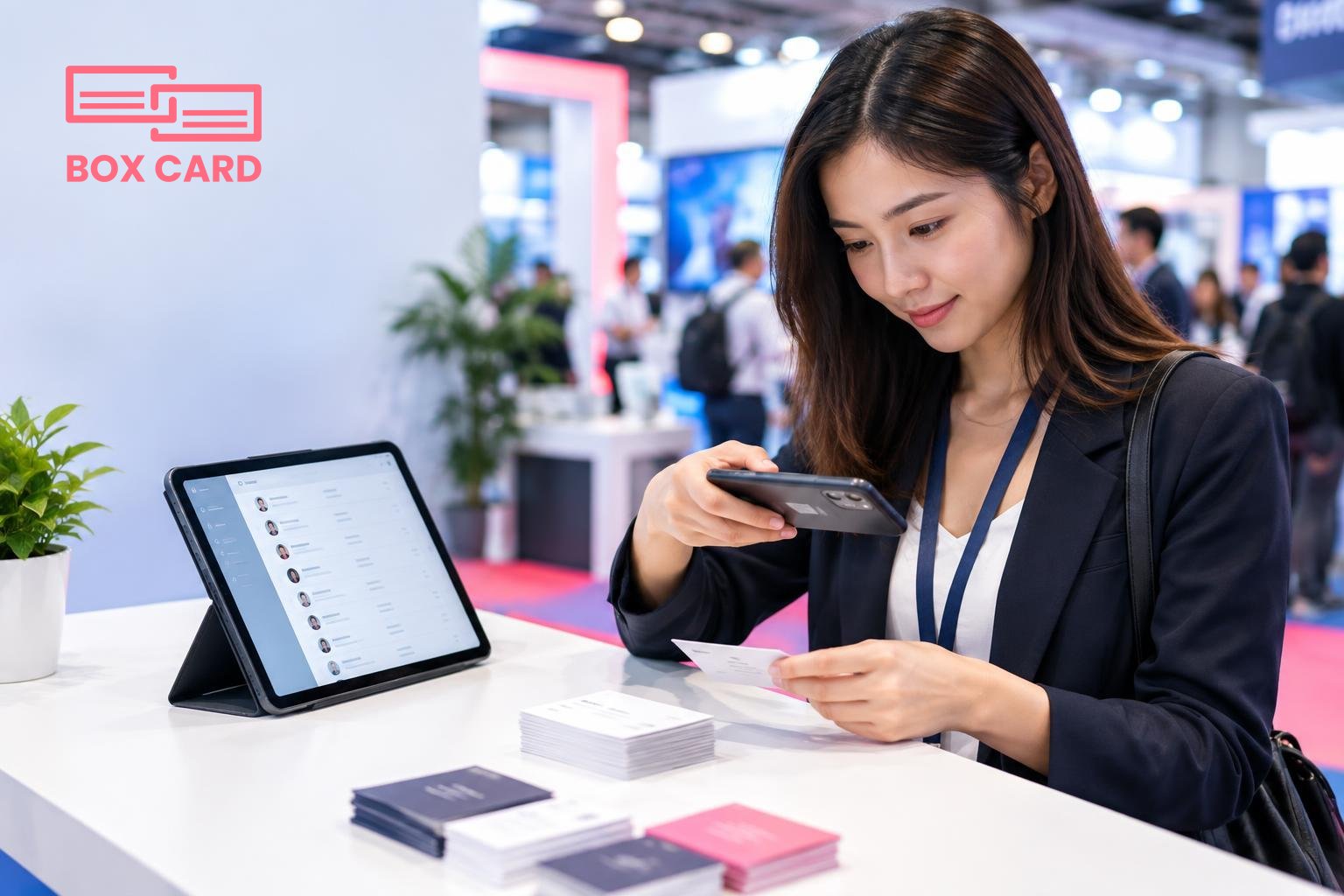
Scan business cards on the spot rather than waiting until later. Immediate scanning reduces loss and forces you to add context: where you met, what was discussed, priority level, and next steps. If you use Boxcard or another app, scan while the exchange is still fresh. Tag entries by market, component, or urgency so you can filter and act quickly after the show.
Qualify as you go
Ask two quick questions: what problem are you solving, and what is your buying timeline. If they are searching suppliers immediately, mark them high priority. If they are collecting ideas for a future project, use a different tag. This prevents treating every card as equally valuable.
Use a shared digital handshake
For international visitors, a quick screen share of a product sheet or a company catalog beats long explanations. If both parties agree, use a business card information sharing app or a QR code to exchange details, so the contact gets stored in both parties' devices with the same metadata.
After the show: turn cards into action
Follow-up is where relationships are won or lost. A simple, fast routine keeps leads moving.
- Within 48 hours: send a personalized follow-up. Reference a specific detail from the booth conversation, attach the promised spec sheet or link, and propose a clear next step such as a sample, a pricing sheet, or a video call. Personalization increases response rates significantly compared with generic notes.
- Organize and enrich scanned contacts. Use the time after the show to verify key details you could not confirm on the floor: primary contact person, correct email, and the actual buying role. If your scanning app supports notes and tags, add that information now. This step is also when to prioritize who receives urgent attention from sales or procurement.
- Decide how to integrate contact data with your systems. Think about CRM integration and exports. Even if your scanning tool does not connect automatically, export a clean CSV to import into your CRM. Preparing consistent fields for company name, role, country, product interest, and follow-up date saves hours later.
- Schedule follow-up tasks immediately. Create calendar invites and assign owners. A follow-up task without an owner is likely to fade away.
Choosing and using the right app to manage trade show contacts
There are many apps and approaches to choose from. Here is a short checklist to evaluate options and a recommended minimal workflow.
- Speed and accuracy: test the app under trade show lighting. Faster scanning with reliable OCR reduces mistakes. Search for a High-accuracy business card scanning app when you compare options.
- Tagging and notes: can you add meeting context, language preference, and next steps at the time of capture? This is more important than fancy analytics.
- Sharing and export: look for Cloud business card management or straightforward CSV export so multiple team members can access the data.
- Mobile workflow: a business card scanning app should make the whole process from capture to follow-up one or two screens on your phone.
- Budget and pilot: test a few cards and a short workflow before the show. Even Free business card management solutions deserve a quick pilot to ensure reliability.
Many exhibitors find Boxcard useful for quick capture and organizing. If you try Boxcard scanning app or other tools, run a small pilot with a mix of local and foreign cards to see how each handles different alphabets and formats. If you are wondering How to digitize business cards efficiently, choose a method that makes the capture step as frictionless as handing over a card.
Practical checklist for the week of the show
- Confirm meetings from the exhibitor list, and block time for booth walk-bys.
- Charge devices, prepare a backup battery, and install your chosen Business card management app.
- Print a short product spec and have one tablet ready to share digital files.
- Decide who on your team owns lead triage and who converts urgent leads to quotes.
- Plan for CRM integration or at least a daily export routine from your business card data management system to your sales tools.
Capture before you forget, tag as you go, and follow up with a single clear next step.
Actionable next steps: pick the app you will use and test it on five cards today, schedule meetings with your top ten targets from the directory, and set a 48 hour follow-up cadence for any cards you collect. These small choices separate fleeting conversations from real, international trade relationships after a Hong Kong electronics show.
