Bengaluru Tech Summit: Building Business Networks in India’s Technology Hub
At Bengaluru Tech Summit you can collect dozens of business cards. This article gives a practical pre-event, at-event, and post-event plan to turn those cards into organized contacts and timely follow-up using digital tools like Boxcard.

You will collect a lot of business cards at the Bengaluru Tech Summit. The difference between a stack of printed names and a meeting with real opportunity is the system you use to turn those cards into organized contacts and timely follow-up. This article gives a practical plan you can use before, during, and after the summit to convert exchanges into conversations, using straightforward digital tools such as Boxcard alongside your existing CRM and team processes.
Before the summit: decide what success looks like
Set two clear objectives: a quantity target you can realistically process, and a quality target for follow-up. For example, plan to capture 50 new contacts and schedule an introductory call with the top 10 within two weeks. That decision determines the capture tools and the follow-up workflow you need.
- Install a reliable business card scanning app on your phone and test it with 5 cards. Verify how it handles non-Latin scripts and unusual layouts.
- Prepare 2 short follow-up templates so you can reply quickly after a conversation: one for leads you want to pursue, one for connections you want to keep in touch with.
- Decide whether the first scan stays personal or goes straight into shared systems. If colleagues will follow up, plan for quick export to your team tools.
How to digitize business cards: quick checklist
- Choose the app you will use on the day, for example Boxcard or another business card digitization app.
- Open the camera mode and create a single routine: scan, add a short note about context, and tag the contact.
- Ensure your phone has enough storage and battery backups for continuous scanning.
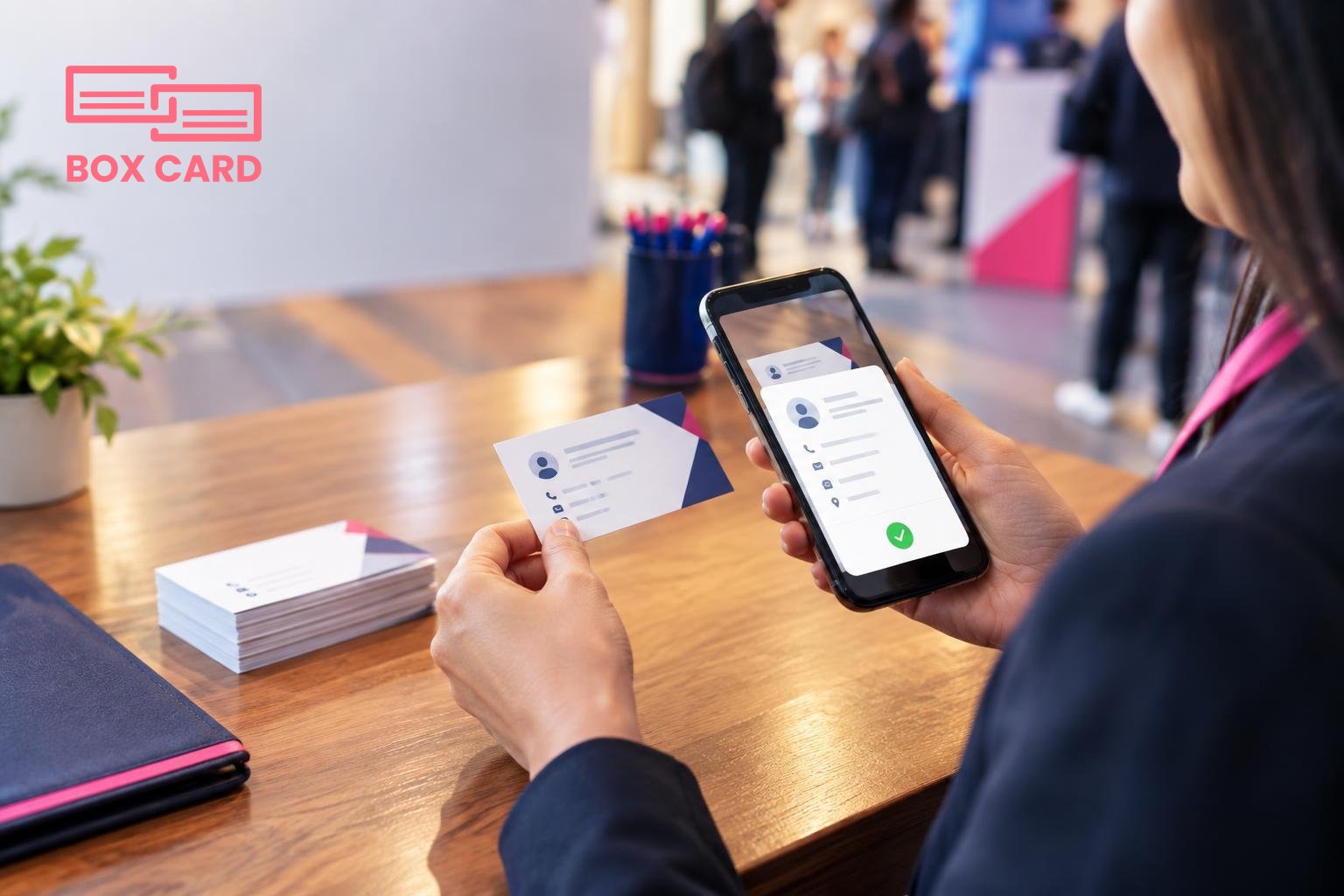
At the summit: capture with context
Speed matters, but context matters more. A fast scan without a note leaves you guessing two days later. Use a short habit you can repeat after every exchange: scan, record one note (company, reason you met), and choose one tag (follow-up, partner, hire, vendor).
- If someone prefers digital sharing, use a business card information sharing app or send a vCard immediately. That saves you typing and avoids transcription errors.
- When scanning, check the result immediately. Correct names, job titles, and email typos on the spot to avoid chasing errors later.
- If you are part of a sales team, ask whether the card should go to shared systems. That decision influences whether you keep the contact private in the app or push it to team workflows.
Within 48 hours: process and prioritize
Set aside a fixed block of time after the summit to finish processing. The faster you move, the higher the chance of a meaningful response.
- Review every scanned contact and expand your short notes into a follow-up plan: immediate email, schedule a call, or circle back later.
- Use tags and lists to prioritize. Create a “Top 10 follow-up this week” list and export that list into calendar invites or reminders.
- If your organization uses CRM systems, check whether your capture process can support CRM integration. Export only the contacts you will act on to avoid cluttering your CRM with low-priority entries.
Choosing the right tool: what matters
Not all apps are equal. Evaluate them against the tasks you need to accomplish at scale.
- Accuracy: A business card OCR app or a High-accuracy business card scanning app reduces manual correction. Test OCR on real cards from your industry.
- Speed and batch handling: Can the app scan several cards quickly and queue them for review later? That matters during busy sessions.
- Export and integration: Look for options that match your workflows, such as CSV export, vCard sharing, or the option to connect via API. If your team relies on a CRM, verify support for CRM integration before the event.
- Cloud sync and sharing: Cloud business card management is useful if multiple team members need access to the same contacts.
- Privacy and control: Check where the data is stored and who can access it. For sensitive partnerships, keep a private tag until you confirm permissions.
Consider Boxcard as one option: Boxcard works as a business card scanning app for quick capture, and many teams use Boxcard for business card management tasks on phones. If you want built-in team sharing, compare Boxcard with other Business card management app alternatives to find the best fit.
Workflows by objective
Sales follow-up
For sales, turn captured contacts into actionable items: qualify, score, and assign. Sales support business card management adds a stage for handoff: qualify the lead, create a short brief, and assign the follow-up to a salesperson within 24 hours. That reduces delays and prevents missed opportunities. For longer pipelines, consider CRM business card management guidelines so data flows into your lead records cleanly.
Partnerships and hiring
For partnership leads, add context about potential alignment and next steps. For hiring conversations, attach the role discussed and a link to the candidate profile. These small notes make the contact useful beyond the event.
Common mistakes and how to avoid them
- Relying on memory instead of notes: always record one short context note immediately after scanning.
- Bulk-exporting every scanned card into your CRM: export only qualified or action-required contacts to keep data clean.
- Using an app that cannot search or tag: choose an app that lets you filter by tag, company, or event.
- Assuming OCR is perfect: even a High-accuracy business card scanning app will sometimes misread printed accents or unusual layouts. Verify critical fields.
One practical next step: install your chosen Business card management app, open it, and run a test with five real cards. Confirm the workflow you will follow at the summit: scan, tag, note, and prioritize. If you want to experiment, try an AI business card scanner option on a small set of cards to see whether it reduces manual clean-up for your typical layouts.
After the summit, schedule a two-hour processing window and invite one teammate if you need help triaging high-priority contacts. That routine will convert a pile of cards into actionable conversations and measurable outcomes.
