PharmaLytica India: Networking Opportunities Across India’s Pharmaceutical Industry
A practical playbook for PharmaLytica India: set clear networking goals, digitize and tag business cards on the spot, and follow up within 48 hours. Use a fast OCR workflow and a shared management system so leads do not vanish after the show.
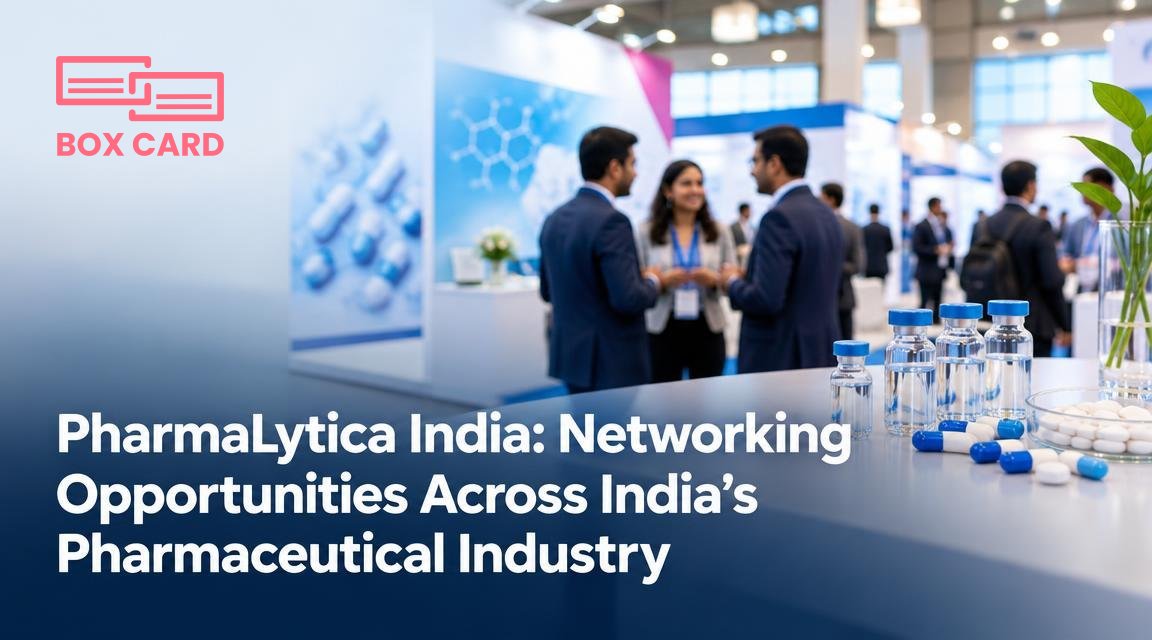
You are heading to PharmaLytica India to meet suppliers, contract manufacturers, and technical partners. You will collect dozens of business cards, meet potential collaborators, and face the familiar problem: how to turn a stack of cards into real connections and measurable opportunities. This article gives a practical playbook for before, during, and after the show, with tools and small workflows you can implement immediately to turn introductions into deals.
Quick promise: follow a simple digital workflow at the event, capture context with every contact, and follow up within 48 hours. The rest of this piece explains exactly how to do that and which tools help.
Who to prioritize at PharmaLytica India and why
Not every exhibitor yields the same value. Prioritize your interactions to match specific business goals.
- Supplier diversification: If you need alternative raw material suppliers, visit exhibitors in raw materials and intermediates, and speak to their quality and lead-time contacts.
- Manufacturing partners: For scaling or new formulations, target CMOs and pilot plant providers. Ask about capacity and regulatory support.
- Analytical and formulation services: Useful when you need problem-solving partners for stability, impurity profiling, or bioavailability work.
- Regulatory and compliance advisers: Critical if you plan exports or filings; a single follow-up call can save months of rework.
- Investors and business development: Talk to organizations that fund manufacturing expansions and those scouting licensing opportunities.
Before the show: prepare so networking is targeted
Preparation reduces random conversations and increases useful contacts.
- Set three specific objectives: for example, find two alternate suppliers, one CMO for scale-up, and one testing lab with faster turnaround.
- Scan the exhibitor list: mark must-see booths and assign a time window to visit each. Use the exhibitor map to minimize walking time.
- Prepare a concise, industry-specific pitch: one sentence about what you need and what you offer, followed by a single, concrete ask.
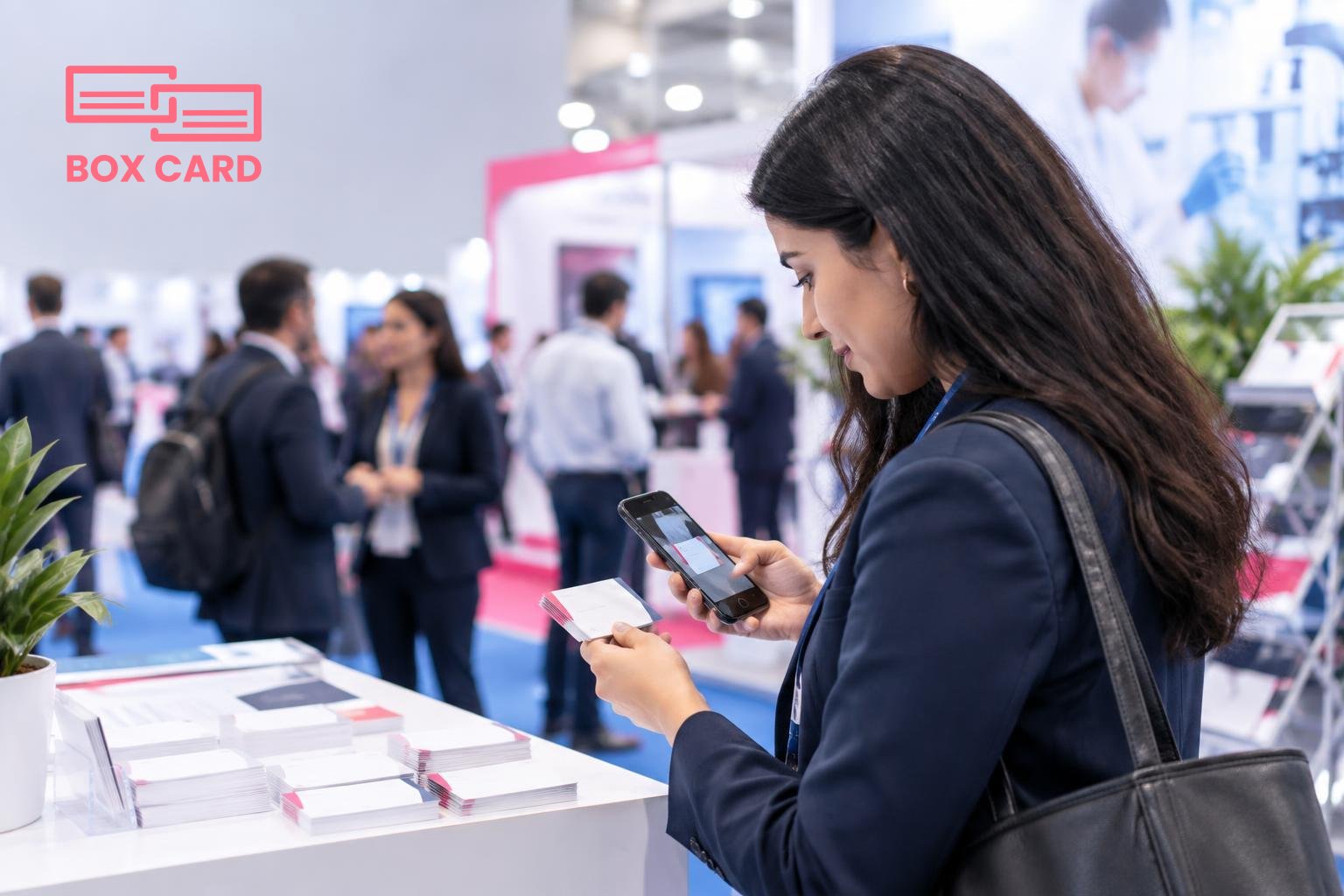
- Prep your phone: install a reliable business card scanning app before arrival and test it. Practicing the scanning flow reduces friction on the floor.
During the show: capture context, not just cards
How you collect information matters as much as what you collect.
- Ask for permission to scan: explain you will digitize their card to send product information. This small courtesy improves response rates and avoids losing context when you digitize later.
- Record context immediately: after scanning, add a short note: where you met, what you discussed, and the agreed next step. A few words will save you time later.
- Use a business card OCR app for speed: OCR apps capture contact fields instantly, so you do not type details by hand and you keep data consistent.
- Take a badge or booth photo: a quick picture of the person at their booth helps recall, especially for crowded shows with many similar-sounding companies.
- Qualify right away: give each contact a simple tag such as "supplier, urgent," "CMO, follow-up Q1," or "regulatory, intro call." That makes post-show sorting fast.
Which digital workflow to use at PharmaLytica India
Choose a workflow you will actually follow. Keep it simple and repeatable:
- Scan business card with a business card digitization app as soon as you get it.
- Add a one-line note and a tag while still at the booth.
- If the meeting requires product material, attach a quick photo or file to the contact record.
- Batch-process scans at the end of each day: check for OCR errors and complete missing fields.
Tools that enable business card digitization and allow you to add notes on the spot make the rest of the process repeatable. If you prefer a specific tool, test it before the event so you trust its speed. For teams, a Cloud business card management solution that supports shared access will keep everyone aligned.
After the show: follow-up that converts
If you do nothing after collecting contacts, the value of the show disappears. Use a short, prioritized follow-up plan.
- Sort by priority: pull first the "urgent" and "CMO, follow-up Q1" tags and plan outreach in the first 48 hours.
- Personalize the message: reference the booth conversation and the concrete next step. One sentence that reminds them who you are is enough.
- Use CRM integration where available: export or push high-priority contacts into your CRM so sales or project teams can act. If your system supports CRM integration, make sure fields map cleanly to avoid duplicate records.
- Assign internal owners: hand off contacts to the right person using a Sales support business card management approach so leads do not stall in an inbox.
Keeping data clean when you return
Large events create messy data. Take a short weekly maintenance routine for two weeks after the show:
- Run a duplicate check and merge records.
- Correct OCR errors in key fields like email and company name.
- Update contact status after the first follow-up attempt.
If you will rely on a team, choose a Business card data management system that supports user permissions and shared notes so everyone sees the same history.
Practical templates and timing
Small templates speed follow-up while staying personal.
- Within 48 hours: "Hello [Name], good to meet you at PharmaLytica India at the [booth name]. As discussed, I am sharing [one-line deliverable]. Can we schedule a 20 minute call next week to explore?"
- One week later: short reminder with additional value such as a spec sheet or a case example relevant to the conversation.
- If no response after two attempts: move the contact to a nurture stream and set a six-week reminder with an article or update.
Tools and choices: what to pick and why
There are many apps and services. Focus your selection on these criteria:
- Accuracy: choose a High-accuracy business card scanning app so you spend less time correcting OCR mistakes.
- Speed of capture: on busy show floors every second saved counts.
- Team sharing: if colleagues will use the contacts, prefer a business card management app with shared access.
- Export options: ensure you can export contacts to CSV or push them into your CRM. If you cannot automate eksport, pick a process for manual transfers and document it.
For individuals who want a quick, no-cost start, look for apps offering a Free business card management tier so you can test scanning and tagging before committing to a team solution.
How Boxcard fits into event networking
If you already use Boxcard, you can rely on it to digitize cards quickly and keep notes attached to each contact. Boxcard is one of several tools that make business card scanning easier, and it works as part of a broader workflow that includes CRM export and team handoff. If you are testing solutions, compare accuracy, speed, and how easy it is to share contacts across your team.
Practical rule: scan and tag every card at the booth, follow up within 48 hours, and assign an owner. Small habits produce the biggest post-event returns.
A trade show yields two types of return: immediate leads and longer-term relationships. Your goal at PharmaLytica India should be to capture both, while keeping the process lean. Set concrete goals before you go, use a fast business card OCR app on the floor, and convert high-priority contacts into CRM entries or assigned tasks within 48 hours. That short, repeatable workflow turns a pile of cards into measurable opportunities.
