India International Leather Fair: Exploring Global Trade and Business Networking Opportunities
Prepare to treat the India International Leather Fair as a lead-generation event, not a sightseeing trip: set targets, capture contacts with a consistent digitization workflow, qualify leads on the spot, and follow up within 48 hours to convert conversations into business.

You are planning your calendar around the India International Leather Fair and want to turn those three days into real business: qualified leads, buying or selling partnerships, and concrete next steps after the show. Trade fairs like IILF are noisy, crowded, and full of opportunity. The difference between a handful of contacts and a pipeline of deals is how you prepare, how you collect and manage contact data at the show, and how you follow up afterward.
Who should attend and what you can realistically achieve
The fair suits manufacturers, exporters, suppliers of raw hides and finished leather goods, accessory makers, buyers for brands and retailers, sourcing managers, and service providers such as logistics and quality control. If your goal is to secure buyers, compare suppliers, or source components, set a precise outcome for each day: one pilot order, three qualified supplier visits, or five buyer meetings. That prevents the common mistake of collecting too many business cards without converting any.
Before the show: set targets and prepare your materials
- List target companies and people you want to meet. Use the exhibitor list to mark booths by priority: must-see, interesting, maybe.
- Create short, role-based goals for conversations: what information you need, what you can offer, and the ideal next step (sample, quote, demo, factory visit).
- Prepare a compact leave-behind: a one-page spec sheet or sample catalogue. Do not rely only on a business card exchange to convey pricing or MOQ details.
- Decide how you will capture leads. A plan reduces friction: business card capture, a short qualifying form on your phone, or an appointment scheduler for follow-up meetings.
At the show: approaches that win meetings
Trade shows reward clarity and speed. Approach booths with a direct opening: a sentence about who you are, what you buy or supply, and one specific question. For example: "I represent a mid-size footwear brand buying vegetable-tanned leather. What minimum order quantity can you handle?" That forces useful information quickly.
How to collect contact information without losing time
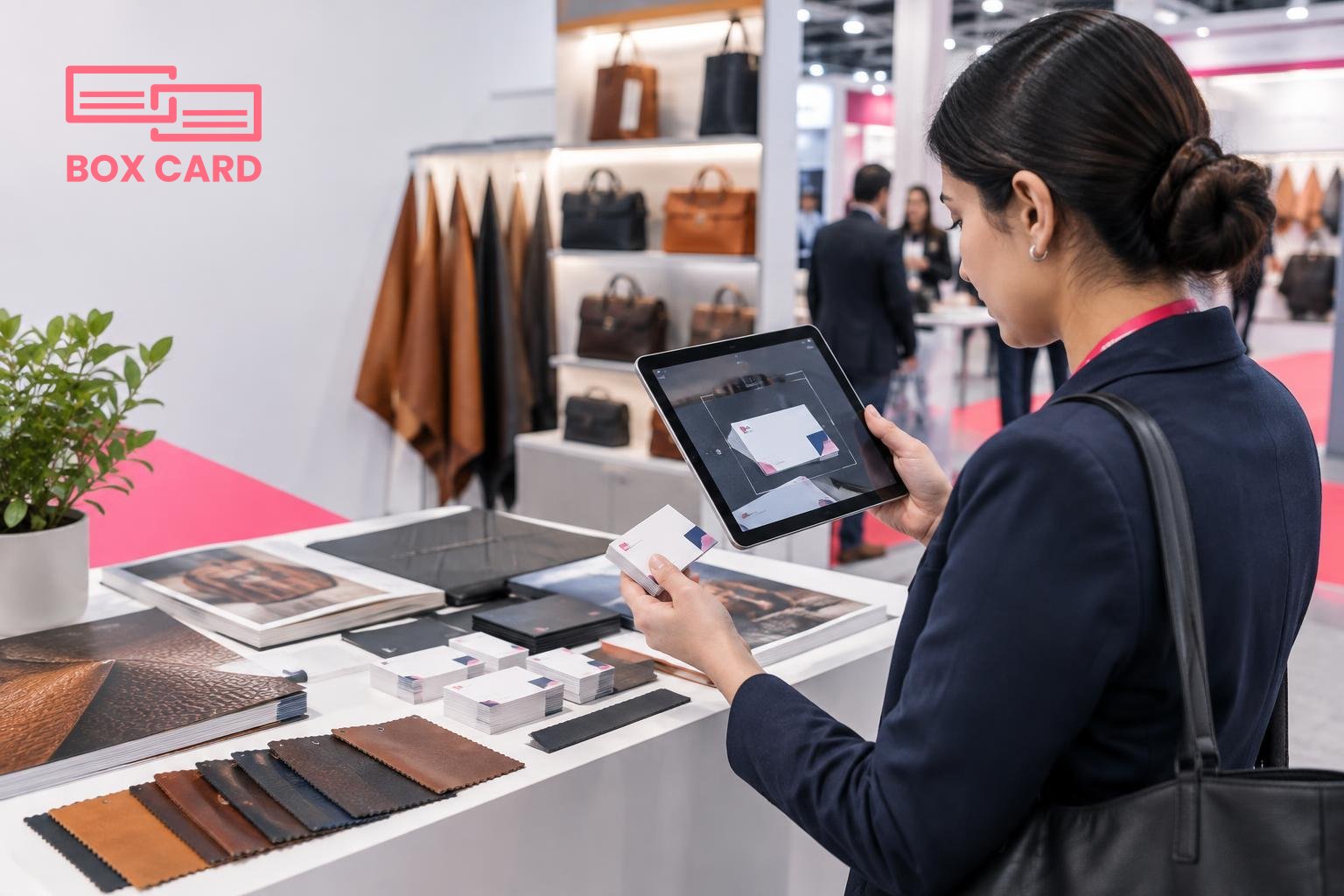
- Scan business cards immediately. A business card scanning app reduces data entry errors and lets you tag the contact right away. If you plan to capture many cards, a reliable business card OCR app or a high-accuracy business card scanning app saves hours later.
- Qualify on the spot. Use a 30-second checklist: company role, decision authority, timeline, and product interest. Record a one-line note when you scan the card so follow-up messages are relevant.
- Ask permission to follow up by email or message and offer a visible reason to connect: a sample, a product spec file, or a meeting slot the next week.
Tools and data flow: pick an approach you will actually use
If you return from the fair with 200 paper cards, they will sit in a drawer and never turn into deals. Decide in advance whether you will use an app for digitization, or assign someone at the booth to enter leads into a laptop or tablet. Both options work, but consistency matters more than the tool.
Why digitize at the show
Digitization prevents transcription errors and lets you tag, sort, and assign leads that evening. If you are trying to scale follow-up, consider tools that support CRM integration so contacts move straight into your sales pipeline. For teams that prioritize speed, Cloud business card management or a Business card management app with quick export features reduces manual steps.
Tech options and simple rules
- Use a trusted app for scanning. Many teams prefer an AI business card scanner or a Business card digitization app that recognizes multiple languages and prints reliably. Test it before the show with a variety of cards.
- If you want in-person sharing, a business card information sharing app can let you exchange digital cards instantly, which avoids running out of printed cards and helps sustainability-conscious partners.
- Keep a backup: phone camera photos of cards or photos of booth badges, with a one-line note. Those backups help when a card is heavily stylized and OCR struggles.
Using Boxcard and managing scanned contacts
At a show like IILF, a scanning-first workflow is practical. Boxcard handles business card management, and using a Boxcard scanning app lets you digitize cards quickly at the booth. After capture, organize contacts by tags such as "buyer", "supplier", "sample requested", or by priority. If you want to move contact data into your sales system, check whether your chosen tool supports CRM integration, or export a clean CSV for import. That keeps your CRM business card management tidy and avoids duplicate entries.
If you are new to How to digitize business cards, the basic steps are: scan a card, confirm OCR results, add a short qualifying note, tag the contact, and assign a follow-up owner. Doing these steps while the conversation is fresh increases response rates significantly.
Following up after the fair: timing and templates that work
Speed is the most important variable. Reach out within 48 hours while your meeting feels fresh. Personalize each message with a reminder of your conversation and a clear next action. Examples of effective next actions: send a sample, provide pricing by quantity, schedule a factory tour, or book a short call to finalize terms.
- Use the notes captured during scanning to write a one-line personalized opener. That increases reply rates and shows you were attentive.
- Prioritize leads. Follow up first with contacts who have immediate buying intent or who matched your must-see list.
- Track follow-ups in your Business card data management system or CRM so nothing falls through the cracks. For sales teams, Sales support business card management means assigning a rep and a clear deadline for the next step.
Measuring success and avoiding common mistakes
Valuable metrics are not total cards collected, they are conversions: meetings scheduled, samples sent, quotes requested, and orders placed. Track these metrics against the goals you set before the fair.
Common mistakes to avoid:
- Collecting cards without notes. Data without context is noise.
- Waiting too long to follow up. The window for converting a show contact is short.
- Using a poor OCR tool and importing dirty data into your CRM, which creates duplicates and manual cleanup later. A High-accuracy business card scanning app saves time down the line.
Practical checklist for your IILF trip
- Make a target list of exhibitors and buyers with ranked priorities.
- Prepare a one-page leave-behind and short presentation for meetings.
- Install and test your chosen business card scanning app, or prepare a simple digital card to share via a business card information sharing app.
- Decide who on your team is responsible for digitizing and tagging contacts each day.
- Schedule time each evening to clean and export collected contacts for CRM import or internal distribution.
- Plan follow-up templates and set reminders for calls and sample shipments.
Trade shows like the India International Leather Fair reward preparation and disciplined follow-up. Make digitization part of your show routine so contacts become conversations, and conversations become transactions. Start by choosing a reliable scanning workflow, commit to short, personalized follow-ups, and measure the results that matter to your business.
