New York FinTech Events: Networking Opportunities for Financial Technology Professionals
At New York FinTech events the outcome depends on how you meet people and what you do with their contact details. This article shows which events to prioritize, how to scan and organize cards on the spot, and a simple follow-up workflow to turn introductions into real leads.
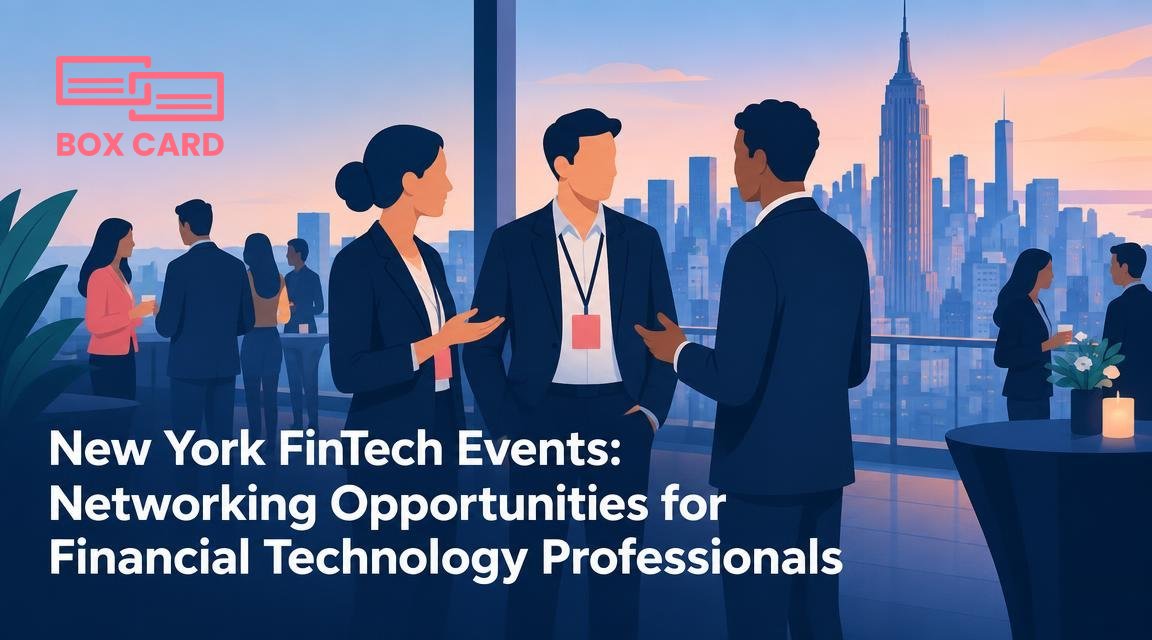
You will meet dozens of new contacts at a New York FinTech event, and the difference between a useful connection and a forgotten name comes down to two things: how you approach people during the event, and what you do with their information afterward. This article shows which kinds of FinTech gatherings in New York are best for different goals, and gives a practical playbook for preparing, exchanging contact details, and turning those introductions into meetings or deals.
Which New York FinTech events to prioritize
Not every event delivers the same quality of contacts. Choose according to your goal.
- Investor panels and pitch nights, if you need capital or want to meet angel investors. These are efficient for targeted outreach to investors and VCs.
- Industry conferences and expos, for market awareness and product partnerships. They attract established vendors, banks, and potential enterprise clients.
- Meetups and roundtables, for product feedback and hiring. Smaller groups lead to deeper technical conversations.
- Workshops and bootcamps, if you want practical skills and to meet people solving the same problems as you.
Decide the event type before you buy a ticket. If your immediate need is pilot customers, prioritize targeted workshops and boutique conferences rather than large expos.
Before the event: plan three to five high-value targets
Dont try to collect the most business cards. Pick three to five companies or people you want to meet. Use the event agenda and speaker list to identify them and note one specific conversation starter for each, such as a recent product announcement or a shared connection on LinkedIn.
- Send a short pre-event message to speakers or panelists you want to meet. Mention the session you will attend and one question you want to ask.
- Update your LinkedIn profile and have a concise 20 to 30 second pitch ready, focused on the problem you solve and the type of collaboration you seek.
- Decide how you will exchange contact details: paper cards, QR code, or a business card information sharing app. Plan a backup method in case Wi-Fi at the venue is unreliable.
At the event: how to make conversations count
Quality beats quantity. Aim for five meaningful conversations rather than 50 superficial ones.
- Listen first. Ask a pointed question and let the other person explain their priority for the event.
- Offer value. Suggest a specific next step: an intro to someone in your network, a short product demo, or a follow-up call with a technical colleague.
- Exchange contact details deliberately. If you collect a paper business card, immediately scan it with a high-accuracy business card scanning app so you do not lose context. If you prefer digital sharing, use a business card information sharing app or QR code that delivers a vCard.
Aim for five meaningful conversations per event: deeper follow-up beats a stack of anonymous cards.
On-the-spot digitization: why it matters and how to do it
Scanning cards at the venue prevents a pile of unread cards from becoming a to-do you never finish. Two practical options work well in New York conference settings.
- Scan immediately. Use a business card scanning app on your phone to capture each card before you move on. A high-accuracy business card scanning app reduces errors so you spend less time correcting names and titles later.
- Capture context. After scanning, add a one-line note about where you met and what you discussed. That context is what turns a card into a usable lead.
If you already use a cloud tool for contacts, choose Cloud business card management that syncs to your account. Many teams use a business card management app to centralize cards from multiple colleagues. If cost is a concern, compare Free business card management options for basic scanning and manual export.
Organizing and prioritizing contacts after the event
Work through your scans within 48 hours while the event is still fresh. Follow this triage process:
- Hot leads: customers, pilots, investors. Schedule follow-up calls within one week.
- Warm leads: useful partners or vendor prospects. Send a personalized email within two weeks proposing a next step.
- Keep as reference: general contacts, press, or people you promised materials to. Tag and archive them for future outreach.
Use simple tags such as "pilot", "partner", "investor", and "follow-up Q3". If you use CRM business card management, export or sync data so your sales team can turn leads into opportunities. CRM integration is particularly valuable when multiple colleagues attend events and need a single source of truth.
Common mistakes and how to avoid them
- Collecting without context. A scanned card without notes is often useless. Add one line about why the contact matters.
- Relying on imperfect OCR. Even the best business card OCR app can misread names or company names. Always scan and then confirm critical fields before adding someone to a campaign.
- Delaying follow-up. The window for a warm response is short. Contact hot leads in the first week or you risk being forgotten.
Tools and workflows that scale across events
Standardize a post-event workflow so you and your team handle cards the same way.
- Pick one business card management solution for the team. It can be a business card digitization app or a business card management app that supports exports to your CRM.
- Create templates for follow-up emails and a short qualification checklist to use when you scan a card.
- If multiple people attend, have a central Business card data management system to avoid duplicate outreach and to track who owns each relationship.
Boxcard is an example of a tool people mention when they talk about fast scanning and organized contact lists. If you try the Boxcard scanning app at an event, keep the one-line meeting notes with each scan so your post-event outreach is sharp and personal.
Sample follow-up message you can copy
Subject: Great meeting you at [Event name]
Hi [Name], it was good to meet you after the panel on [topic]. I enjoyed our discussion about [specific detail]. Would you be available for a 20 minute call next week to explore [specific next step]? I can send a short agenda. Best, [Your name]
Use that template for hot leads, and tailor the second sentence for warm contacts by offering a helpful resource instead of a meeting.
Events in New York are valuable because they compress decision makers into a short window. Treat each card as a starting point: digitize it promptly with a reliable app, add context, and follow a simple triage routine. If you implement a consistent scanning and follow-up workflow, the contacts you collect at FinTech events will turn into measurable opportunities rather than forgotten paper in a drawer.
