TechCrunch Founder Summit Boston: Building Connections Across the Startup Ecosystem
A practical plan for networking at TechCrunch Founder Summit Boston: decide goals, choose a capture routine, scan and tag contacts promptly, and follow up within 48 hours so introductions turn into real opportunities.
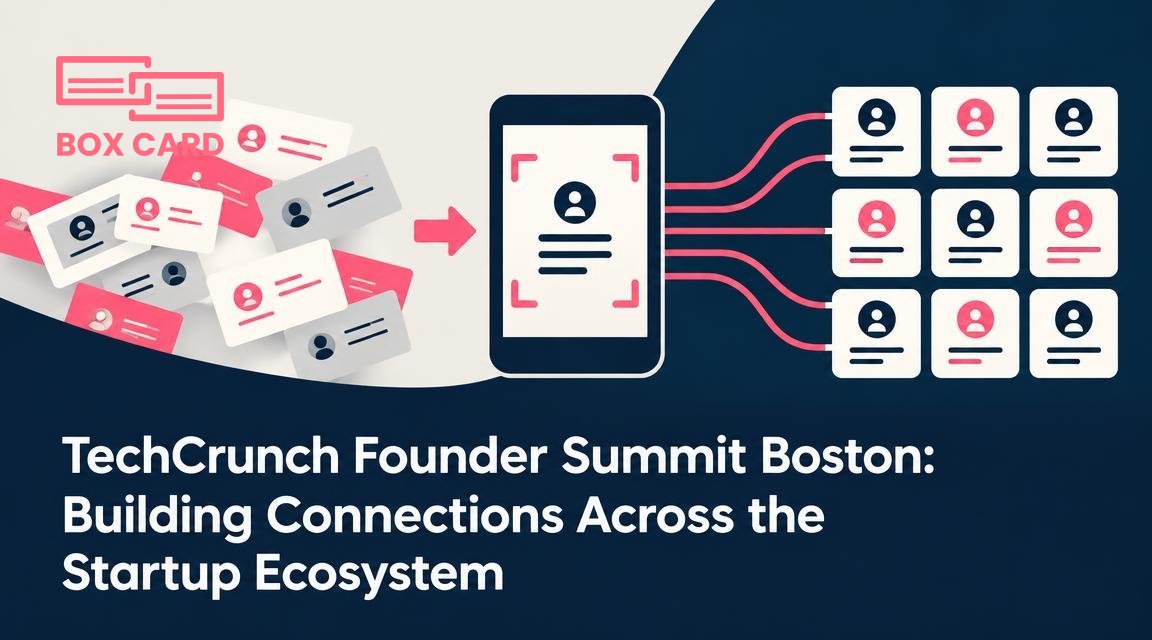
You are heading to TechCrunch Founder Summit Boston with one clear objective: make useful connections that happen to matter after the panels end. At conferences the weakest link is not meeting people, it is turning those introductions into working relationships. This article gives a practical plan for meeting people during the Summit, capturing contact details reliably, and following up so connections actually lead somewhere.
Decide what success looks like before you arrive
Four different goals require different approaches. Be specific about which of these matters most to you:
- Finding potential cofounders or hires.
- Identifying investors who fit your stage and geography.
- Landing a small set of pilot customers or strategic partners.
- Building a wider, searchable network for outreach later.
The way you collect and manage contacts should follow the goal. If you want pilots, capture job titles and a short note about use cases. If you want investors, capture firm names and portfolio companies. That determines whether you need a light, quick approach or a more structured system for business card digitization and later triage.
What to carry and install
Reduce friction. Carry a small stack of tailored business cards, a phone with a charged battery, and two apps installed: one for quick capture and one for follow-up management. For capture, a good business card scanning app lets you save time and avoid errors. For later work, choose a business card management app that matches how you work with contacts.
If you already use Boxcard, bring it along for on-the-spot scans. The Boxcard scanning app will speed bulk capture, and Boxcard business card management helps keep notes and tags consistent. Even if you prefer a paper-first habit, plan your process for business card digitization so cards do not pile up unread.
Checklist
- Phone battery pack and charger.
- 2 to 20 physical cards tailored for the Summit.
- Installed business card OCR app or business card digitization app for faster capture.
- Pre-made follow-up templates for email and LinkedIn messages.
How to work a room without wasting time
At Founder Summit, conversations are short. Use a simple sequence: listen for relevance, exchange contact details deliberately, and leave an anchor in the conversation to reference in follow-up.
- Open with a specific question about their work, not a pitch. That identifies relevance fast.
- When exchanging details, ask permission to scan their card. Scanning in front of someone avoids lost cards and signals you will follow up.
- If they prefer digital sharing, offer a quick link or suggest a business card information sharing app so you can exchange details without typing.
Common mistake: you scan a card and forget the context. Always add one short note immediately after capture: where you met and what you discussed. That 10-second habit changes a cold contact into an actionable lead.
How to digitize business cards quickly at the Summit
Decide whether you will scan cards during the event or batch them afterward. Both work, but each has trade-offs.
- Scan during the event: faster turnaround, fewer lost cards, better context. Requires a phone and a good business card scanning app. If you use Boxcard this is a low-friction option.
- Batch-scan afterward: lower distraction during conversations, but higher risk of backlog and misremembered context. If you choose this, set a fixed window the same evening to process new cards.
Use these steps when you scan:
- Open your scanner and capture the card. Modern business card OCR app tools handle many layouts, but check the capture for errors.
- Add one-line context: event name, brief topic, next step. Tag by priority: follow-up today, follow-up this week, warm keep.
- Assign to a list or folder in your business card management system. If your team shares contacts, sync to Cloud business card management later in the day.
A High-accuracy business card scanning app matters when cards use complicated fonts or non-Latin scripts. If you expect many international attendees, test the app on a few cards before the Summit.
Follow-up that converts introductions into conversations
Follow-up is where most networking fails. Your aim is to convert a brief chat into a scheduled next step or a clear mutual action within 48 hours.
Use a two-step follow-up routine:
- Within 24 to 48 hours: send a short, personalized message that references the specific topic you discussed and proposes a precise next step, such as a 20-minute call on dates and times.
- One week later: if no reply, send a one-sentence reminder with a new, light offer of value, for example a link to a relevant article or an intro to another attendee you promised.
Practical tip: export a filtered list from your business card data management system for follow-up. Filter by tags like investor, potential customer, or hire. If you use CRM integration, import only the contacts you want to convert to opportunities so your CRM does not become cluttered.
Tools and workflows to consider
Which tools? Match effort to value.
- For lightweight networking: a reliable business card scanning app plus a calendar link in your signature works well.
- For sales outreach: use a Sales support business card management workflow that moves warm leads into a pipeline, and consider CRM integration so your sales team can act quickly.
- For team knowledge: Cloud business card management lets colleagues see scanned contacts, reducing duplicated effort.
If you want automated cleaning and deduplication, some teams prefer an AI business card scanner. Assess that option carefully, and confirm how it handles privacy and editing errors. For many founders, a simple business card management app with manual review hits the best balance between speed and accuracy.
Privacy and etiquette
Always ask before scanning or sharing contact information. If someone gives a card but asks you not to share it with others, respect that. When you upload contacts to a shared system, set clear rules about who can access them and how they should be used.
If you plan to use a business card information sharing app, mention that to the other person so they know how to control their details. For teams with legal constraints, a Business card data management system with role-based permissions is appropriate.
Common mistakes and how to avoid them
- Collecting cards and doing nothing: schedule a 30-minute block each evening to scan and tag new contacts.
- Relying on memory: add a short note at capture time to preserve context.
- Overloading CRM: use selective CRM integration and only push contacts that meet a conversion threshold.
Finally, consider whether you need Free business card management features or paid tools for team sharing. For many early stage founders, free tiers serve initial needs. Upgrade only when the team workflow demands consistent sharing or advanced export capabilities.
If you are attending TechCrunch Founder Summit Boston, plan your goals, pick a simple capture routine, and commit to a 48-hour follow-up window. A consistent process is the difference between a pocket full of cards and a list of actionable opportunities. Put the tools in place before you leave for the event, and you will spend more time on conversations that matter and less time chasing lost contacts.
