India Mobile Congress: Connecting India’s Telecom and Technology Industry
Attend India Mobile Congress with a capture plan: pick a reliable scanning tool, tag and note contacts on the spot, clean them within 24 hours, and follow up within 48 hours to turn introductions into real conversations.
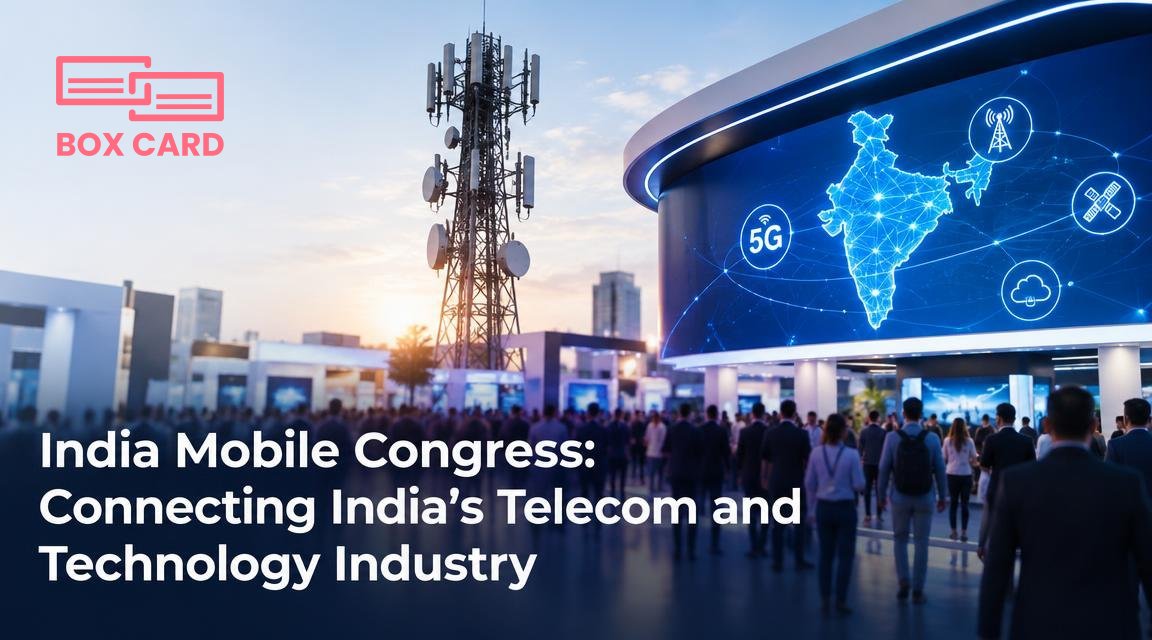
You will meet dozens or hundreds of people at India Mobile Congress. The challenge is not collecting business cards, it is turning those cards into usable relationships. This article explains what to do before, during, and after the event so you leave with organized contacts, clear follow-up actions, and a system that scales across your team.
Why plan your networking workflow
Randomly stuffing cards into a pocket creates a backlog that gets ignored. A simple workflow prevents lost opportunities: capture reliably, add context immediately, then follow up within 48 hours. That sequence matters because human memory fades and priorities shift quickly after a conference.
Practical outcome: move each new person from "met" to either "follow up" or "archive" within two days, with a contact record that contains the note you need to make a relevant outreach.

Before the event: set up tools and rules
- Choose your capture tool. Install a business card scanning app on your phone. If you already use Boxcard, confirm the app is ready. If not, pick an app that offers reliable OCR and fast import. Test it on five different card designs so you know how it handles fonts, logos, and vertical layouts.
- Decide a tagging scheme. Keep it short: role, company size, priority. Example tags: "Product", "Operator", "Follow48", "Partner". Short, consistent tags remove decision friction when you are on the show floor.
- Prepare quick messages. Save three short follow-up templates in your notes: 1) quick connect, 2) demo request, 3) resource send. Personalize later, but the template saves time when you have dozens of new contacts.
- Agree team roles. If you are with colleagues, decide who handles which vertical and how you will consolidate cards after the day ends. Use Cloud business card management or a shared folder so everyone can upload scans to the same place.
At the event: capture fast, capture well
Two capture approaches work in different situations. Use the physical-scan route when someone hands you a paper card. Use a digital exchange when someone prefers not to share paper.
- Paper cards: scan immediately. Open your business card scanning app, frame the card, and capture. Add a tag and a one-line note while the conversation is fresh. If your app includes quick fields for job title and location, correct any obvious OCR errors right away.
- Digital exchange: use a sharing option. Some attendees will prefer a business card information sharing app or QR code. Save the vCard, then add the same tag and note you would for a paper card.
- Short note template to use on the spot: two words you will recognize later, for example: "Met at IMC, edge computing" or "IMC booth D12, follow48." Keep it consistent across your team.
How to digitize business cards after the show
If you left cards in a stack, resolve that within 24 hours. Backlog is the single biggest reason contacts go cold. The steps below apply whether you use a phone app or a scanner at the office.
- Batch-scan all remaining cards into your chosen system. Use the business card OCR app feature to extract fields automatically.
- Open each record and fix two things: the contact name and at least one context note. If the OCR misread a name, correct it before you export or sync.
- Apply the agreed tags and priority status. If a card belongs to a colleague, reassign or add a team tag so it appears in their list.
- If you use CRM integration, export or sync the cleaned record to your CRM. Test the sync on five contacts first so you know how the mapping behaves.
These steps are the core of business card digitization. If you want a short checklist to print: scan, verify, tag, sync, follow up.
Choosing tools: what to look for
Not every app is equal. Prioritize speed, accuracy, and team access:
- OCR accuracy. A high-accuracy business card scanning app reduces manual cleanup. Try samples from different countries to evaluate multilingual OCR performance.
- Batch workflow. The app should let you scan many cards quickly, then let you edit in a list rather than one record at a time.
- Cloud access. Cloud business card management is useful when multiple people need to view or edit records in real time.
- Export and CRM options. If you plan to use CRM integration, confirm which CRMs are supported and how custom fields map.
If you prefer a specific recommendation, try Boxcard for straightforward scanning and organizing. Boxcard supports rapid capture, tagging, and team access, which makes it a good fit for conference workflows. Use it as your business card scanning app during and after India Mobile Congress if it meets your team's CRM needs.
Follow-up that actually works
Follow the 48-hour rule: send a personalized note within two days. Personalization is simple and effective: reference the topic you discussed, attach a material if promised, and end with a clear next step.
Example message:
Hi Raj, good to meet you at India Mobile Congress. I enjoyed our conversation about private 5G for manufacturing. I am attaching the white paper I mentioned. Are you available for a 20-minute call next week to explore pilot options?
After sending the first message, set a calendar reminder for the agreed next step or a two-week follow-up if you do not get a reply.
Common mistakes and how to avoid them
- Scanning too late. The longer you wait, the less likely you will add meaningful notes. Scan within 24 hours.
- Over-tagging. Many tags become unusable. Stick to 5 to 8 core tags and a single priority flag.
- Assuming OCR is perfect. Always confirm names and email addresses before a sync or outreach.
- Mixing personal and work contacts. Keep separate folders or tags so personal cards do not pollute CRM exports.
If you are organizing a team presence
Assign one person to own the team inbox for incoming scanned cards, and use a shared Cloud business card management folder. Decide how leads are triaged: by geography, by product interest, or by potential deal size. Short decision rules, such as "all Partner leads go to Alice within 12 hours," prevent delays.
For sales teams, make sure your approach matches existing Sales support business card management processes. If your CRM has a lead scoring rule, map tags to scores so valuable leads are fast-tracked.
Finally, choose one workflow and document it in a one-page playbook your team can follow during the event. Simplicity beats perfection when the show floor is crowded.
Plan a capture tool, capture consistently, clean quickly, and follow up within 48 hours. That single routine will convert the bulk of casual contacts from India Mobile Congress into working conversations. As a next step, test your chosen business card scanning app on five cards today and create one follow-up template you can reuse immediately.
