Import and Export Networking in Hong Kong: Why Business Card Management Matters
Collecting cards is easy; converting them into meetings is not. This article gives a clear, practical workflow for Hong Kong import and export events: how to capture multilingual cards on-site, clean and tag them quickly, and export contacts into your CRM or sales process without losing opportunities.

You arrive at an import and export fair in Hong Kong with a pocket full of business cards. Some are in English, others in Chinese, a few include WhatsApp numbers, and several have handwritten notes on the back. What matters next is not how many cards you collected, but how quickly and accurately you turn those cards into actionable contacts. Poor follow-up wastes time and business opportunities; good follow-up wins meetings and deals.
This article explains practical steps to handle contact capture at trade shows in Hong Kong, with clear choices for digitizing, organizing, and exporting contacts so you can move from card stack to pipeline in days, not months. You will get a checklist for before, during, and after the event, guidance on tools and export formats, and common mistakes to avoid.
Note: when I refer to digital tools I mean apps that perform business card scanning and management. Examples appear to illustrate workflow choices, not endorsements of any one vendor.
Before the show: decide how you will capture and tag contacts
Make a plan for the volume and types of contacts you expect. Import and export fairs in Hong Kong attract buyers, suppliers, customs agents, freight forwarders, and service providers. Each group requires a different follow-up approach.
- Choose a capture method: a business card scanning app on your phone, a dedicated scanner at your booth, or a short web form for visitors to type details. A smartphone app gives speed and mobility.
- Prepare a tagging scheme: at minimum tag by role (buyer, supplier, logistics), priority (hot, warm, cold), and event source (show name, date). Tags make later segmentation and follow-up predictable.
- Export format: confirm how your contacts will need to enter your CRM or mailing list. Common options are CSV with separate columns, vCard, or direct CRM import. Knowing this in advance prevents rework.
- Language and script plan: decide whether you want Chinese names stored in characters, phonetic transliterations, or both. If you plan to use follow-up messages in Chinese, keep the original script where possible.
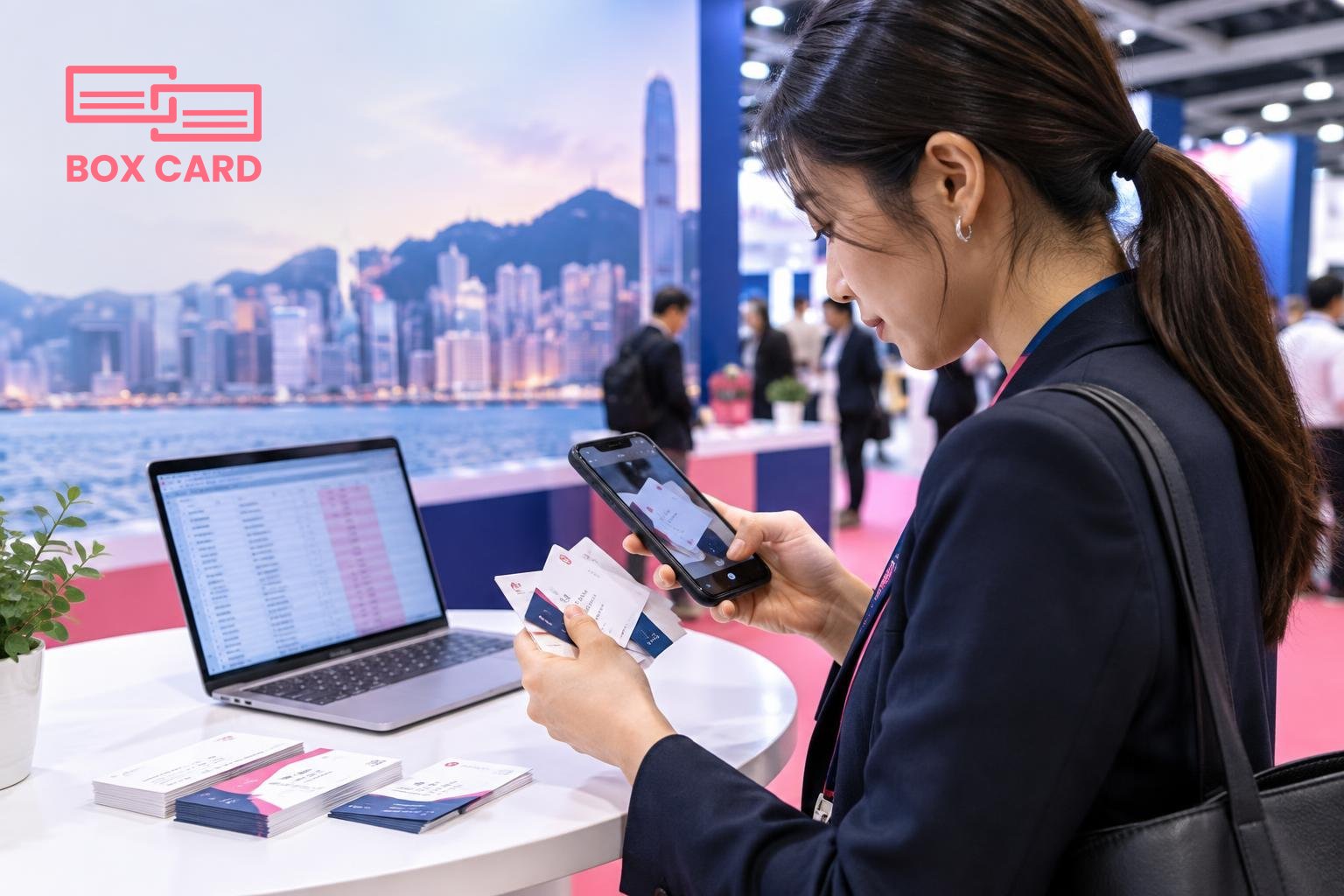
During the event: capture reliably and avoid manual backlog
At busy booths you will not have time for long conversations and manual data entry. The key goal is accurate capture with minimal friction for both parties.
- Scan immediately. Use a business card scanning app to digitize cards on the spot. Scanning immediately reduces transcription errors and prevents pile build-up.
- Photograph context if useful. A quick photo of the person with the card or of a small handwritten note helps later recall, especially when many cards look similar.
- Apply tags at capture. Add a tag for role and a short note about the conversation. Even one sentence is enough to shape follow-up messaging.
- Respect language preferences. If the contact prefers communication in Chinese, mark that in the record. That simple step raises response rates.
- Ask permission before exporting data or adding people to lists. A quick yes or no saves trouble under privacy rules and maintains trust.
After the event: clean, enrich, and route contacts
Most missed opportunities happen here. If cards sit in an inbox for weeks they become cold. Use this checklist to convert captured cards into sales or procurement actions.
- Batch process scans within 48 hours. Run an initial pass to correct OCR mistakes and add missing fields, such as job title, company website, and correct phone number format for Hong Kong numbers.
- Resolve duplicates. Merge records that refer to the same person. Duplicates create confusion and can lead to repeated outreach that annoys contacts.
- Classify leads by action. Move hot leads to immediate outreach, warm leads to a nurture sequence, and supplier leads to procurement review. Use the tags you set at the event to automate this step when possible.
- Export for your next step. Export to your CRM or to a CSV for a campaign. Confirm field mapping: for example, first name, last name, company, job title, email, phone, tag, and notes should match your CRM columns exactly.
- Follow up quickly and personally. For hot leads, send a message within 48 hours that references the conversation. For supplier contacts, attach the specific product or specification discussed.
Choosing a tool: what matters for import-export networking
Not all tools are equal. When you evaluate options, compare them against practical needs at trade shows in Hong Kong.
- Accuracy for multilingual cards. Look for a business card OCR app that handles both English and Chinese scripts reliably. High accuracy in name and company recognition reduces manual cleanup.
- Speed and ease of capture. A smooth scanning experience reduces queue time at your booth. If your team is large, choose an app that multiple users can use and consolidate later.
- Export flexibility. Make sure you can export to CSV or vCard with consistent column headers. That is essential for CRM integration and for handing a supplier list to procurement.
- Information sharing. If your team needs to share contacts fast, consider a business card information sharing app or a Cloud business card management approach so the whole team has access to the same records.
- Cost and trial options. For one-off shows you may prefer a Business card management app with a free tier or short trial to avoid committing to long subscriptions.
Examples of practical workflows: use a Boxcard-like scanning app on each salesperson's phone, consolidate exported CSV files after the show, then import into your CRM after mapping fields. This keeps capture decentralized and cleanup centralized.
Export and CRM integration best practices
Here are the steps to reduce friction when moving card data into your systems.
- Decide the canonical fields your CRM requires and export to match those columns. Missing or misnamed columns are the most common source of failed imports.
- Standardize phone and address formats. Convert local numbers to an international format if your CRM uses it, or create a consistent local format for Hong Kong numbers.
- Keep original images linked. When you import contact records, include a link to the original card image so salespeople can re-check handwriting or logos without sifting through paper.
- Test with a small batch first. Import 10 to 20 records, verify mapping, then import the full file. This avoids large cleanup work later.
- Document the workflow. Record who is responsible for cleanup, import, and follow-up. Clear ownership prevents contacts from slipping through the cracks.
Common mistakes and how to avoid them
- Waiting too long to digitize. Scans delayed for days multiply errors and drop response rates. Aim to digitize daily during the event.
- Not tagging by context. Without tags, you cannot quickly segment contacts by interest, role, or event booth conversation.
- Ignoring language fields. Losing the original script can cause mistakes in names and poor personalization in messages.
- Overlooking consent. If you add someone to a mailing list, record their permission. This protects your reputation and helps with compliance with data rules.
- Failing to consolidate team captures. If each salesperson keeps a separate list, you lose visibility and duplicate outreach can occur.
When a simple workflow is best
Not every team needs a complex system. For many Hong Kong trade shows, a lean workflow works best: a reliable business card scanning app on each phone, daily consolidation into a shared spreadsheet or CRM-ready CSV, and a single person responsible for import and follow-up scheduling. This minimizes tools and focuses energy on outreach and qualification.
For teams that expect large volumes, prioritize an app or process that supports Cloud business card management, so records are centrally available as the cleanup progresses.
For those who want to learn simple techniques now, read guides on How to digitize business cards and test a few business card digitization apps before the show so your team is practiced and fast.
Turning a stack of cards into a pipeline requires deliberate steps: fast capture, accurate transcription, organized tagging, and disciplined follow-up. Plan those steps, choose a tool that handles multilingual cards well, and make one person accountable for the import and routing process. That small change transforms a pile of paper into measurable business outcomes.
Practical next step: pick one business card scanning app, run a short trial with a colleague, and carry out a mock event capture and import. If the app supports export to CSV and produces readable Chinese and English text, you will be ready for the next trade show in Hong Kong.
