How to Manage Business Cards from Multiple Asian Markets in One Digital System
Capture the original script, add a practical romanized name, tag by market, and normalize phone numbers. A disciplined workflow plus the right system turns scattered business cards into usable international contacts.
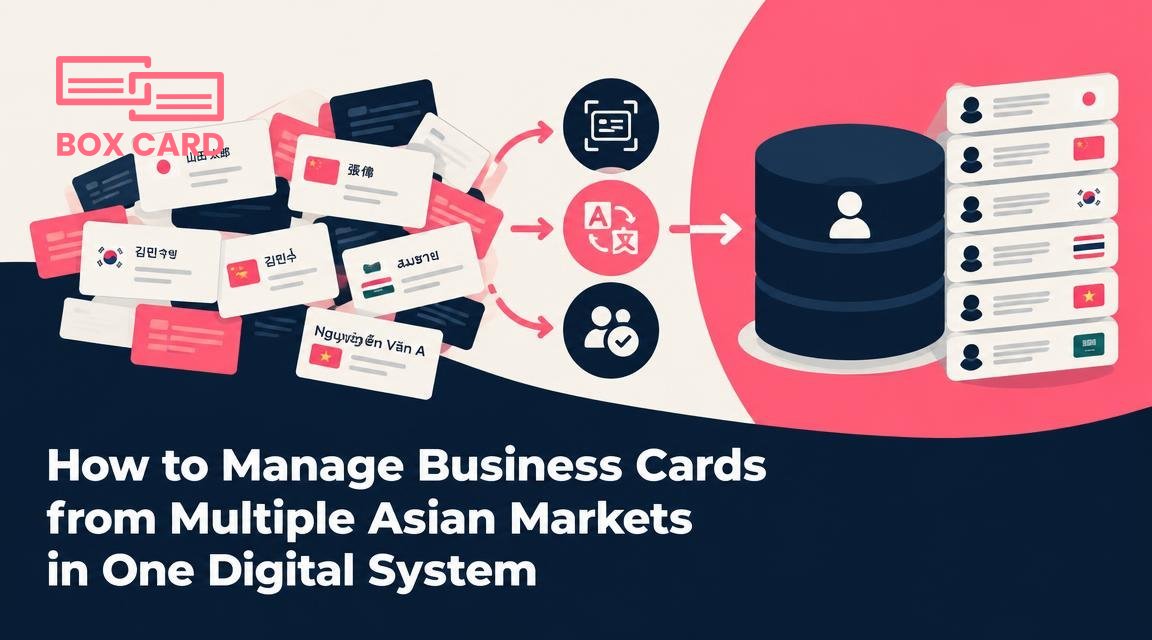
You have business cards from meetings in Tokyo, Shanghai, Seoul, and Singapore, and they sit in different boxes, phone photos, or scattered apps. The problem is not storage, it is being able to find, use, and follow up with the right contact fast, regardless of language, character set, or local conventions. This article shows a practical, low-friction way to manage business cards from multiple Asian markets in one digital system and the decisions that make the system reliable rather than messy.
Choose the system with the right capabilities
When you evaluate a single system to hold contacts from several Asian markets, prioritize functional fit over branding. The essential capabilities are:
- Multi-script OCR accuracy: Some solutions are tuned for Latin text only. You need a tool that handles Chinese characters, Japanese kanji and kana, and Korean hangul without degrading romanized text.
- Dual-name fields: The system should let you keep the original script plus a romanized or preferred-name field. Losing the native script causes search failures and damages accuracy when sharing with local teams.
- Custom fields and tags: Ability to add market, preferred contact channel, and consent metadata. These let you filter and build follow-up lists by country or platform.
- Contact deduplication that understands scripts: Matches across scripts or romanizations, not just exact string matches.
- Export and integration options: CSV exports and CRM connectors (or APIs) so you can push verified contacts to local CRMs.
- Offline scanning and backups: Travel often means no consistent network. Local scan with later sync prevents data loss.
Run a quick hands-on test before committing: scan a mixed sample of 20 cards in different scripts and check how many fields are correct without manual edits. That sets realistic expectations for ongoing work.
Define a simple data model before you import
Systems vary, but you can get consistent results by choosing a small set of canonical fields and rules to apply every time you add a contact. Example data model:
- Native name (original script)
- Romanized or preferred name (how you will search and display)
- Family name and Given name fields if you need name-part sorting
- Company, job title (store both native and romanized if present)
- Phone number normalized to international format
- Preferred message channel (WeChat, LINE, WhatsApp, email, phone)
- Market tag (country or region)
- Consent note (how permission was obtained to store/contact)
Decide how to handle name order. In many East Asian contexts the family name appears first in the native script, and that often matters for polite address. For searching and CRM exports, pick one canonical display rule: either show romanized names in Western order or store a separate sortable family name field. Consistency beats guessing.
Scanning and capture workflow: reduce repeated corrections
Use the same hands-on workflow each time you scan cards, whether on the road or back at the office. A repeatable workflow reduces errors and saves time.
- Scan immediately and tag: Photograph the card, assign the market tag (Japan, China, Korea, Singapore) before leaving the meeting. That tag helps later verification and cultural notes.
- Verify the native-name OCR first: Check the original script against the scan. OCR mistakes on characters are common, and correcting them early avoids poor matches later.
- Fill the romanized name and preferred name: If the card includes a romanization, store it. If not, add the romanized form using the person’s stated preference or a standard romanization. When in doubt, enter a practical display name the contact uses in emails.
- Normalize phone numbers: Convert local formatting to an international standard with the country code. Store the number you will actually use to reach them, for example the WeChat ID if that is their preferred method.
- Set follow-up and context: Add a note about where you met, what you discussed, and a follow-up date. Tagging by event or meeting saves time when you return to specific projects.
Handling name transliteration and order correctly
Name handling causes the most confusion. A practical approach:
- Always keep the original script in the Native name field.
- Use the Romanized name field for the version the contact uses in English messages. If they send you an English email that uses a particular spelling, copy that spelling.
- Store family and given name in separate fields only if you need to sort by family name in reports. Do not attempt automated splitting unless you validate it, because algorithms often reverse or misassign parts.
Below is a short reference that helps decide how to enter names when a card lacks romanization.
| Market | Typical native script | Practical rule |
|---|---|---|
| China | Chinese characters | Keep original characters. If no romanization, add pinyin as a separate field, unless the contact gives a preferred English name. |
| Japan | Kanji and kana | Store kana or kanji. If no romanization, ask or use standard romanization only as a temporary search aid. |
| Korea | Hangul | Keep hangul. For romanization, use the spelling the person provides rather than automatic conversion. |
Contact deduplication and cross-script matching
Duplicates happen when the same person appears with a native-script card and a later romanized card. Solve duplicates reliably with a combination of automated matching and human review:
- Enable fuzzy matching on email, phone, and company fields rather than exact name matching.
- When the system proposes a merge, review native-script fields before confirming. Keep all script variants in the merged record so team members searching in any language find the contact.
- Use tags to indicate verified merges. That prevents accidental overwrites during batch imports.
Integrations and team sharing with regional workflows
Different markets use different platforms: WeChat is essential in mainland China, LINE in Japan and Taiwan, KakaoTalk in Korea. Your digital system should let you record preferred channels and export contact lists filtered by channel preference. If you share contacts with local colleagues, set clear access permissions and export rules so you do not leak personal data across borders without consent.
When syncing to a CRM, map the native-name field to a custom attribute rather than overwriting the CRM name field. That preserves both local accuracy and the CRM’s canonical naming conventions.
Privacy and legal practicalities
Data protection rules vary by country. Do not assume universal consent. Practical safeguards:
- Record the method of consent next to each contact. A short note such as "handed card at conference X" documents the context.
- Limit sharing: export only the fields that recipients need. For example, a sales colleague often needs email and company but not a personal phone number.
- Keep a routine to purge stale contacts or to anonymize records when required by local policies.
Common mistakes to avoid
- Overwriting native-script names with automatic romanization. Once overwritten, restoring the original can be difficult.
- Relying on name-only dedup rules. Match on email or phone where possible.
- Not tagging by market. Without market metadata, it is hard to apply the right follow-up channel and etiquette.
- Assuming a single display name works for all recipients. Display the name appropriate to the context or recipient.
If you want a practical starting point: choose a system that supports business card OCR for multiple scripts, create the data model above, and run a 50-card pilot. During the pilot, measure the time you spend correcting OCR and the number of duplicates. Those two metrics tell you whether the platform is working for your multi-market needs.
After the pilot, refine the process: add a short checklist for scanning, create tag conventions for markets and channels, and train anyone on your team who will add contacts. With a few rules and one disciplined workflow, a single digital system will keep your contacts usable across languages and countries, and make follow-ups reliable rather than guesswork.

