Business Card Management Software for SMEs: Features to Compare Before Choosing a Tool
A practical checklist for SMEs that compares scanning accuracy, integrations, permissions, pricing models, and compliance. Includes a two week pilot plan to reveal hidden costs and adoption risks.
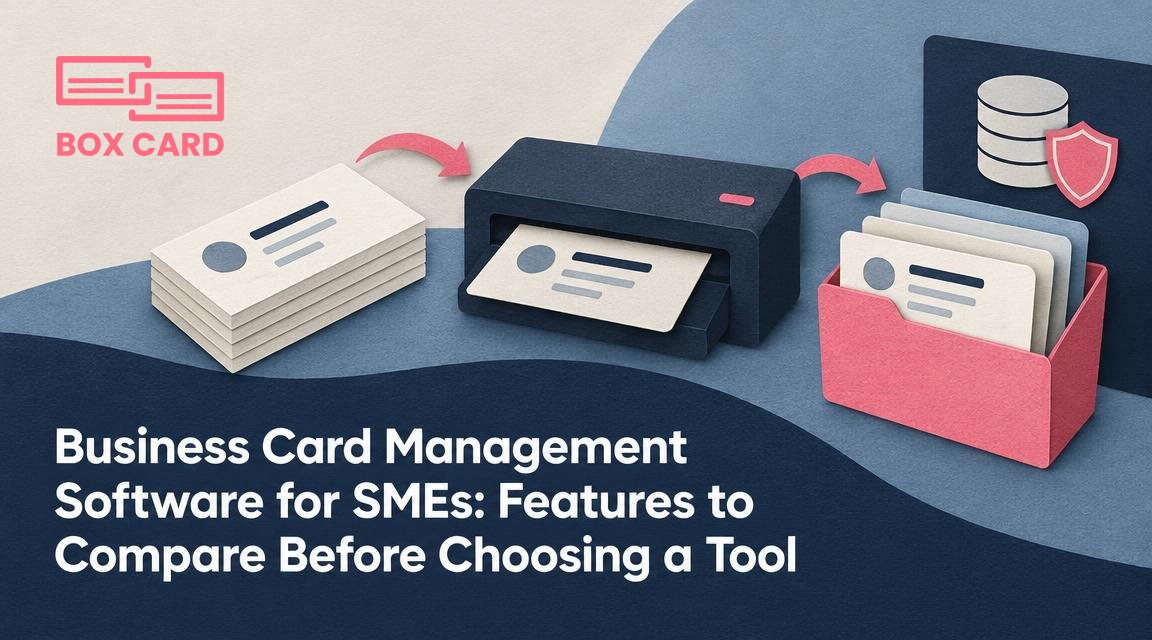
You have a growing contact list, a small team, and a limited budget. Choosing business card management software is not only about scanning speed. For small and medium sized enterprises, the right tool saves time, prevents duplicate work, and keeps client data under control. This article gives a practical checklist of the features that matter for SMEs, explains common trade offs, and shows how to run a short trial that reveals hidden costs and adoption risks.
Which questions should drive your choice
Before you compare vendors, answer these operational questions. The answers will decide which features matter most.
- How many people will use the system daily, and where will they access it: office desktops, field tablets, or both?
- Do you need contacts shared across the company, or kept private by role?
- Which systems must it connect to: your CRM, email platform, accounting software, or a cloud drive?
- Are your cards multilingual or handwritten, and how accurate must capture be?
- What compliance or data retention obligations apply to your customers or geography?
Core features to compare
1. Card scanning accuracy and validation
For many SMEs, time saved depends on how much manual correction is required after scanning. "Card scanning accuracy" is not a single number. Look for:
- OCR performance on the languages and fonts you encounter, including non-Latin scripts and common industry layouts.
- Handling of handwritten notes, vertical text, and multi-column cards.
- Availability of human verification or a review queue when the software flags low-confidence fields.
Trade off: pure AI will be faster and cheaper, but a human-in-the-loop option reduces errors when contact data feeds billing or compliance processes.
2. Data fields and structure
Make sure the tool captures the specific fields your business needs. Beyond name and phone, consider:
- Job title and department, company website, industry tags.
- Custom fields you can define, such as client ID, account manager, or contract renewal date.
- Flexible export formats that map to your CRM, or a configurable CSV template.
3. Deduplication rules and merge workflows
Duplicates are the silent cost of bad contact tools. Compare how each product detects duplicates and resolves conflicts:
- Automated fuzzy matching based on name, company, phone, and email.
- Manual merge workflows and a change history so you can undo mistakes.
- Team workflows for owners and approvers when merging shared contacts.
4. Sharing, permissions, and team roles
Not every SME needs enterprise grade permissions, but you should know how granular controls are. Items to check:
- Can you set view, edit, and export permissions per user or group?
- Are contacts owned by people, teams, or the company account?
- Is there an audit log showing who exported or changed contact data?
5. Integrations and data flow
Integrations determine how smoothly contacts enter your existing workflows. Test for:
- Native connectors to your CRM, mail platform, or helpdesk.
- Open APIs or Zapier compatibility for custom automation.
- Real world export tests: can you push 200 contacts to your CRM without losing custom fields?
6. Offline scanning and mobile experience
If your team collects cards at trade shows, on client visits, or on construction sites, mobile reliability matters. Verify:
- Whether the app can scan and cache cards offline, then sync later.
- Speed and ergonomics of the mobile workflow, including batch scanning.
- Quality of mobile OCR compared with desktop uploads.
7. Pricing model and predictable costs
Compare not only the headline price but the billing model. Common options and their implications:
- Per user, per month: simple for budgeting, but costly if many part time users scan infrequently.
- Per scan: attractive for low usage, unpredictable when your business grows.
- Storage-based pricing: watch for extra fees for exports, API calls, or premium integrations.
Tip: run a realistic three month usage forecast before negotiating. Estimate number of users, monthly scans, expected exports, and peak months.
8. Security, compliance, and data ownership
Small businesses often assume cloud vendors own the data. Confirm the provider's stance on "data ownership" and the ease of full data export. Also check:
- Encryption at rest and in transit, and where data is hosted geographically.
- Compliance declarations for GDPR, if you handle EU personal data, or other local regulations that apply.
- Clear procedures for account deletion and data retention.
9. Onboarding, support, and user adoption
A cheap tool that nobody uses costs more than a higher priced system that fits your workflow. Evaluate:
- Training materials, admin console, and single sign on options.
- Support response times and channels: email, chat, phone, or assigned account manager.
- Case studies or references from companies of similar size and industry, if available.
How to run a two week pilot that exposes real costs
Vendors prepare demos, but a pilot with your cards and workflows shows the truth. A short protocol:
- Collect a representative sample: 50 to 200 cards that reflect your languages, handwriting, and design variety.
- Define five acceptance tests: accurate capture of email and phone, correct mapping to your CRM fields, duplicate detection, permission enforcement, and export integrity.
- Invite the actual users who will scan: give them simple tasks and time them. Watch for friction points on mobile and desktop.
- Measure how many records need manual correction and whether the vendor offers human verification, and at what cost.
- Request a full export at the end of the trial and try importing into your CRM and a spreadsheet. Confirm all required fields come through.
Trade offs and decision rules for SMEs
Prioritize features according to business risk and frequency of use, not feature counts. A suggested weighting framework:
- Daily usability and scanning accuracy - high priority for teams that scan often.
- Integrations and exports - medium to high priority when contacts feed billing or sales pipelines.
- Security and data ownership - high priority if you handle regulated data or operate in constrained jurisdictions.
- Price predictability and support - medium priority for bootstrapped firms that cannot afford surprises.
Example decision rule: if scanning accuracy without human verification is under 90 percent for your sample, prefer a vendor that offers a verified workflow even if the per scan cost is higher. Errors in contact data can lead to lost invoices, missed follow ups, and wasted sales effort.
Run a practical pilot, score vendors on the same tests, and pick the tool that reduces your team's daily friction, not the one with the longest feature list.
Next step: prepare your sample set and pilot checklist, and schedule short trials with two to three vendors. Use the acceptance tests above to compare results numerically, then factor in price and support to make the final choice.

