BoxCard vs CamCard vs Haystack | Best Business Card Management Apps for Startups
In startups, business cards are no longer just paper contacts. They are increasingly managed as valuable data assets for sales, hiring, and networking.
1. Why Business Card Management Matters for Startups
Startups generate large numbers of new contacts through:
- ・Trade shows
- ・Pitch events
- ・Sales activities
- ・Recruitment events
Without proper management, businesses often face:
- ・Missed follow-ups
- ・Lost leads
- ・Duplicate outreach
As startups scale, organized contact management becomes critical for maintaining sales efficiency and customer relationships.
2. BoxCard Features

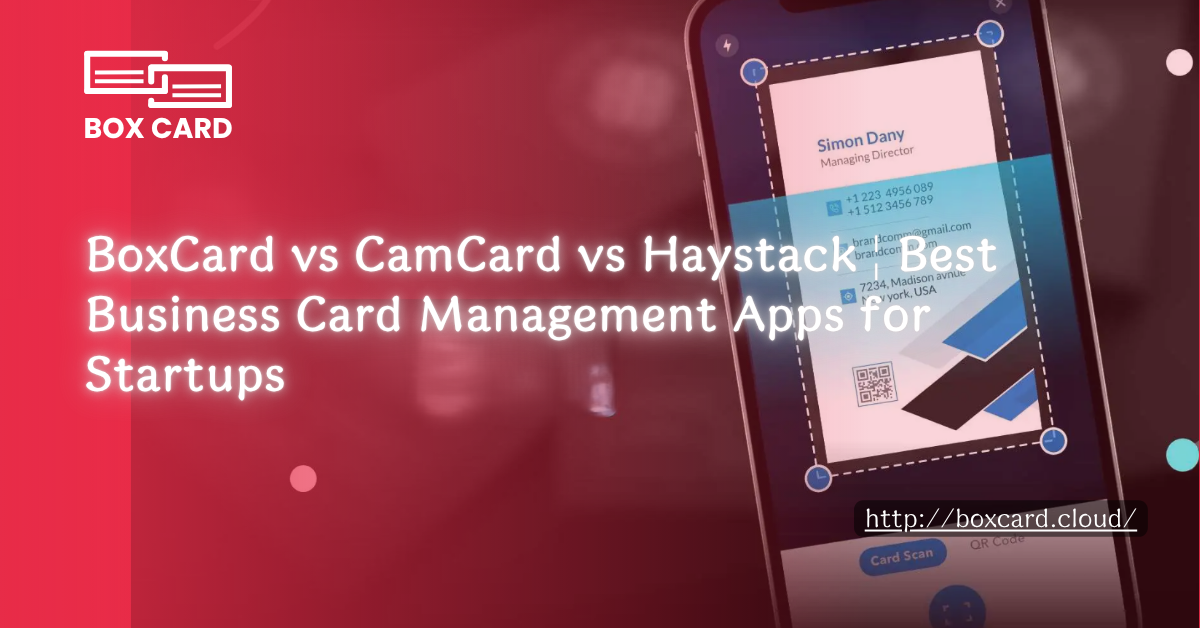
BoxCard is a business card management app optimized for early-stage startups and small teams.
Key Strengths
High-Accuracy AI OCR
Boxcard scans business cards in 1–3 seconds with OCR accuracy exceeding 90% on standard card formats.
It supports multiple languages, including English, Japanese, Korean, Vietnamese, Chinese.
Cloud Storage and Instant Search
Scanned cards are automatically stored in the cloud with:
- ・Keyword search
- ・Tag search
- ・Instant sharing links for team members
Advanced Tagging and Categorization
Users can organize contacts by:
- ・Event type
- ・Deal status
- ・Assigned team member
It also supports workflow labels such as:
- ・Unfollowed
- ・Followed up
- ・In negotiation
CSV and Excel Export
Data can be exported easily to:
- ・External CRM systems
- ・Excel spreadsheets
- ・Reporting and analytics tools
Best For
- ・Startups with 1–10 team members handling multilingual business cards
- ・Small B2B sales teams that need instant contact sharing
- ・Companies scanning large volumes of cards at trade shows or networking events
Limitations
- ・Automated workflows are relatively limited
- ・Follow-up tasks and sales progress management are mostly manual
- ・Deep CRM integrations with Salesforce or HubSpot may require additional setup
Example Use Cases
- ・Scan and tag all event business cards the next day, then import them into CRM
- ・Automatically create lists of unfollowed contacts to reduce missed opportunities
👉 Download BoxCard now on the App Store or Google Play and start managing your business cards more efficiently.
3. CamCard Features

CamCard is a business card management platform designed for teams and mid-sized sales organizations.
Key Strengths
Stable OCR Performance
CamCard can recognize:
- ・Handwritten text
- ・Specialized fonts
with relatively stable OCR accuracy.
Cloud synchronization also allows teams to manage the same data across multiple devices.
Permission Management and Team Sharing
Teams can configure:
- ・Department-based access
- ・User-specific editing permissions
It supports centralized management of:
- ・Sales histories
- ・Business card records
CRM Integration
CamCard integrates with:
- ・Salesforce
- ・Zoho
- ・SugarCRM
- ・Google Contacts
Sales activities and customer status updates can be reflected automatically in connected CRM systems.
Best For
- ・Sales teams with 10–50 members
- ・Companies needing centralized contact and sales history management
- ・Organizations willing to invest in setup costs to improve operational efficiency
Limitations
- ・OCR accuracy may vary depending on fonts and card designs
- ・Batch scanning functionality is somewhat limited for very large card volumes
- ・Incorrect permission or CRM settings during setup can create operational confusion
Example Use Cases
- ・Organize business cards and sales histories by department, then connect them to a company-wide CRM dashboard
- ・Divide responsibilities for event data entry to reduce duplicate records and missed contacts
4. Haystack Features
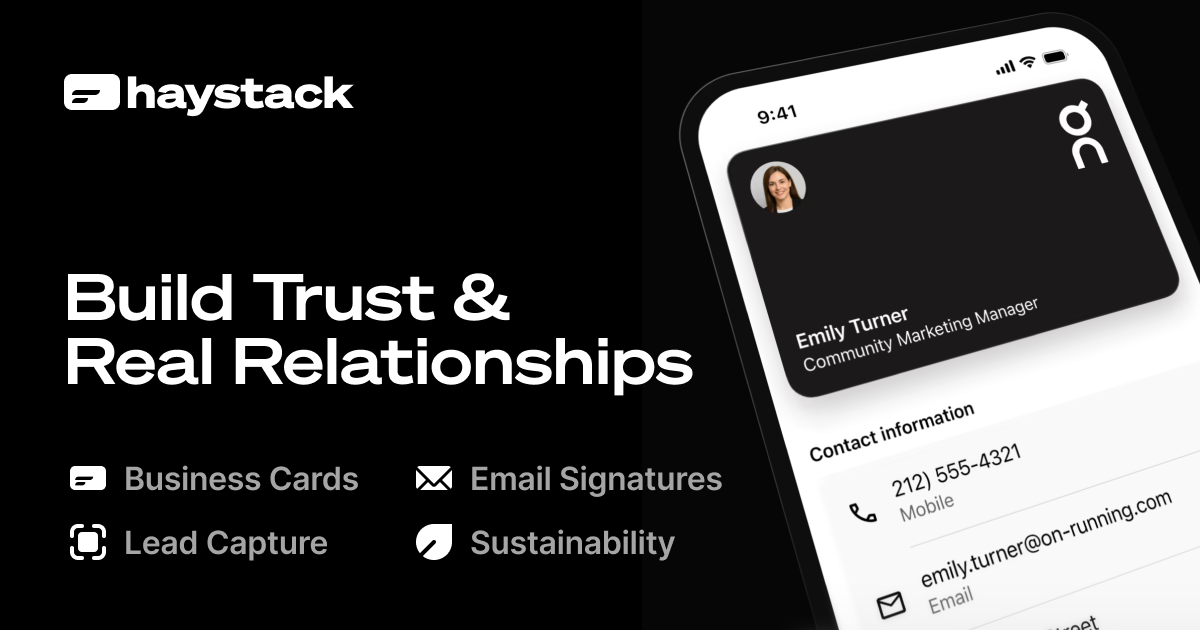
Haystack combines digital business cards, contact management, CRM integration, and marketing automation into a single platform.
Key Strengths
Digital Business Card Management
Users can exchange business cards through QR codes, with contact information instantly added to a digital database.
Paper business cards can also be scanned and digitized.
CRM and Marketing Integration
Haystack integrates with:
- ・HubSpot
- ・Salesforce
- ・Slack
- ・Mailchimp
It supports:
- ・Automated email campaigns
- ・Reminder notifications
- ・Marketing workflows
Remote Sales and International Support
Haystack is well suited for:
- ・Remote sales teams
- ・Online meetings
- ・International customer management
Best For
- ・Startups focused on remote sales and overseas customers
- ・Companies managing contacts entirely through digital workflows
- ・Small to mid-sized teams integrating marketing automation with contact management
Limitations
- ・Paper card OCR functionality is more limited compared to BoxCard or CamCard
- ・Less optimized for Japan’s paper business card culture and trade show-heavy workflows
- ・CRM and marketing permissions require careful initial setup
Example Use Cases
- ・Exchange QR-code business cards at online pitches or exhibitions with automatic database registration
- ・Automate email campaigns and reminders based on contact activity
5. Feature Comparison Table
Feature | BoxCard | CamCard | Haystack |
OCR Accuracy | High, multilingual, fast scanning | Stable, supports handwriting and special fonts | More limited, focused on digital cards |
Multilingual Support | Japanese, Korean, English, Vietnamese, Chinese | Mainly English with multilingual support | Mainly English with CRM-focused workflows |
CRM Integration | CSV/Excel export with partial automation | Salesforce, Zoho, and broader CRM support | HubSpot and Salesforce integrations |
Offline Support | Full offline scanning and storage | Partial offline support | Limited, primarily online |
Digital Business Cards | Moderate, mainly paper card scanning | Partial support | Strong QR and digital card support |
Japanese Market Compatibility | Strong for paper card culture and multilingual workflows | Strong for team management and paper card workflows | Moderate, focused on digital-first workflows |
Team Sharing | Optimized for small teams with instant sharing | Supports permission management for mid-sized teams | Designed for remote and international teams |
6. Recommended Apps by Use Case
Trade Shows and Sales Events
Recommended: BoxCard
- ・Scans large numbers of cards in 1–3 seconds
- ・Automatically applies tags
- ・Supports multilingual visitors
- ・Enables immediate team sharing after scanning
Small Sales Teams (5–10 Members)
Recommended: CamCard
- ・Easy permission management by department or representative
- ・CRM integration for centralized sales tracking
- ・Smooth organization and sharing after events or client visits
Remote and International Sales
Recommended: Haystack
- ・QR-code business card exchange with automatic database registration
- ・CRM and marketing automation integrations
- ・Automated reminders and campaigns improve follow-up efficiency
Mixed Use Cases (Events + Overseas Customers + Small Teams)
Recommended Approach:
- ・Start with BoxCard to build structured contact assets
- ・Expand later with Haystack or CamCard depending on sales scale and marketing needs
- ・Combine tools strategically by business phase to optimize both cost and efficiency
Choosing a business card management app is no longer just about OCR quality, but also about CRM integration, team collaboration, and networking workflows. BoxCard focuses on operational efficiency, CamCard offers balanced team management features, and Haystack emphasizes digital business card ecosystems. The best choice depends on your sales process, workflow needs, and long-term business goals.
