Best Ways to Store and Organize Business Cards for a Growing Professional Network
Stop letting business cards collect dust. Adopt a single storage model, a three-part tagging system, and a short capture workflow to turn every card into a usable contact.
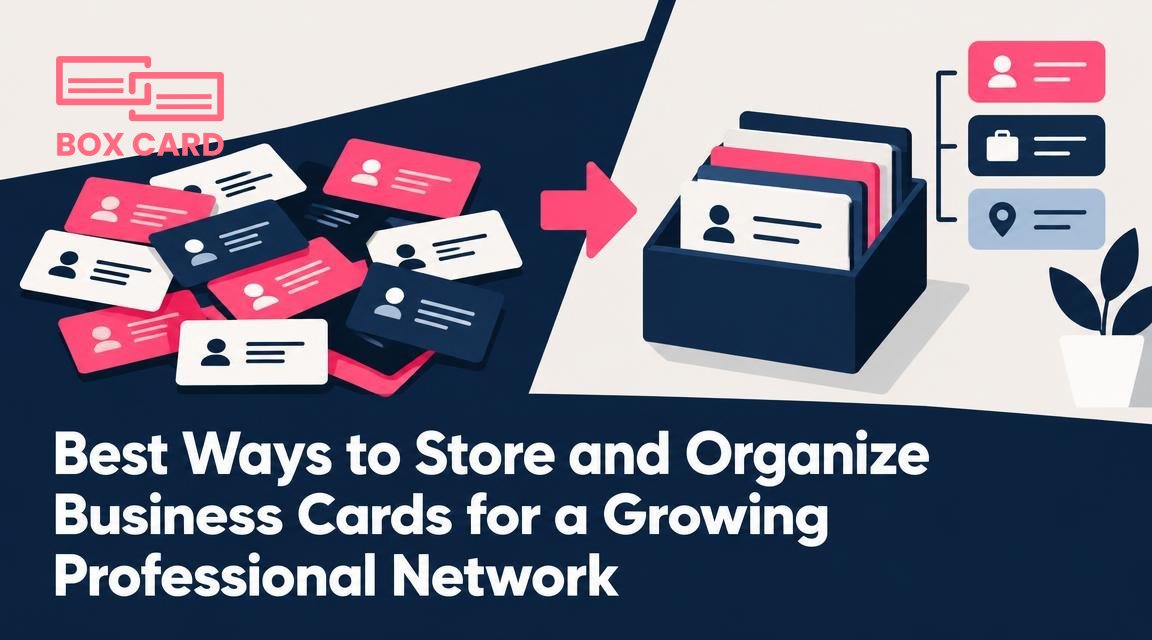
You have more business cards than you can realistically remember. The question is not whether to keep them, but how to make each card useful later, when you need to remember who they are, why you met, and what to do next. This article gives a decision framework and concrete workflows for growing professional networks, with examples you can adopt in the next week.
Pick a primary storage model and why it matters
Choose one of three models, then make a lightweight rule to follow after every meeting. Inconsistent habits are the single biggest reason contacts go cold.
Digital-first
Scan or photograph every card within 24 hours and store the information in a searchable app. Use this when you travel, attend many events, or share leads with a team. A dedicated tool that can digitize business cards reduces manual typing and keeps names, phones, and emails searchable.
Pros: quick search, easy backups, team sharing. Cons: requires a scanning step and verification, may need paid plans to sync with CRM.
Physical-first
Keep originals and create a minimal index digitally. Use this when the physical card itself carries value, for example samples, artful designs, or legal documents that require signatures. Store a single reference record in a digital list so you can find which box to open.
Pros: preserves original artifacts. Cons: bulky, harder to share, slower to act on.
Hybrid
Scan everything and keep only a curated subset of originals. This is the best option for most professionals: you get the searchable advantages of digital storage while retaining a few originals that matter.
Tip: if you choose digital-first or hybrid, use a consistent scanner or app so OCR errors are predictable. If you want a simple start, try an app that can digitize business cards and export contacts to your phone or CRM.
Create a contact tagging system that actually helps
Tags are powerful only when they are consistent and limited. A sprawling taxonomy is worse than none. Build a contact tagging system with three practical dimensions:
- Relationship type: examples, client, prospect, vendor, partner, referral.
- Context or industry: fintech, design, healthcare, internal-source.
- Action or timing: followup-7d, nurture-3m, meet-annual.
Keep the tag vocabulary under 30 unique tags. Use short prefixes for action tags to make them stand out, for example follow7, follow30, nurture90. Example final tags on a contact: client, fintech, follow30.
Why this works: mixing objective data, context, and a next action lets you filter by who they are and what you need to do, without creating dozens of overlapping categories.
From handshake to stored contact: a simple 4-step capture workflow
- At the event: snap a photo or scan the card immediately and add one quick context note, for example "met at Product Summit, discussed API partnership." If you do not have a scanner app handy, take a photo and a 5-second voice memo describing the context.
- Within 24 to 48 hours: verify the digitized fields. Correct OCR mistakes in name, company, and email, add the three tags from your system, and record the next action (email, call, invite). If the contact is high value, send a short follow-up message the same day.
- Set a reminder: if an action is required, add a calendar reminder or task that links to the contact record. Use follow7 for one-week leads, follow30 for warm contacts, nurture90 for longer term.
- Route onward: if the contact should live in CRM, vendor list, or team directory, export or sync it. Do this before the first follow-up so everyone sees the same record.
Common mistakes: scanning without adding context, delaying verification for weeks, and forgetting to tag. Any of these turns a digitized card into a pile of noise.
Cleaning duplicates and enriching contacts
Duplicates accumulate fast when you meet the same person at multiple events or import from different sources. Set a simple rule for merges: preserve the most recent contact information, keep the longest notes, and consolidate tags. Many apps offer duplicate detection, but manual review for contacts you plan to work with is worth the time.
Enrichment means adding a verified company website, job title, or LinkedIn profile. It makes outreach more personal, but be careful with automated enrichment that scrapes data without consent. Only enrich contacts you plan to contact.
Integrating with CRM, email, and calendar
Decide whether your contact records will live primarily in your personal address book or your CRM. For sales-focused roles, CRM should be the primary source and your digitization workflow should export contacts there automatically. For consultants or freelancers, the phone address book plus a tagging system may be enough.
Two practical integration rules:
- Map fields deliberately. Make sure title, company, email, and phone map consistently so you avoid fragmented records.
- Choose sync direction. A two-way sync is convenient but risks creating duplicates. A one-way push from your scans to CRM keeps the master record in CRM and avoids conflicts.
Physical storage that scales
If you keep originals, treat them like a small archive, not a junk drawer. Use shallow archival boxes with dividers labeled by year, event, or relationship type. Store vertically so cards are easy to flip through. Add a one-line index card at the front with a summary, for example "Top clients 2024."
Environmental tips: keep cards flat, avoid humid basements, and store in a cool, dark place. For cards you will eventually discard, scan at high resolution first and mark the digital record as "original-discarded."
Set a card retention policy
A clear card retention policy prevents legal headaches and reduces clutter. Decide retention windows by category, for example:
- Prospects and leads: retain for two years after last contact.
- Active clients: retain for seven years after relationship ends, or according to local accounting rules.
- Vendors and contractors: keep while active plus one year after contract termination.
Record consent for marketing when appropriate, and maintain a quick-delete process for requests to remove personal data. If you need to export contacts for legal reasons, keep exports in a secure location, and document who exported them and why.
Routine maintenance and scaling for teams
For a growing network, make maintenance deliberate. Suggested cadence:
- Weekly: a 15-minute triage to process new scans and clear follow-ups.
- Quarterly: deduplicate and archive contacts that have been inactive beyond your retention window.
- Annually: audit tags and prune unused ones to keep the taxonomy clean.
If multiple people on your team collect cards, set one owner for the shared contact pool, require a standard tag prefix for events, and keep a short onboarding sheet that explains the capture workflow and tag meanings.
Practical example: sales reps scan every card into a shared folder with tag event-2026-09. The operations owner runs a weekly import into CRM, merges duplicates, and assigns leads using the follow7 tag.
If you do not yet have a tool, try digitizing a small batch of cards this week and apply the three-tag rule. That single habit will make your contact list searchable and actionable, and it will show whether you need tighter CRM integration or a physical archive for originals.
Quick rule: capture context immediately, verify within 48 hours, tag with relationship/context/action, and set a one-week triage habit.

