AI Business Card Management Systems and Tools: The Best AI Business Card Scanning Software Today
Professionals often collect many business cards at events, and AI scanners help convert them into organized digital contacts for easier management.
1. What Is an AI Business Card Management System?
An AI business card management system uses Optical Character Recognition (OCR) combined with machine learning to extract and structure information from business cards.
When a user scans a business card using their phone camera, the system automatically identifies key fields such as:
・Name
・Job title
・Company name
・Phone number
・Email address
・Office address
Instead of simply saving the image of the card, the software converts the content into structured contact data that can be searched, categorized, and exported.
In practice, this means a stack of business cards collected after an event can be turned into a digital contact database within minutes, rather than hours of manual data entry.
For companies with active sales teams, this makes it easier to quickly organize new leads and ensure that important contacts do not get lost after initial meetings.
2. The Best AI Business Card Management Software Today
Several applications now provide AI-powered business card scanning features. While their core functionality is similar, each tool focuses on slightly different use cases—from personal contact management to team-based networking tools.
Below are several popular solutions used by professionals worldwide.
Eight (Sansan)
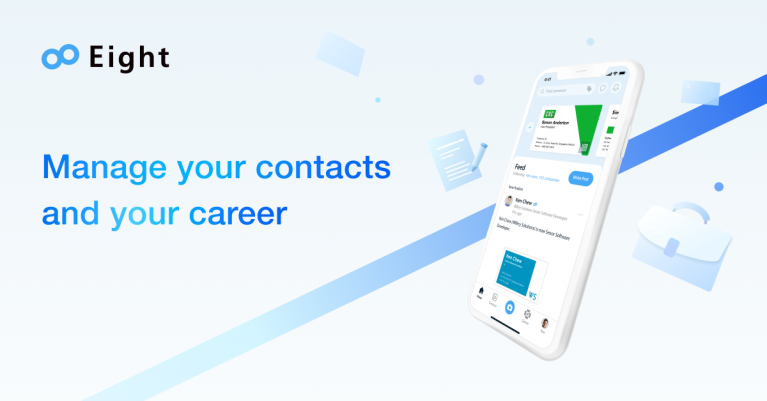
Eight is a business card management app developed by Sansan, a company known for enterprise contact management solutions in Japan.
The app allows users to scan business cards and automatically convert them into digital contacts. One unique aspect of Eight is its network-based approach: if both users are on the platform, they can stay connected even if their contact information changes later.
This makes it particularly useful for professionals who want to maintain long-term business relationships.
myBridge
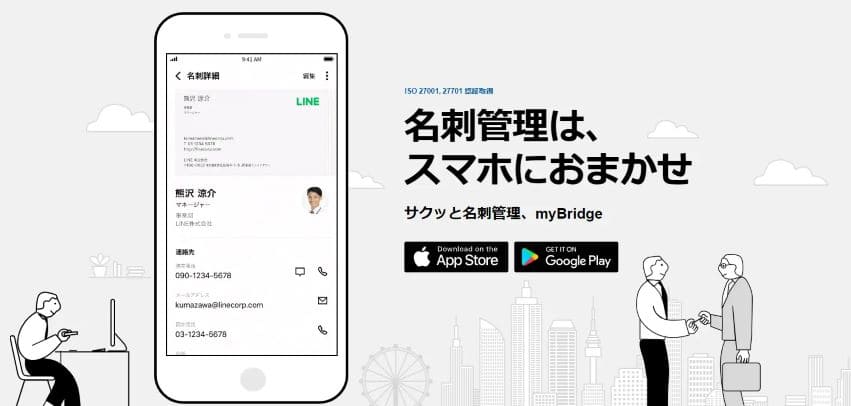
myBridge is an AI-powered business card scanning application designed to simplify contact management.
After scanning a business card, the extracted information is automatically stored in the cloud and synchronized across multiple devices. Users can also organize contacts using tags and notes, making it easier to remember where and how they met each person.
For professionals who attend many events, this makes it easier to track conversations and maintain follow-ups.
Wantedly People
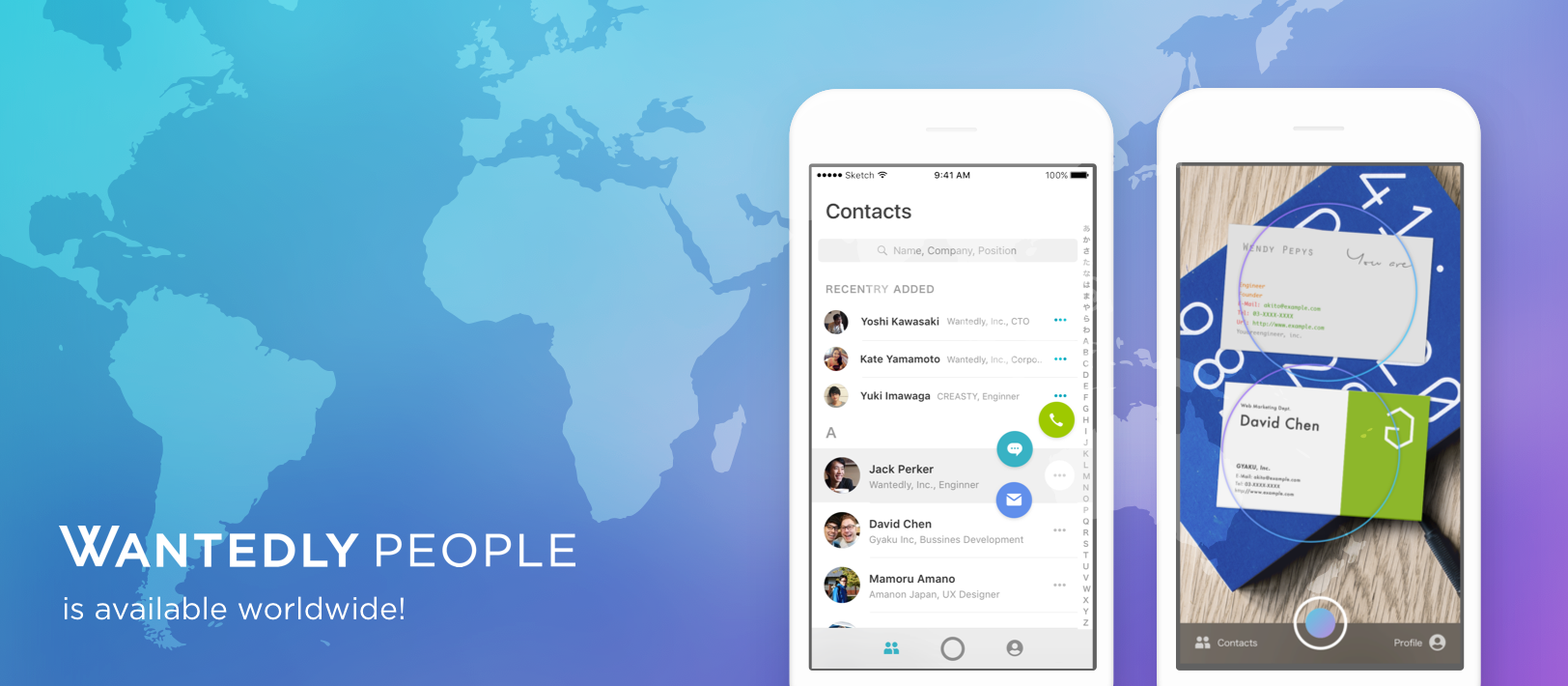
Wantedly People focuses heavily on speed and efficiency when processing many cards at once.
Its standout feature is the ability to scan multiple business cards simultaneously in a single photo. The AI system then detects each card and extracts the information automatically.
This feature is particularly useful for sales teams, recruiters, or event participants who often need to process large batches of contacts after conferences or exhibitions.
CamCard Lite
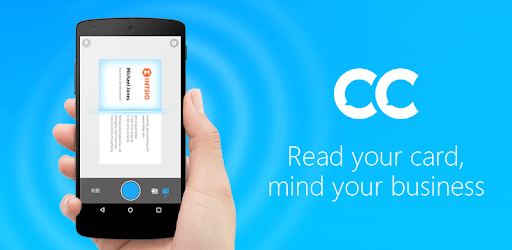
CamCard Lite is one of the most widely used business card scanning apps globally.
It allows users to scan, organize, and share contact information quickly. The app also includes features for managing contacts and synchronizing them across devices.
Because of its long presence in the market, CamCard has built a large user base and supports recognition for many different business card formats and languages.
Meishi Filing CLOUD
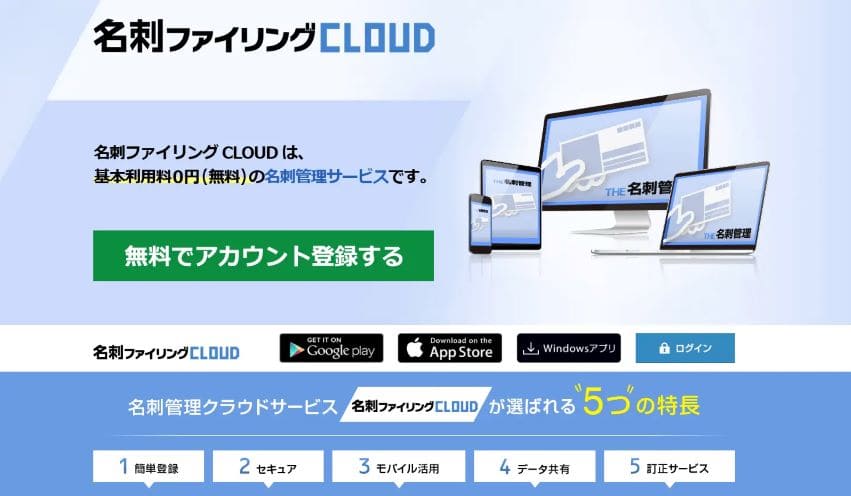
Meishi Filing CLOUD is a cloud-based business card management system developed by NTT Data NJK.
Unlike many mobile-first apps, this platform is often used in corporate environments, where teams need to store and manage large volumes of business card data centrally.
Employees can scan cards using smartphones while administrators manage and organize the data through a web-based system.
3. Benefits of AI Business Card Management Tools
For professionals who frequently meet new contacts, AI-powered business card tools provide several practical advantages.
・Faster Contact Processing
Instead of manually typing each card into a CRM or spreadsheet, users can scan cards within seconds and instantly convert them into structured data.
This significantly reduces the time spent on administrative tasks after networking events.
・Better Lead Organization
Once digitized, contacts can be categorized, tagged, or grouped by event, industry, or relationship type.
This helps sales teams quickly identify relevant contacts when preparing follow-ups or outreach campaigns.
・Reduced Data Entry Errors
Manual data entry often leads to mistakes—especially when dealing with unfamiliar names, email formats, or international phone numbers.
AI recognition systems help minimize these errors by automatically extracting information from the original card.
・Stronger Relationship Management
When contacts are stored in a searchable database rather than scattered physical cards, it becomes much easier to revisit conversations, reconnect with leads, and maintain professional relationships over time.
4. Key Factors When Choosing Business Card Management Software
When evaluating business card scanning tools, several practical factors should be considered.
・Recognition Accuracy
Not all AI scanners perform equally well. Some tools handle complex layouts or multilingual cards better than others.
・Integration With Other Tools
Many professionals want to export contacts into CRM systems, spreadsheets, or marketing tools, so compatibility and export options are important.
・Cloud Access
Cloud storage ensures that contacts are accessible across devices and reduces the risk of losing data.
・Ease of Use
A good business card scanning tool should allow users to capture, review, and store contact information with minimal steps.
5. Try Our New AI Business Card Management Tool: Boxcard
If you regularly collect business cards but struggle to organize them afterward, Boxcard offers a simple way to turn physical cards into structured digital contacts.
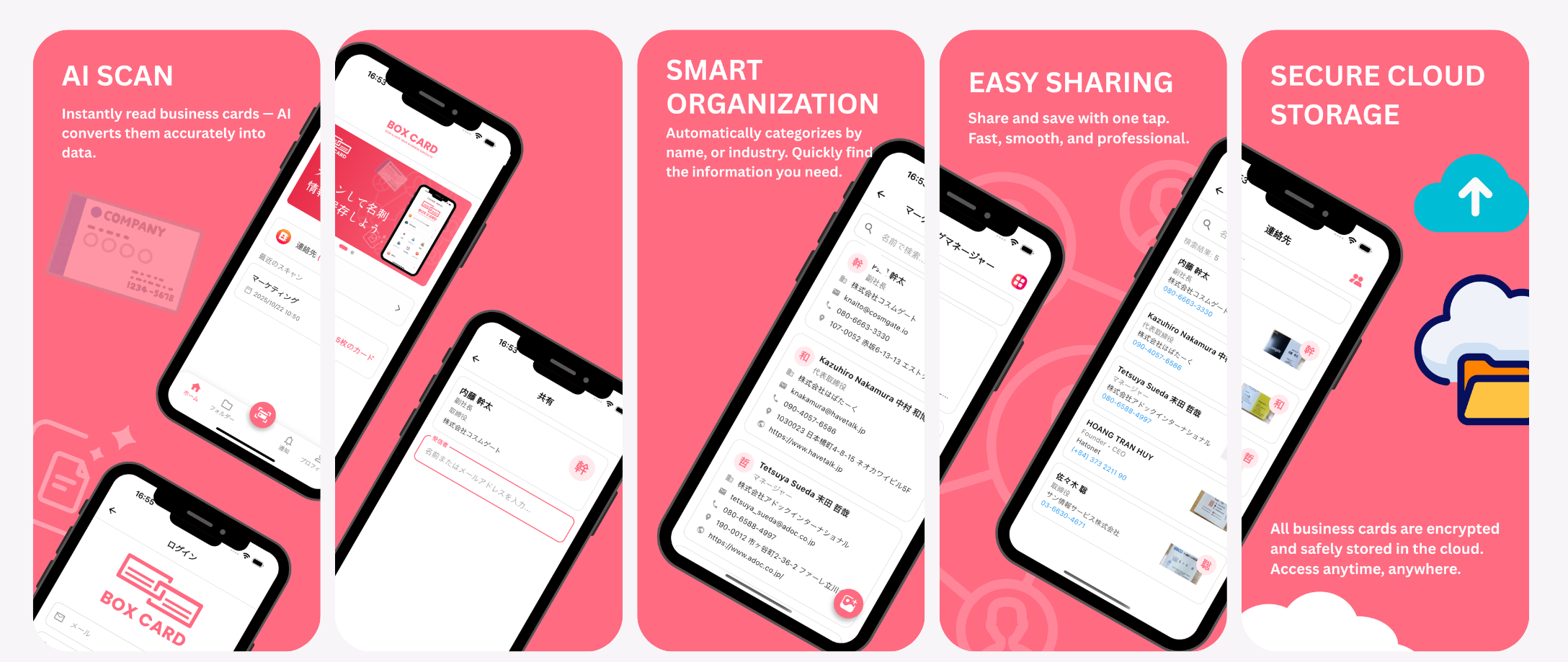
With Boxcard, users can scan business cards using their phone camera, and the AI system automatically extracts key information such as names, phone numbers, and email addresses.
Key Features
・AI Business Card Scanning
Quickly capture contact details from physical business cards using AI-powered recognition.
・Cloud Storage
All scanned contacts are stored securely in the cloud, making them accessible anytime.
・Simple Data Sharing
Contacts can be easily shared with colleagues or exported when needed.
・Flexible Data Export
Users can download their contact data for use in spreadsheets, CRM systems, or backups.
With tools like Boxcard, business card management becomes part of a modern digital contact workflow rather than a manual administrative task.
You can download Boxcard today from the Apple Store or Google Store and start improving your contact management workflow.
AI is changing the way professionals manage business contacts by turning physical business cards into structured digital data that can be easily stored, searched, and shared. With tools such as Eight, myBridge, Wantedly People, and CamCard, users can quickly scan and organize contacts after meetings or events instead of relying on manual data entry. Solutions like Boxcard further simplify this process by combining AI-powered scanning with cloud storage and flexible data export, helping individuals and teams manage their contact networks more efficiently.
