AI Business Card Management for Enterprises: Choose the Right Tool to Avoid Missing Leads
After a networking event, business cards often become scattered or lost without a proper system, and AI business card management tools solve this by turning those raw contacts into organized, structured data that businesses can actually use.
1. Why Businesses Need AI Business Card Management
At networking events, exchanging business cards happens quickly and frequently. However, many companies lack a system to manage this information once the event is over. Business cards can easily be misplaced or stored inconsistently, making it difficult to retrieve contacts when needed. As a result, valuable opportunities for partnerships and potential customers are often missed.
AI business card scanner tools address this issue by:
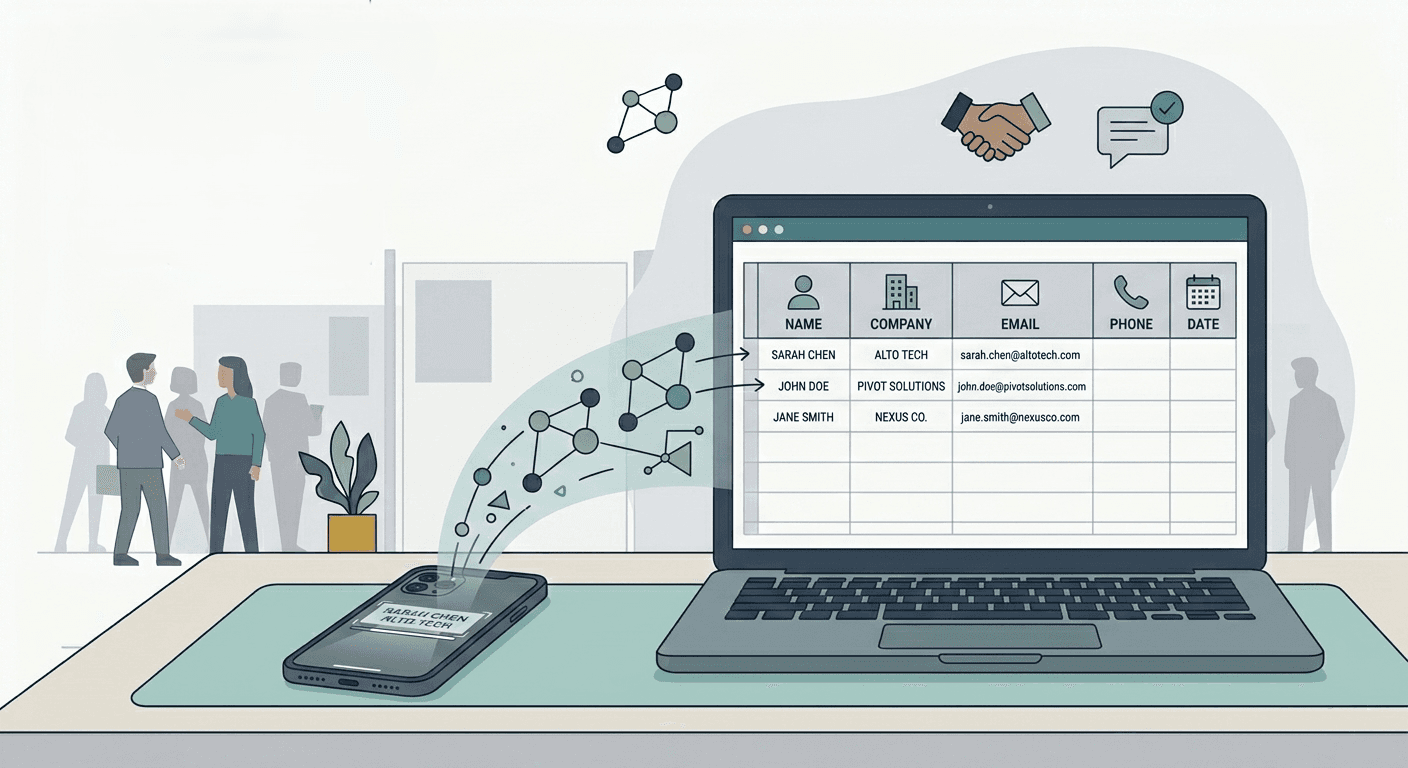
・scanning business cards using a smartphone camera
・automatically extracting contact information
・storing data as structured contacts
・synchronizing directly with CRM systems
This allows networking to evolve from a simple exchange of cards into a long-term, usable business asset.
2. Assessing Business Needs Before Choosing a Tool
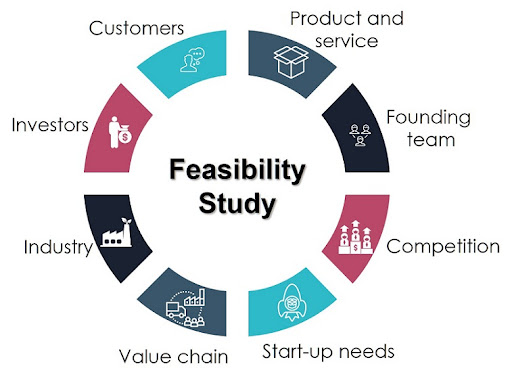
Not every business card management solution is suitable for every organization. Before making a decision, businesses should clearly define their actual needs.
A few key questions can help guide the process:
・How large is your sales team?
・Does your company attend small events or international exhibitions?
・What system are you currently using—Salesforce, Zoho CRM, or Google Sheets?
For smaller businesses, the priority is often a simple, cost-effective app that is easy to use on mobile devices. In contrast, larger organizations typically require centralized data management, cross-department contact sharing, and integration with CRM systems for reporting and tracking.
A common mistake is choosing a tool that does not support multilingual OCR. When working with international partners, business cards may appear in different languages. A reliable AI system should be able to recognize English, Japanese, Chinese, Korean, and Vietnamese.
3. Key Criteria for Choosing an AI Business Card Scanner
When evaluating tools, businesses should focus on core performance factors rather than the number of features.
・OCR Accuracy
Accuracy directly determines whether contact data is usable. If emails or phone numbers are captured incorrectly, the contact becomes ineffective. A good tool should achieve around 95–98% accuracy, recognize complex fonts or logos, and support multiple languages. Testing with 50–100 real business cards is the most reliable way to evaluate performance.
・CRM Integration
Scanning is only the first step—the real value lies in how the data is used. Tools that integrate directly with platforms like HubSpot, Salesforce, or Zoho CRM allow immediate follow-up and better lead management. If data must be exported manually, the process remains inefficient.
・Team Data Management
During events, multiple sales representatives often collect contacts simultaneously. Without a centralized system, data becomes fragmented. A good platform should enable real-time sharing, access control, and centralized storage to ensure consistency across the organization.
4. User Experience: The Often Overlooked Factor

A tool with many features but poor usability is unlikely to be adopted in practice. Sales teams often need to scan business cards immediately during events, so the application must open quickly, scan efficiently, and allow easy data editing.
Businesses should test real-world scenarios such as scanning cards on-site, correcting OCR errors, and syncing data with CRM systems. These seemingly small details have a significant impact on actual usage.
5. Choosing the Right Solution Based on Business Size
Each organization has different requirements. Startups and small businesses typically prioritize simplicity and fast deployment, while larger enterprises require centralized systems and advanced analytics for networking activities.
For companies operating internationally, multilingual OCR and compliance with global security standards are also critical considerations.
6. Integration with Existing Systems
A business card management tool only delivers real value when it integrates seamlessly with existing systems. When contact data is automatically synced into CRM platforms, sales teams can immediately track leads and create new opportunities.
Before implementation, businesses should evaluate API availability, data synchronization speed, and the system’s ability to scale as the number of contacts grows.
7. Business Card Data Security
Business cards contain both personal and corporate information, making data security essential. A reliable system should include data encryption, role-based access control, and secure cloud storage.
Strong security not only protects internal data but also helps build trust with partners and clients.
8. Common Mistakes When Choosing a Tool
Many businesses choose tools based solely on low cost or feature-heavy marketing, which often leads to poor results. Common mistakes include:
・choosing free tools with high scanning fees
・failing to evaluate multilingual OCR capabilities
・skipping testing before implementation
・not training employees
A more effective approach is to run a pilot program with a small sales team before rolling out the system company-wide.
9. How to Implement Quickly Within a Business
A simple implementation process can include:
・selecting 2–3 suitable tools
・running a trial for about 14 days
・testing with around 100 real business cards
・measuring effectiveness after the first month
This helps businesses clearly evaluate time savings and the number of leads generated from networking activities.
10. Boxcard – AI-Powered Business Card Management Application
To help businesses manage business cards more effectively, Boxcard is an AI-powered application that scans and digitizes contact information. By simply taking a photo of a business card, the system automatically extracts and stores data in a structured format.
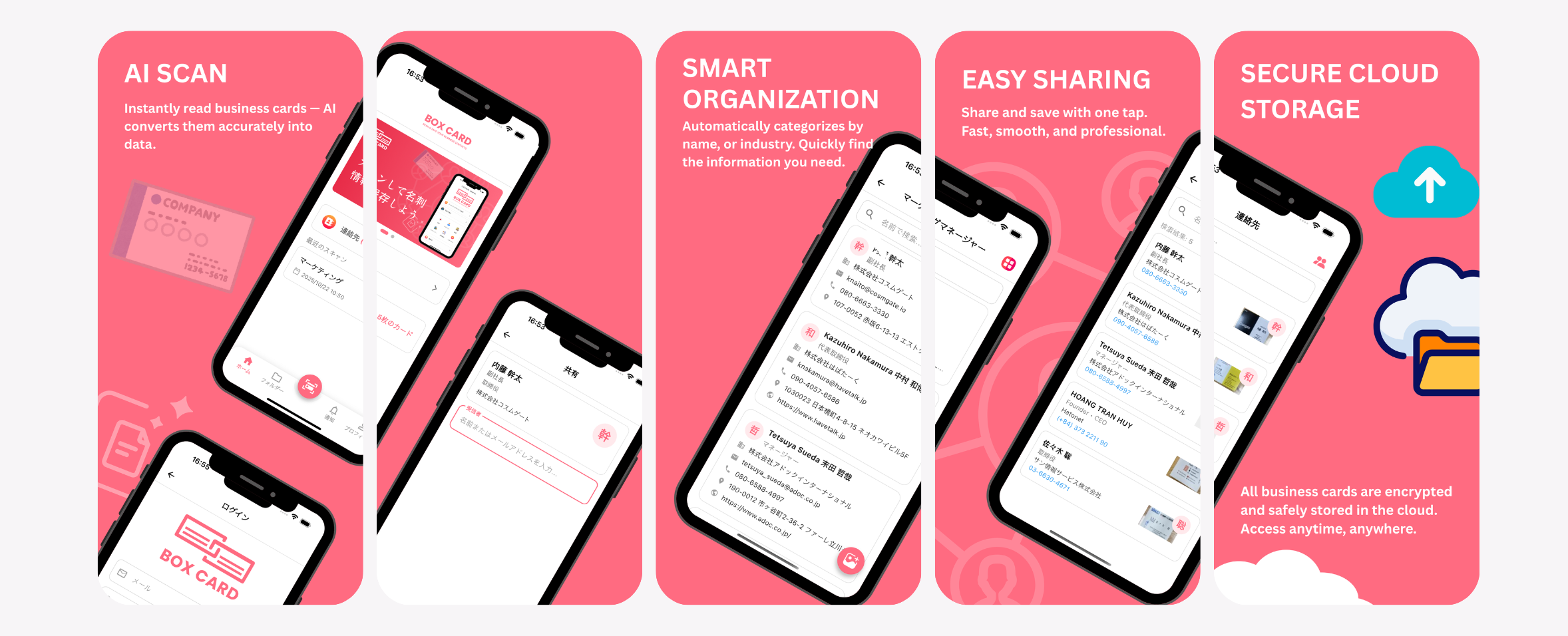
Boxcard supports multiple languages, making it easier to manage contacts from international partners. Data is stored securely in the cloud and can be shared quickly across teams, enabling better collaboration and faster follow-up.
You can download Boxcard today from the Apple Store or Google Store and start improving your contact management workflow.
AI business card management enables businesses to transform networking into real, actionable data. By choosing the right tool—one that offers high OCR accuracy, multilingual support, CRM integration, and strong security—companies can fully leverage opportunities from events and exhibitions. An effective system not only saves time on data entry but also helps sales teams build stronger, more sustainable customer networks.
