Top Technology Trade Shows in the USA: A Guide for Exhibitors and Business Visitors
Not all technology trade shows deliver the same buyers or the same return. This guide helps you choose the right U.S. shows, set up a practical lead capture workflow, and use business card digitization tools to turn show contacts into pipeline.
You need to decide which U.S. technology trade shows are worth your time and budget, and how to turn the leads you collect on the show floor into real business conversations. This guide compares the major shows you are likely to consider as an exhibitor or business visitor, and gives practical planning and follow-up workflows that work with business card scanning and contact management tools.
Which shows matter for which goals
Not every technology show serves the same audience. Pick events based on the buyers you want to meet, the stage of your product, and the budget you can commit.
- Mass-market product exposure: CES (Las Vegas). Best if you want press attention, product demos, or large-scale partner introductions. Expect broad consumer and press presence.
- Cloud, infrastructure, and developers: AWS re:Invent (Las Vegas) and KubeCon + CloudNativeCon (rotating US city). Large technical audiences and deep workshop programming.
- Enterprise sales and CRM/marketing buyers: Dreamforce style events, large martech conferences, and Gartner IT Symposium. Useful for enterprise deals and executive-level networking.
- Cybersecurity: RSA Conference (San Francisco). High concentration of security buyers, vendors, and analysts.
- Early-stage and startup exposure: TechCrunch Disrupt and SXSW (Austin). Good for fundraising, press, and user acquisition testing.
- Fintech and payments: Money20/20 (Las Vegas and Las Vegas for US editions). Strong payments and fintech buyer presence.
If you are deciding between two shows, rank them by buyer fit, expected attendee seniority, and the types of partners you need to meet. A smaller show with the right buyers often delivers better ROI than a massive show with a diffuse audience.
Exhibitor checklist: plan for leads instead of handouts
Exhibiting is expensive because the real costs are the people and follow-up required to convert leads. Treat every booth interaction as an opportunity to capture clean contact data and context, not just a stack of paper cards.
Before the show
- Define success: number of qualified meetings, product demos booked, or trials started. Use those targets to size your booth and staffing.
- Pre-book meetings and announce tabletop demos to a curated list of prospects. Sending an invite yields higher-quality conversations than waiting for walk-ups.
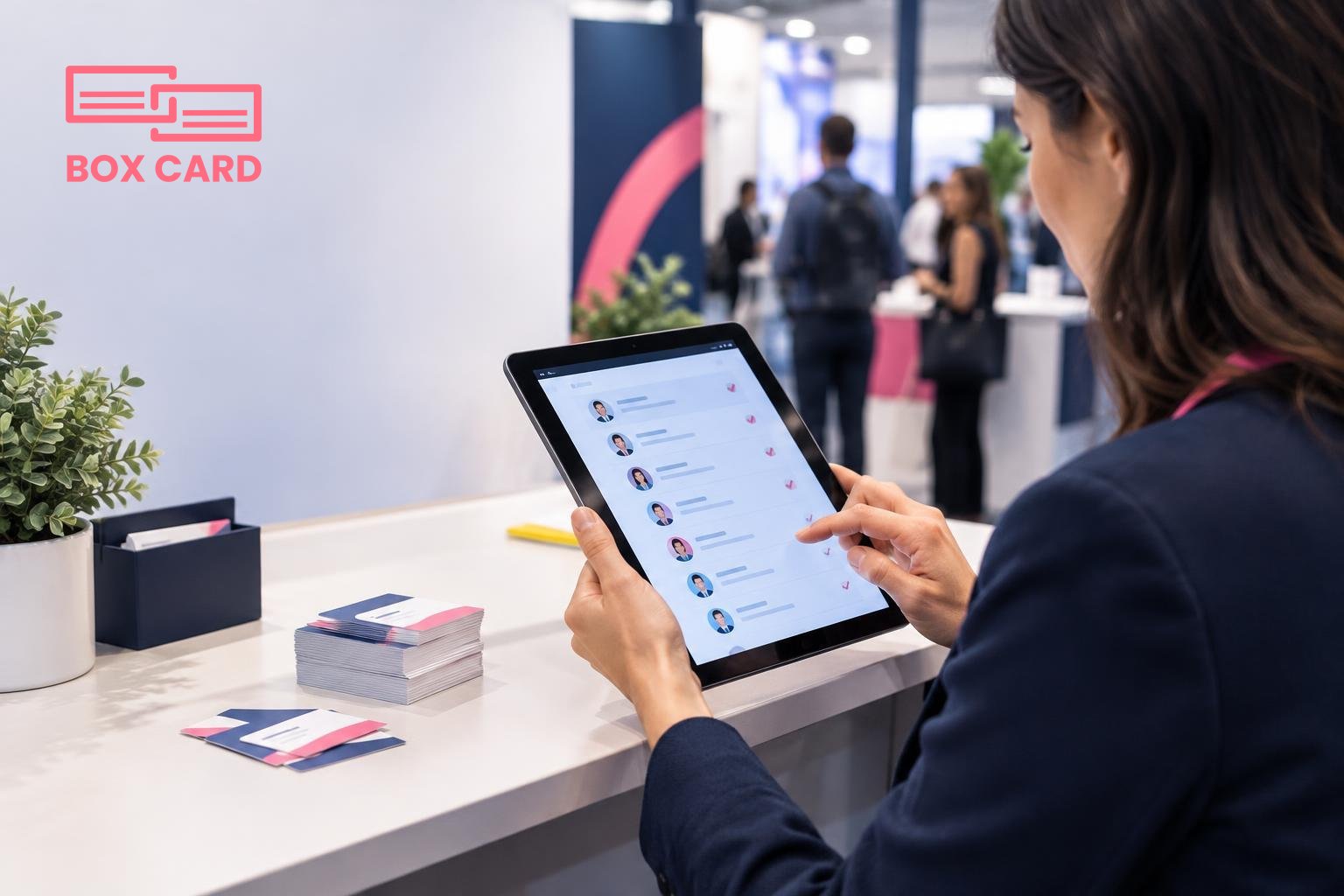
- Prepare a lead capture plan: use a tablet or phone to register visitors, and have a secondary method for paper business cards. Decide how you will digitize those cards the same day.
- Train staff on qualifying questions and on how to enter deals into your CRM immediately after a conversation. Short scripts and roles reduce friction on busy days.
At the show
- Capture context with each contact: where you met them, their interest level, and an agreed next step. This context is more valuable than the card alone.
- Use a reliable business card scanning workflow. Tools range from in-app camera scans to photographing piles of cards. A high-accuracy business card scanning app or business card OCR app reduces manual cleanup and speeds follow-up.
- If you collect paper cards, process them daily. Late digitization creates a backlog and lost context. Real-time digitization supports quick outreach while the show is still top of mind.
- Capture permission for follow-up. A quick verbal confirmation recorded in your notes avoids cold outreach mistakes and improves response rates.
After the show
- Within 48 hours, push qualified leads into your CRM with notes and next steps. Fast follow-up dramatically increases meeting conversion.
- For marketing-sourced leads, trigger the appropriate nurture track. For high-value enterprise leads, book a follow-up call within one week.
- Run a post-show retrospective: measure meetings booked, demos completed, pipeline added, and cost per qualified lead. Use this to decide on future attendance.
How to digitize and manage the business cards you collect
Paper business cards are still ubiquitous at trade shows. The key question is not whether to scan them, but how to do it so that data flows into your sales process without manual retyping.
Quick workflow that scales
- At the show: photograph or scan cards daily using a business card scanning app. If you are an exhibitor, designate one person to handle this task each evening so the backlog does not grow.
- Use an app that applies business card OCR and organizes digital contacts. That makes it easy to tag leads by interest or product line while the interaction is fresh.
- Sync or export contacts into your CRM. CRM integration is essential if you want salespeople to act quickly and if you want to track outcomes.
- Assign each contact a follow-up task and a responsible team member. Automate reminders for outreach within your chosen timeline.
Boxcard helps with business card digitization and organizing contacts at trade shows. For teams that prefer a simple scanning-first workflow, a Boxcard scanning app or other business card management app can process cards quickly, apply OCR, and keep contacts searchable. Combined with CRM integration, this reduces manual entry and supports CRM business card management and Sales support business card management processes.
Choosing the right lead capture tools: trade-offs and criteria
When evaluating tools, consider these trade-offs:
- Speed vs accuracy: Some apps are extremely fast but require more manual correction. High-accuracy business card scanning app options reduce cleanup time but may cost more or require subscription.
- Local vs cloud storage: Cloud business card management makes sharing and team access easier. Local storage can satisfy strict data control policies, but it adds overhead for syncing.
- Point solution vs integrated workflow: A standalone business card digitization app is simple to deploy. A solution that integrates with your CRM and marketing automation reduces handoffs but may require configuration.
- Manual tagging vs automated classification: If your sales cycle needs quick segmentation, an AI business card scanner or business card OCR app with auto-tagging helps. If your team prefers precision, manual tagging keeps quality high.
For many exhibitors the practical choice is a scanning-first app that supports export to CSV or direct CRM integration, plus a team process for nightly processing and same-day follow-up. If you are evaluating Boxcard or similar tools, test the end-to-end flow: scan, edit OCR errors, add tags, and push to CRM. That test reveals where time is lost before the show ever starts.
Show-specific tips
- CES: Bring press-ready demos and a concise product pitch. Have a press kit URL and a fast sign-up form. Expect walk-up traffic, so a smooth scanning workflow is essential.
- AWS re:Invent and KubeCon: Technical buyers appreciate demonstrations and code samples. Schedule in-booth sessions and capture technical contact details for developer outreach.
- RSA: Security buyers will ask detailed compliance questions. Prepare datasheets and a clear next-step for procurement. Track follow-ups by procurement stage in the CRM.
- TechCrunch Disrupt and SXSW: These are noisy environments for startups. Book media and investor meetings in advance and focus on a few headline demos that are easy to repeat.
Process the cards the same day you collect them. Context is perishable; follow-up speed wins more meetings than perfect data formatting.
Most trade shows reward preparation and fast execution. Pick two shows a year you can staff and follow up properly. If you need to prioritize, choose one show for brand exposure and one for direct pipeline generation.
Practical next step: pick the two shows that match your buyer profile, design a nightly scanning and CRM push workflow using a business card scanning app, and run a dry run with your team before the show. If you want a simple scanning-first option, evaluate Boxcard for business card digitization and Boxcard business card management as part of that dry run, and test CRM integration and task automation to ensure no lead falls through the cracks.
