Malta Digital Innovation Summit: Exploring Technology, Innovation and Business Networking
Practical steps to turn summit introductions into real outcomes: choose and test a scanning tool, capture context at the event, prioritize contacts, and follow up within 48 hours so conversations become actionable leads.

You are attending the Malta Digital Innovation Summit to meet people, hear new ideas, and come away with real projects or leads. The one practical problem most attendees actually face is less glamorous: how to turn the conversations and the stack of business cards into useful actions. This article explains what to do before, during, and after the summit so your networking pays off, with concrete workflows for scanning, organizing, and following up on contacts.
Who should plan this workflow and what you will get from it
If you are a founder, product manager, salesperson, investor, or an independent consultant, you will benefit from a disciplined approach to networking. The goal is not to collect the most cards. It is to capture context, qualify leads, and route contacts into the right next step, whether that is a demo, a meeting, or a quick LinkedIn note.
This article assumes you will use a business card scanning app during the event, and mentions Boxcard as one example of an app that handles scanning and organizing. If you prefer a paper-first approach, the same principles apply when you transfer notes later.
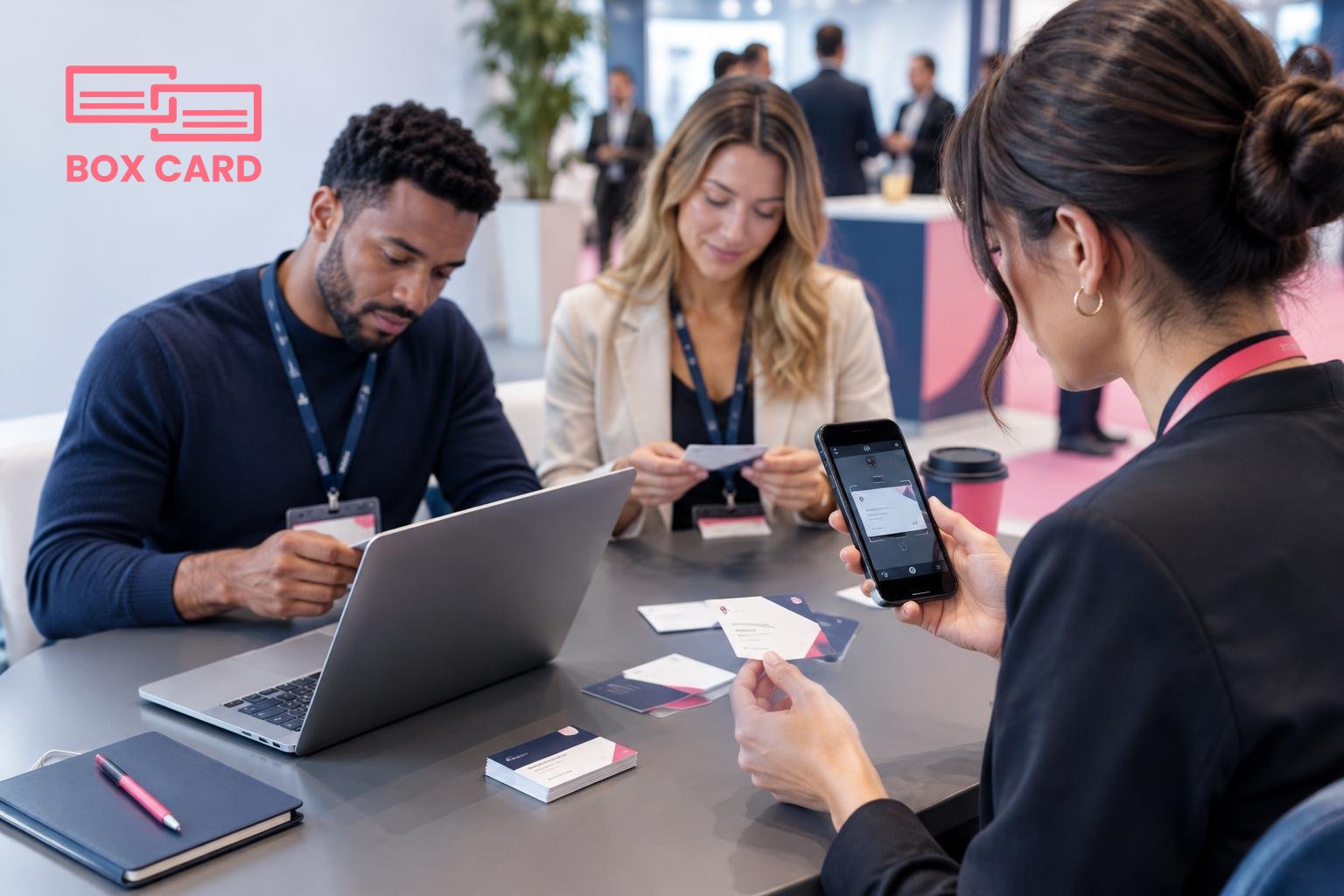
Before the summit: decide tools and priorities
- Choose your scanning tool and test it. Install a business card scanning app and practice scanning 5 to 10 cards at home. Confirm image quality, field extraction, and how the app stores contacts. If you plan to use Boxcard, test the Boxcard scanning app on different lighting conditions so you know expected results.
- Decide what data you need. Do you want only name, company, and email? Or do you need role, follow-up date, a deal value estimate, or tags like "partner" or "press"? Keep the list short so you can act quickly at the event.
- Prepare short pitches and questions. One sentence about what you do, and one specific question to qualify the other person. That reduces small talk and yields relevant notes to attach to a contact.
- Plan digital options. Some attendees prefer exchanging a QR contact or adding each other on a phone. Be ready for both. If someone gives a QR or digital contact, save it immediately to the same system you will use for scanned cards so everything ends up in one place.
- Check integrations. If you rely on a CRM, check CRM integration in advance. Good CRM integration means you will avoid a second data-entry step after the event.
Networking at the summit: practical tactics that work
Sessions, after-parties, and coffee breaks are different kinds of opportunities. Use simple behaviors that make follow-up reliable.
- At a session: meet two or three people, exchange cards, and make a one-line note on the card or in your phone about the topic you discussed. If you scan immediately, add that one-line note in the app. Context matters more than quantity.
- During breaks: prioritize deep conversations. When someone hands you a card, ask if they prefer email or a calendar invite. If time allows, scan the card on the spot and add a tag such as "follow-up 2 weeks" so you can filter later.
- For planned meetings: after a scheduled introduction, scan the card and write a 20 to 40 word summary in the notes field: why you should follow up, next step, and urgency.
- Use both paper and digital: if connectivity or lighting is poor, keep the card and scan later that evening under controlled lighting. Later scanning is fine so long as you add context immediately after.
On-site scanning and triage: a practical step-by-step
- Scan the card with your app of choice. If you use Boxcard, the Boxcard scanning app can capture fields quickly. Many apps include business card OCR app technology to extract name, company, email, and phone automatically.
- Add a short tag and a priority level: for example, "follow-up: high," "partner," or "media." Keep tags consistent to make filtering easier afterwards.
- Write one contextual note: where you met, what you promised, and the best next step. This avoids the classic mistake of a large contact list with zero memory.
- If you want that contact in your CRM, either send it immediately to the CRM or flag it for batch export. If your business card management app supports CRM integration, test that feature beforehand so it runs smoothly.
After the summit: a simple follow-up workflow that produces results
Most people do too little follow-up. A little effort in the first 48 to 72 hours produces a large share of the return from the event.
- Within 48 hours: Scan any remaining paper cards. Clean up OCR errors and add the short notes you wrote. This is the time to correct names and email addresses while the conversation is still fresh.
- Prioritize: Filter contacts by your tags and priority. Start with high-priority leads, then move through partners and informational contacts. A business card management app makes this sorting fast.
- Send tailored follow-up: For high-priority contacts, send a personalized email mentioning the conversation and a clear next step: propose two times for a call, attach a one-page overview, or ask for an intro. For lower priority, a LinkedIn message that references your meeting is usually sufficient.
- Log actions: Once you reach out, mark the contact as "contacted" or set a reminder. If your workflow uses a CRM, move qualified contacts into the sales workflow. If you used Boxcard business card management to capture contacts, export or sync as needed into your CRM or team list.
Common mistakes and how to avoid them
- Scanning without context. Scanning a card without a note is just digital clutter. Always add a 10 to 30 word memory note.
- Too many tags. It is tempting to tag every nuance. Limit yourself to 5 to 8 useful tags and apply them consistently.
- Delaying follow-up. The biggest drop in response rate happens after 72 hours. Make follow-up a 48 hour habit.
- One person hoarding contacts. If you attended as part of a team, agree on a shared business card information sharing app or a shared project folder so colleagues do not duplicate outreach.
- Ignoring data quality. OCR errors do happen. Review and correct phone numbers and emails before you send anything important.
Tools and decisions: when to scan on the spot and when to wait
There are trade-offs between speed and accuracy. Choose based on the situation.
- Scan on the spot when: the person is a high-priority lead, you have good lighting, and you use a High-accuracy business card scanning app. Immediate capture preserves context and reduces post-event work.
- Wait and batch scan when: the venue is dim, you are moving between sessions, or you need to record a stack of cards at once. Batch scanning is fine as long as you add notes right after you batch-scan.
- Use digital contact exchange when: both parties prefer it. Digital methods reduce OCR errors and feed directly into digital workflows, but only if you consolidate those digital contacts into your chosen business card management app or CRM.
One-page checklist to use at the Malta Digital Innovation Summit
- Install and test a business card digitization app before you arrive, for example a business card digitization app or Boxcard.
- Prepare a 15-second pitch and one qualifying question.
- Scan and tag each contact, add one-line notes, and mark priority.
- Within 48 hours, correct OCR mistakes and send tailored follow-ups.
- Export or sync qualified contacts to your CRM if useful, and record next steps.
Attending the Malta Digital Innovation Summit is an investment. The event is where new relationships begin, but the real value appears in the days that follow. Using a clear capture and follow-up workflow, whether you use Boxcard, another business card management app, or a general CRM, turns conversations into measurable progress. If you want a specific next step, pick one card, scan it now, add a single useful note, and schedule the follow-up for 48 hours from the event end.
