Infosecurity Europe: Networking Opportunities for Cybersecurity Professionals
At Infosecurity Europe the work begins when the badge comes off: scan cards promptly, add context, and move qualified contacts into your CRM. This article gives a practical, event-ready workflow to turn brief conversations into follow-ups you can act on.
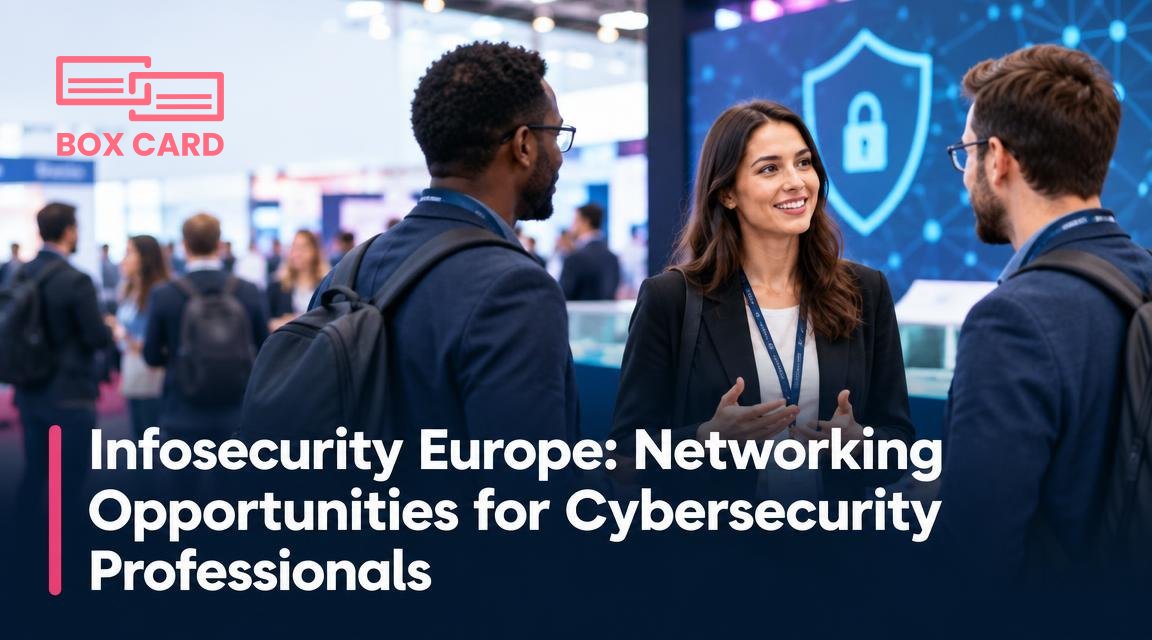
You arrive at Infosecurity Europe with a full schedule and a target list of people to meet. By the end of day two you will have a stack of business cards, a handful of LinkedIn connections, and a short window in which to turn conversations into opportunities. The real question is not how many cards you collect, but how quickly and accurately you turn those cards into usable contacts you can act on.
Plan your networking before you step on the show floor
Decide what counts as a meaningful exchange. At a busy conference many brief conversations are casual; identify the people you want to follow up with the same day. Prepare three things ahead of time: a short, specific reason to reach out after the event, one action you can offer them, and how you will store the contact.
- Prepare a short follow-up template for email or LinkedIn so you do not have to compose every message from scratch.
- Choose your primary capture method: physical cards, QR codes, LinkedIn connections, or a combination.
- Install and test a business card scanning app before the event. If you use Boxcard or another tool, confirm camera permissions and practice a few scans.
How to collect contacts efficiently at Infosecurity Europe
In crowded aisles you will balance speed and accuracy. Here are practical choices you will make repeatedly on the first day.
When to exchange a physical card
Give or accept a business card when the conversation is short but you want to preserve contact details exactly as presented. Physical cards remain useful because they often include direct extensions, role descriptions, and channel preferences that may not appear on LinkedIn.
When to use a digital alternative
Ask for a QR code, a vCard, or send a connection request right away when the person is comfortable with digital exchanges. This removes the risk of losing a card and speeds follow-up. If they prefer a card, scan it on the spot.
Collecting multiple cards quickly
Use a dedicated pocket for cards you will scan later, or scan immediately if you have time. Scanning on the spot reduces manual transcription and the chance a card will be misplaced. A quick note on the back, or in your phone, about where you met them is worth two minutes at the booth and saves time later.
Digitize with intent: scanning, tagging, and capturing context
Business card digitization is more than a photo. It is a workflow: capture, validate, enrich, and store. Choose a business card scanning app that uses OCR to extract text, and that allows you to add tags or notes while the interaction is fresh.
Practical tips:
- Scan immediately when possible. If you scan later, batch process within 24 to 48 hours.
- Use the app to add a short note: where you met, one-sentence summary of the conversation, and next step.
- Check the OCR result briefly. Even high-accuracy business card scanning app features can misread uncommon names or domain-specific titles.
If you use Boxcard, the Boxcard scanning app and Boxcard business card management capabilities let you keep digitized contacts organized and searchable. That makes it easy to follow up while the meeting is still fresh. A business card OCR app helps extract details quickly, and a business card management app lets you tag and sort contacts by priority or topic.
Follow up the right way: timing, message, and CRM integration
Speed matters. Send a short follow-up within 24 to 48 hours. Reference the specific detail you recorded so your message does not sound generic.
Use CRM integration to move contacts into your pipeline. If you plan to do more than store cards, decide before the event whether you will add new contacts directly to your CRM or stage them in a dedicated folder for qualification. CRM integration reduces duplicate entry and makes lead assignment immediate.
If you use a business card information sharing app or a business card management app that supports CRM business card management, set a tagging convention: event name, lead quality, follow-up priority. That convention helps a sales or support team act quickly after the show.
Privacy, consent, and corporate policies
Be mindful of GDPR and company rules when you digitize and share contact data. Ask permission before adding someone to a marketing list or passing details to colleagues. Record consent status in your notes: whether they allowed a demo, a marketing email, or only a follow-up call.
When you use a business card information sharing app, avoid automatic bulk uploads to marketing platforms without consent. The contact you add for a one-time introduction may not want ongoing newsletters.
Common mistakes to avoid
- Assuming a stack of scanned cards equals follow-up completed. Data capture is the start, not the finish.
- Skipping context. Card data without notes makes follow-up awkward and lowers conversion.
- Relying solely on LinkedIn. Not everyone checks messages quickly; an email or calendar invitation is often needed to secure time.
- Forgetting to validate emails. Simple typos happen on business cards and in OCR results; validate before sending a campaign.
One scanned contact that is enriched with a meeting note and a clear next step is more valuable than twenty unprocessed cards.
A practical workflow to follow at Infosecurity Europe
- Before arrival, install and test your business card scanning app and prepare a short follow-up message.
- At the booth, decide quickly whether to scan, exchange a vCard, or connect on LinkedIn. If you take a card, add a one-line note immediately.
- Scan cards on the spot when possible. If you must batch-scan, place cards in a dedicated pocket and schedule time the same evening to process them.
- Validate and tag entries, noting the conversation context and next step. Use clear tags such as "demo request" or "partner lead."
- Within 48 hours, send the tailored follow-up and move qualified contacts into your CRM using CRM integration or export tools.
- Track responses and schedule follow-up calls or demos. Close the loop by updating the contact record with outcomes.
To get the most from Infosecurity Europe, treat contact capture as a short, repeatable process. Use a reliable business card scanning app, add context while it is fresh, and push qualified contacts into your CRM. Tools such as Boxcard make business card digitization straightforward, and using a business card management app helps keep contacts organized for sales and security partnerships.
After the event, block a fixed time to complete the workflow. Without that step, even the best networking conversations remain opportunities lost.
