DigiTech UK: Exploring the Future of Digital Technology and Business Networking
Practical steps to make DigiTech UK contacts useful: pick a scanning app, capture context immediately, tag and review nightly, and choose how contacts enter your CRM so follow-up happens within 48 hours.
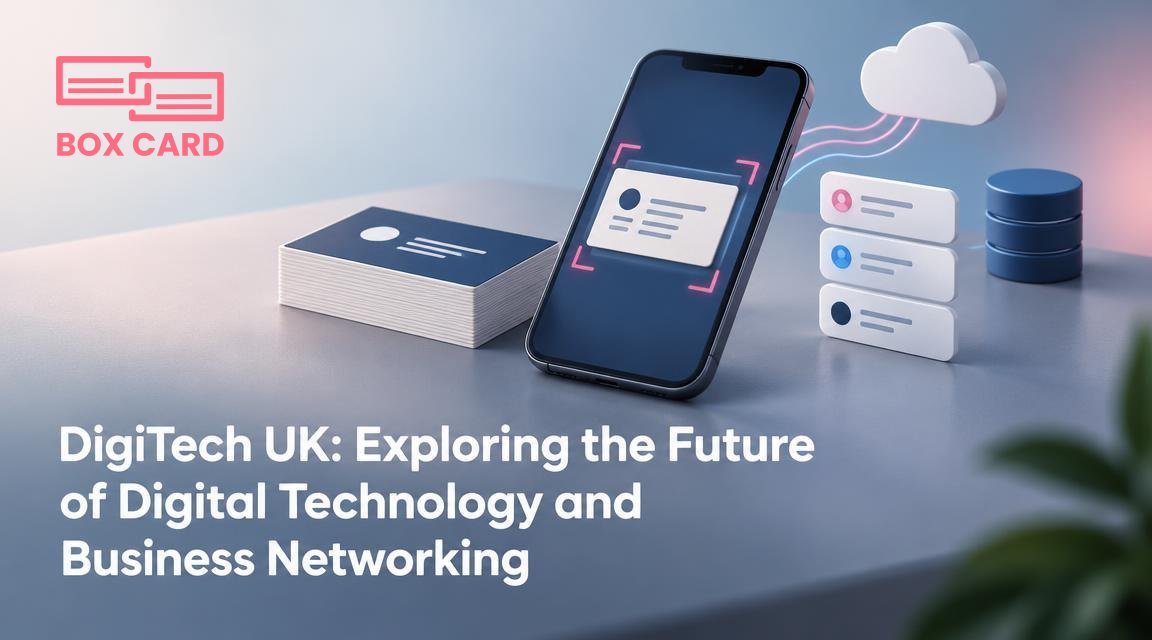
You are thinking about attending DigiTech UK and you want two things: a realistic preview of what the conference offers, and a plan to turn every handshake into a useful, searchable contact. This article explains what you can expect from the event, how to capture contacts efficiently, and exactly how to move cards into your sales and CRM workflow so the conversations you start on the show floor become business outcomes.
What to expect at DigiTech UK
DigiTech UK gathers people building digital products, tools, and services, along with the teams that buy them. Expect short technical talks, product demos, and networking sessions focused on themes such as AI for business, cloud-native services, security, customer data, and B2B sales. The show floor will be a mix of startup booths, vendor demos, and themed networking areas. Workshops and roundtables give more practical takeaways than keynote panels, so pick at least one hands-on session that matches your immediate needs.
How to approach networking so it pays off
Networking at a conference is noisy and fast. Your goal should not be to collect the most business cards, but to collect the right ones and capture context while it is fresh. Before you go, set clear objectives: recruit leads, find partners, hire talent, or learn particular technologies. That objective determines which talks you attend and which people you seek out.
- Target list: Create a short list of companies or job titles you want to meet. Use the event app or social channels to schedule quick meetups in advance.
- Two-minute pitch: Prepare a concise introduction that explains why you want to talk and what you offer.
- Capture context: After each conversation, write one line about next steps and why the contact matters. A note is worth more than a stack of cards.
- Prioritize follow-up: Tag the top 20 percent of contacts you met, and commit to following up within 48 hours.
Turning cards into usable contacts, step by step
At events most people still hand over paper business cards. To make those cards useful, you need a repeatable process that moves information from paper into your tools. Below is a simple workflow you can use on day one of DigiTech UK.
- Scan on the spot: Use a business card scanning app to capture the card while the conversation is fresh. This reduces mistakes in spelling, job title, and company name.
- Add context: Immediately attach a short note about where you met and the topic you discussed. If you prefer voice, record a 10 to 15 second voice memo and transcribe it into the contact note later.
- Tag and sort: Apply at least two tags: the reason for the connection (lead, partner, hire) and the follow-up action (email, demo, proposal). That makes it easier to filter contacts after the show.
- Review and clean: After the day ends, open the scans and correct any OCR mistakes. A quick 10 minute review prevents errors from propagating into your CRM.
If you want a practical how-to for the scanning step, look for a tool that supports fast capture, instant note fields, and export options. Search the app stores for business card digitization apps, business card scanning app options, or business card OCR app tools so you can compare features before the conference.
Why the choice of app matters
Not all scanning tools are equal. Your priorities at a conference are speed, accuracy, and how easily contacts move into your existing systems. Consider three trade-offs when you choose a solution:
- Speed vs accuracy: Some tools scan in one tap but require more manual correction. Others take an extra second to improve recognition accuracy. At a busy show, favor a tool that balances both, or plan a nightly review session to fix mistakes.
- Local use vs cloud convenience: A phone-only approach works for quick capture, but if your team needs immediate access, choose Cloud business card management options that make scans available to other users.
- Automation vs human review: AI business card scanner features can auto-extract fields and suggest tags, but they sometimes misread unusual layouts. Know when to trust automation and when to double-check.
From scanned contact to sales pipeline
Getting contacts into your CRM is the step that separates a conference souvenir from a sales opportunity. The smoother the CRM integration, the faster sales teams can act. Here are practical choices and consequences.
- Direct integration: If your scanning tool supports CRM integration, scans can create contacts or leads automatically. This saves time, but requires mapping fields and testing to avoid duplicate records.
- Export and import: Export scanned contacts as CSV for manual import. This gives you control over data quality, but it is slower and does not provide immediate visibility to sales reps.
- Sync with a business card data management system: Using a system that centralizes extraction and enrichment makes it easier to apply consistent tags and avoid duplicates across the company.
When you plan CRM integration, set these rules in advance: who owns the contact after capture, what minimum data is required for a lead, and which tags move a contact into a sales workflow. That prevents contacts from getting lost in individual inboxes.
Common mistakes to avoid at DigiTech UK
- Collecting cards without adding notes. Without context, a card is just a name.
- Relying solely on automation. OCR and AI help, but they do not replace a quick human check for accuracy.
- Waiting too long to follow up. A 48 hour window is ideal for timely connection.
- Not syncing with teammates. If one person captures the information and others need it, choose Cloud business card management or a shared export process beforehand.
Tools and search terms to prepare before you go
Install and test an app at least a few days before the show. Try a couple of sample scans and practice exporting a contact to your CRM. Useful search terms to compare options are: business card scanning app, business card digitization, business card digitization app, business card OCR app, and AI business card scanner. If you already use a tool called Boxcard, test the Boxcard scanning app so you know how it handles batch scanning and notes. Decide whether you need a high-accuracy business card scanning app, or whether nightly review will be your quality control.
Quick checklist for the morning of the event
- Charged phone and a backup power bank.
- Installed and logged into your chosen scanning app, with camera permissions enabled.
- A short template for follow-up messages saved as a draft.
- Printed handouts that reference your website or scheduling link, not only your card.
- Pre-scheduled meetings for high-priority targets found on the event app.
If you leave DigiTech UK with scanned contacts that are accurately tagged and integrated into your sales workflow, the time spent at the conference becomes measurable. Start by choosing a reliable way to capture cards, testing it in advance, and agreeing on follow-up rules with your team. That simple discipline turns networking into new business.
