How to Manage Business Cards After a Technology Conference in London
If you return from a London tech conference with a stack of cards, act within 48 hours: triage, digitize with a tested app, add meeting notes, sync only the right contacts to your CRM, and follow up with a specific next step. This workflow prevents lost opportunities and keeps your CRM clean.
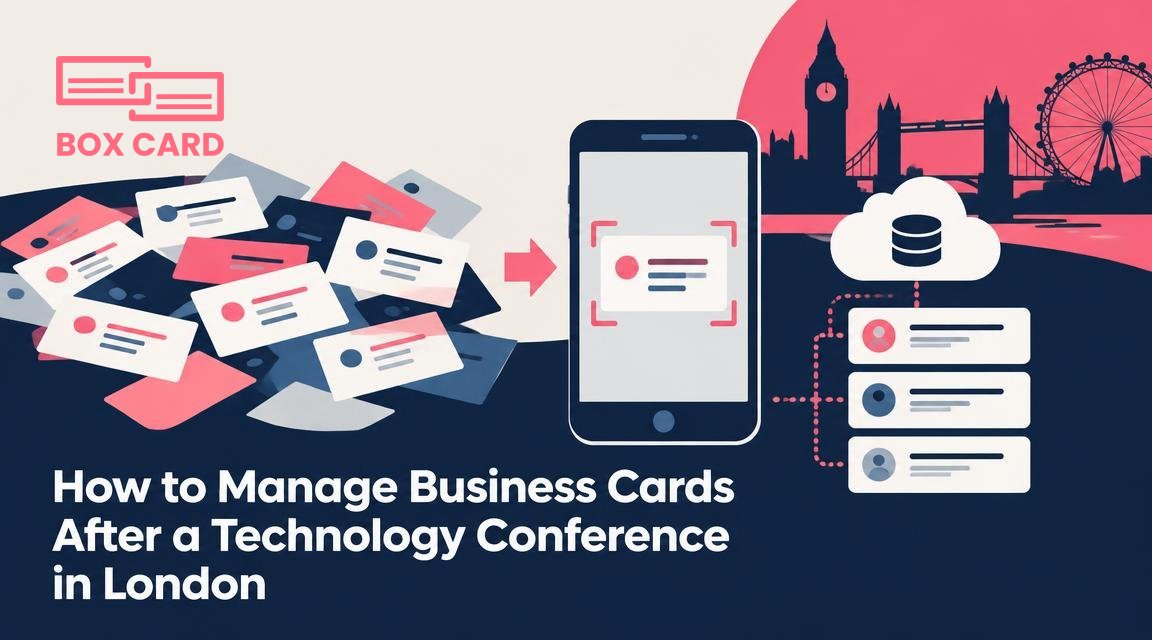
You leave a two-day technology conference in London with a handful or a stack of business cards, and the obvious question arrives: what do you do next so those names turn into actual value? This article gives a step by step workflow you can complete within 48 hours, plus specific choices and mistakes to avoid when you digitize and follow up.
1. First 48 hours: quick triage and prioritization
Action matters more than perfect organization right away. Within a day or two sort cards into three piles: immediate follow-up (promising leads or people you promised something to), useful but not urgent, and reference only. Use sticky notes or a simple photo of each pile to remember which is which. Prioritizing now saves time later and prevents important contacts from getting buried.
- Mark urgent cards with a small sticker or a coloured corner.
- Write a one line reminder on the back of urgent cards: what you promised, or where you met them.
- If you collected many cards at a single session, group them by event or session to preserve context.
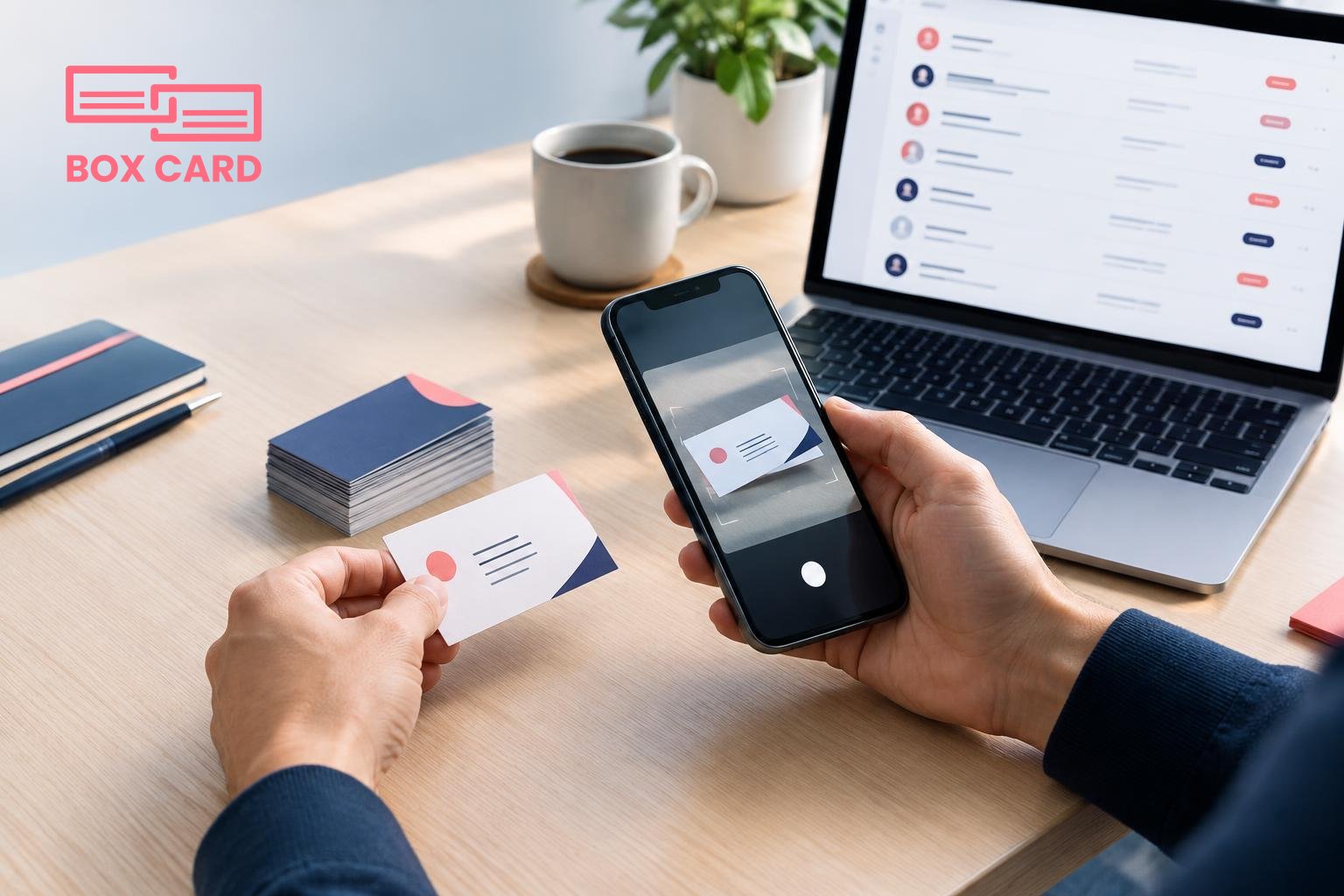
2. How to digitize business cards: choosing the right approach
Decide whether you want speed or maximum accuracy. For a hundred cards, use a batch approach. For a few strategic cards, scan and enrich manually.
Options and what they are good for
- Business card scanning app: fast, convenient, designed for scanning multiple cards with good OCR. Good for day after cleanup.
- Business card OCR app: emphasizes accurate text recognition, useful if cards have unusual layouts or multiple languages.
- AI business card scanner: can extract contextual data such as role or company size from messy cards, but always verify results before acting.
- Manual entry: slow but safest for executive contacts or cards with small print that confuse OCR.
If you already use Boxcard, the Boxcard scanning app fits naturally into this workflow because it focuses on digitizing and organizing business cards. If you are evaluating tools, test their accuracy with a sample of difficult cards from the pile before committing to a batch import.
3. Scanning best practices
- Scan in natural light or use app lighting to avoid shadows that break OCR.
- Capture both sides when there is handwritten information or social links on the back.
- Add a short meeting note while the memory is fresh: where you met and the topic you discussed.
- Use tags or labels like "London conference 2026" or "edge computing" so you can filter later.
4. Organize, clean, and deduplicate
After scanning, take 15 to 30 minutes to tidy the data. Fix misspellings, confirm company names, and remove duplicates. Many business card management apps offer deduplication, but manual checks catch edge cases such as different email addresses for the same person.
If you prefer cloud sync, choose a tool that supports Cloud business card management so your team can access updated contacts from different devices. For teams using Boxcard business card management, syncing to the cloud keeps everyone aligned without manual exports.
5. Integrate with your CRM and workflows
Decide which contacts belong in your CRM and which are simply for networking. Not every card should become a sales lead in your CRM; indiscriminate imports create noise.
- Map fields: ensure name, company, role, email, phone, and notes align with CRM fields.
- Use tags that indicate source and intent, for example "London conf - follow up" or "intro only".
- Test a small batch before full import to avoid polluting CRM data.
Look for CRM integration options in your chosen tool. CRM integration reduces copy and paste, and keeps follow-up tasks in one place. If you use Boxcard, check how Boxcard scanning app or other connectors work with your CRM for CRM business card management.
6. Follow-up that converts
Timing and personalization matter. For a warm lead, send a follow-up within 24 to 48 hours with a specific reminder of your conversation. For general networking, a week is acceptable.
- Subject line: remind them where you met.
- First sentence: reference a concrete topic from your chat.
- Call to action: propose a short next step, such as a 15 minute call or a resource share.
Keep templates for different contact types, but always personalize the first sentence. If you stored notes in your business card digitization app, pull one detail into the message to show you are not sending a mass email.
7. Share contacts safely and collaborate
If you want to share contacts with colleagues, use a business card information sharing app or the sharing features of your business card management app. Limit shared fields if the colleague only needs an email address. Keep privacy rules in mind: do not share personal numbers without explicit consent.
8. Physical cards: archive or dispose
Once cards are digitized and you've followed up, decide whether to keep physical copies. Keep a small set of strategic cards in a labelled box for one year, then destroy them if they are no longer needed. For cards containing handwritten notes, keep until the information is fully captured and verified.
9. Maintain good habits so the next conference is easier
- Scan cards within 48 hours and tag by event.
- Use a single canonical tool for business card data management to avoid fragmented contact records.
- Schedule a monthly clean up: dedupe, fill missing fields, and archive stale contacts.
When to use a specialized solution
If your team collects cards at scale, consider a High-accuracy business card scanning app or a business card data management system with team controls. For solo professionals who value simplicity, a Free business card management option or a lightweight business card digitization app may be enough. Evaluate tools on accuracy, export options, and how well they fit your CRM workflow.
Boxcard and other business card scanning app options can handle both single users and teams; test them with a realistic sample of your own cards before you commit.
Turn the pile of paper into action: scan quickly, add context, sync where it matters, and follow up within two days. Those steps turn contacts into relationships rather than a drawer of forgotten cards.
Next step: pick one scanning tool, digitize a small batch tonight, and schedule two follow-ups for the top five contacts within 48 hours.
