FutureScope Dublin: Networking Opportunities for Ireland’s Technology Community
If you leave FutureScope Dublin with business cards but no follow-up plan, most connections will fade. Use a simple workflow: capture contacts the same day, add context, send a personalized follow-up within 48 hours, and export qualified leads to your CRM.
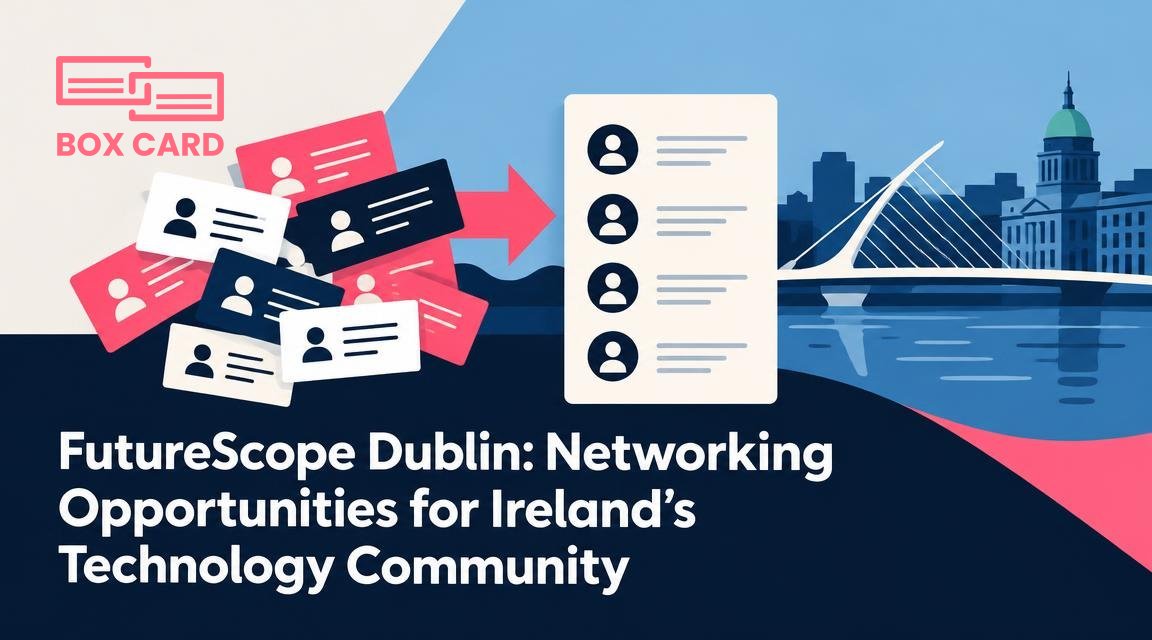
You leave FutureScope Dublin with a handful of conversations and a stack of business cards. The question is not how many people you met, but which connections you turn into useful relationships. This article shows what to aim for at the event, how to manage exchanges without losing context, and a practical follow-up workflow that turns introductions into opportunities.
Why FutureScope Dublin matters for Ireland’s tech community
FutureScope brings founders, product managers, engineers, investors, and sales teams into the same room. For event attendees that matters because the best connections are often cross-disciplinary: a developer who can help a startup prototype, an investor who focuses on SaaS, or a partnership lead at a scaleup looking for integrations. If you are scouting talent, sourcing customers, or seeking collaborators, networking at FutureScope is about quality contacts you can actually work with after the event.

Decide what a successful day looks like
Before you walk into the venue pick two measurable goals, for example:
- Have three meaningful conversations with potential customers in your target segment.
- Get follow-up commitments from two partners who will trial a technical integration.
Measure by quality, not raw quantity. One 20 minute conversation that ends with a clear next step is worth more than ten quick exchanges that go nowhere.
How to prepare: practical moves that pay off
- Research attendees and speakers. Note three people you absolutely want to meet and one specific reason to approach each of them.
- Sharpen a 30 second introduction that ends with a question. For example, name, what you do briefly, then ask about a current challenge they face.
- Update your digital presence. If you plan to exchange LinkedIn or a website, make sure your profile and contact page are current.
- Decide how you will capture contacts at the event. Will you exchange paper cards, scan them, use a QR code, or connect on LinkedIn? Bring a few physical cards, and have a scanning method ready.
At the event: tactics that make networking less random
Start with curiosity. Ask about recent projects, not titles. Use open questions that invite details: How are you approaching X? What tool do you reach for when Y happens? That gives you a hook to propose a relevant next step.
When exchanging contact details, be explicit about next steps. Instead of a generic, "Let’s catch up," say, "Can I send you two slides outlining the integration idea? I’ll follow up early next week." A decisive next step reduces the chance your exchange becomes another forgotten card.
How to follow up within 48 hours
Send a short, personalized message within two days. Reference a specific detail from your conversation so the recipient remembers you. A basic follow-up template you can adapt:
- One-line reminder of who you are and where you met.
- One sentence that restates the value or next step discussed.
- Clear proposed action: a meeting time, a doc, or an introduction.
Example: "Hi Emma, great to meet you at FutureScope Dublin. I enjoyed hearing about your onboarding challenge. I can send two example flows that reduced churn for a similar team. Is Tuesday morning good for a short call?" Keep it short and specific.
How to handle the pile of business cards
If you collected physical cards, convert them into usable contacts the same day you follow up. That is where business card digitization matters. Choose one consistent workflow and stick to it. Options include photographing cards with a business card scanning app at the desk, or batching them later for scanning.
Using a dedicated app reduces transcription errors and keeps notes attached to each contact. For many teams, Boxcard is a practical choice because it supports quick capture and basic organization. If you prefer another tool, look for a business card scanning app that offers high accuracy OCR and clear export options. When evaluating apps, compare how they handle these tasks: automatic text recognition, editable fields, tags or labels, and export for CRM integration.
If your team requires shared access to contact information, pick a Cloud business card management approach that lets you tag contacts, add meeting notes, and share records with colleagues. A business card management app that supports your CRM makes those next steps easier. For example, a sales rep who scans a card should be able to flag the lead and send it to the sales queue, supporting Sales support business card management and avoiding duplicate work.
How to digitize business cards without losing context
Good digitization is more than OCR. When you scan, add a short note about where you met and what you discussed. That context is what turns a name into a lead. If you use Boxcard scanning app or another business card digitization app, create two tags at capture: the event name and the relationship intent, for example "FutureScope Dublin" and "partnership prospect." These tags let you filter and prioritize follow-ups fast.
Many apps call themselves a business card OCR app or an AI business card scanner. Those features help, but they do not replace your judgment. Always review the scan for errors, correct job titles, and add a one-line memory note before exporting to your CRM. That makes CRM business card management accurate enough to act on.
Sharing contacts and privacy
Ask permission before sharing someone’s contact internally. When you add a contact to a team system, include the note you recorded about consent if the person asked you not to add them to a mailing list. A business card information sharing app can simplify team access, but it also increases responsibility to respect preferences and data protection rules.
Common mistakes and how to avoid them
- Collecting cards without context. Fix this by adding a one-line note at capture.
- Delaying follow-up. Aim for 48 hours, not a week.
- Using multiple systems. Pick one primary business card management system and one place for meeting notes.
- Assuming OCR is perfect. Always verify key fields before sending the contact to sales or marketing.
For small teams that want to keep costs low, evaluate Free business card management options carefully. Free tiers can handle occasional events, but assess whether their export features and CRM integration meet your long term needs.
If your sales process depends on quick, accurate handoffs, invest time in the scanning workflow now. A repeatable process connecting card capture, note-taking, tagging, and CRM export will pay off across every event you attend.
After FutureScope Dublin, pick one workflow and use it consistently: scan cards the same day, add context, tag by event and intent, send personalized follow-ups within 48 hours, and export qualified leads to your CRM. That small set of habits turns networking from random encounters into predictable results.
