2027년 동남아 전시회 일정 총정리: 태국·싱가포르 주요 박람회
태국과 싱가포르의 주요 전시회 유형과 현장에서 성과를 내는 실무 체크리스트를 정리했습니다. 특히 명함을 잃지 않고 바로 디지털화해 후속으로 이어가는 방법을 중심으로 설명합니다.
Instantly scan, save, and manage all your business cards with AI. Connect smarter, work faster, and never lose a contact again.
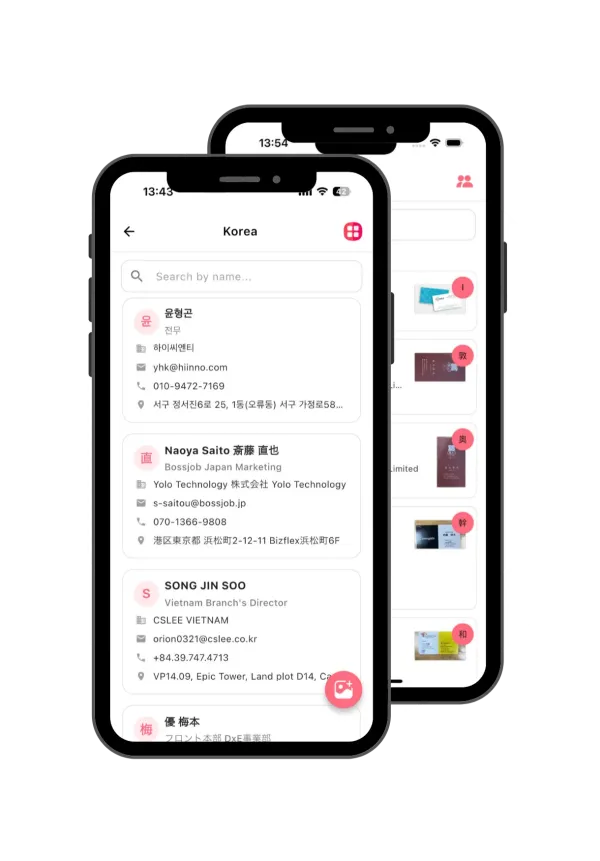
Discover how Boxcard helps you manage business cards smarter. Powered by AI, designed for speed and simplicity — everything you need to scan, save, and organize your professional connections in one place.
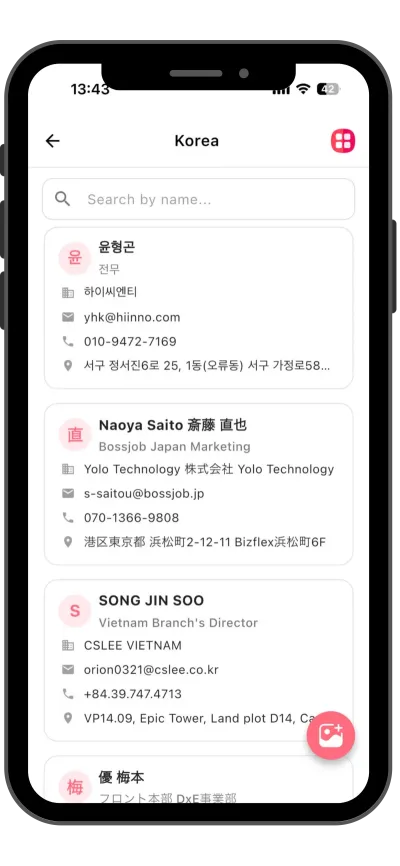
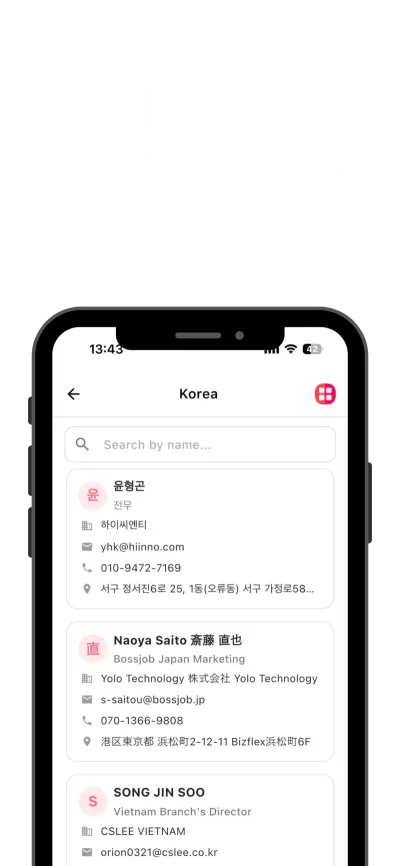
BoxCard’s AI engine automatically detects and digitizes all details from your business cards — including name, title, company, phone number, and email — with exceptional accuracy. Forget manual input; simply scan, and your data is instantly ready for use.
Easily export your digital contacts to Excel or CSV files and share them via email or within your team. Whether you're managing leads, syncing with CRM tools, or sharing client lists, Boxcard ensures smooth and flexible data handling.
All your scanned cards are securely stored in the cloud, allowing you to access them anytime, anywhere, from any device. Even if you change phones or reinstall the app, your contact database remains safe and always up to date.
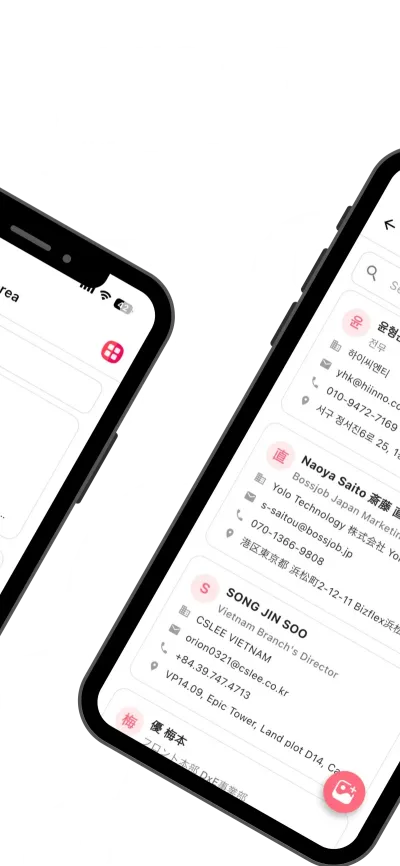
Find the right contact in seconds using smart search filters by name, company, or keyword. Organize your connections with customizable tags to manage hundreds of business relationships effortlessly.
There are many variations of passages of Lorem Ipsum available, but the majority have suffered alteration in some form.
Accurately scan both sides of a business card to automatically capture all information.
Easily download saved business card information in CSV format.
Automatically displays mutual acquaintances, helping you visualize your network connections.
Integrate with your phone and email contacts to get in touch instantly.
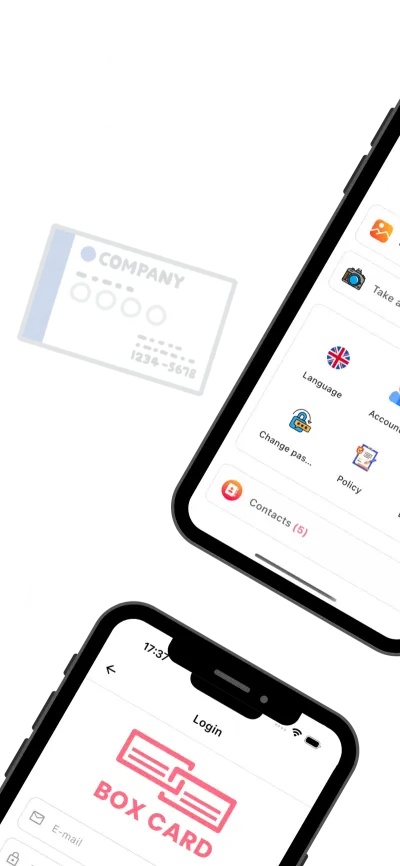
Experience a clean, intuitive, and user-friendly design built for professionals. From scanning business cards to managing contacts and sharing data, every feature is designed for speed, simplicity, and efficiency.
태국과 싱가포르의 주요 전시회 유형과 현장에서 성과를 내는 실무 체크리스트를 정리했습니다. 특히 명함을 잃지 않고 바로 디지털화해 후속으로 이어가는 방법을 중심으로 설명합니다.
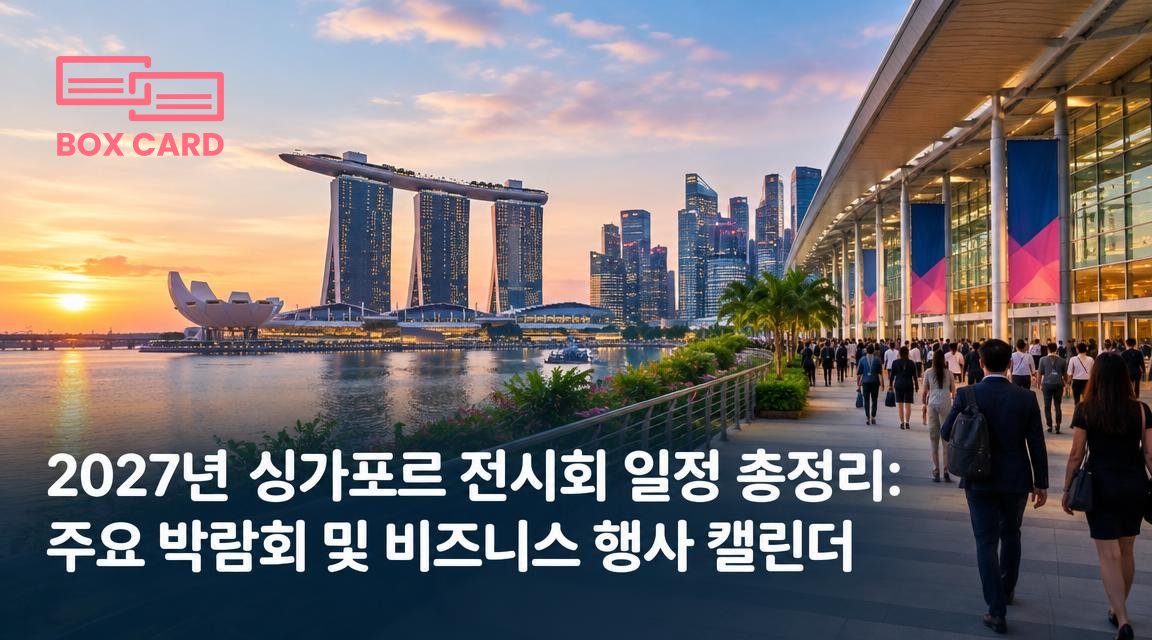
2027년 싱가포르 전시회에 참가하려면 먼저 행사 유형별 우선순위를 정하고, 현장에서 명함을 즉시 디지털화하는 워크플로우를 만들어 두세요. Boxcard 앱과 다국어 명함 OCR을 활용하면 후속 영업으로 빠르게 전환할 수 있습니다.
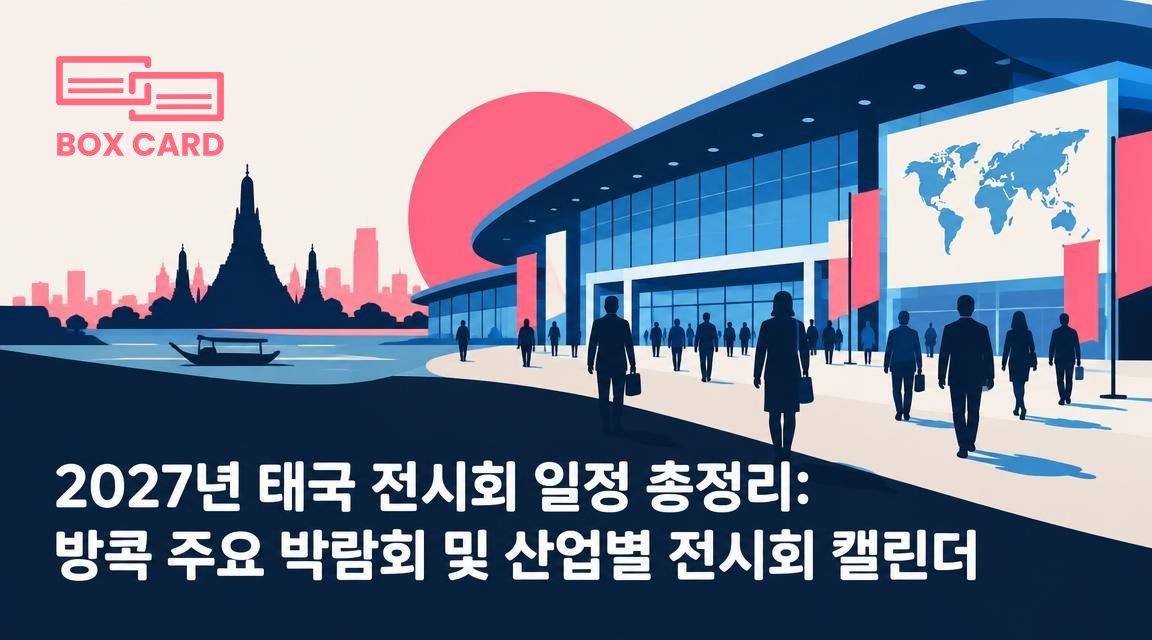
방콕과 태국 전시회를 업종별로 정리해 2027년 참가 우선순위를 세우는 실전 가이드입니다. 현장에서 명함을 빠르게 디지털화하고 사후 CRM으로 연결하는 구체적 워크플로와 체크리스트를 제공합니다.
Boxcard uses advanced AI technology to automatically detect and digitize names, phone numbers, emails, and other details with high accuracy.ably haven't heard of them accusamus labore sustainable VHS.
Yes. Your data is securely synced through the cloud, allowing you to access all your cards anytime, on any device.
Absolutely. All information is encrypted and stored securely on our servers, ensuring your privacy and protection.
Yes, Boxcard supports exporting data to Excel (XLSX) and CSV, making it easy to manage or share with your team.
Yes. Boxcard currently supports English, Japanese, Vietnamese, Korean, and Chinese, and more languages will be added in future updates.
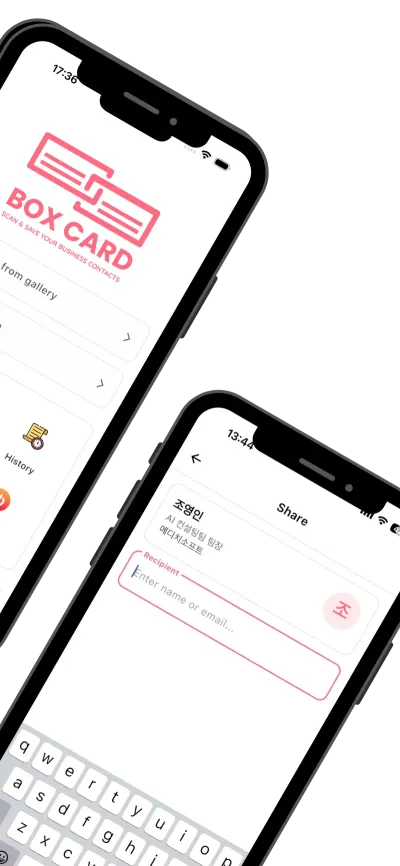
Yes. Boxcard allows you to easily share your business cards with other accounts in the system, enabling smooth and collaborative use.