越南医疗展会大全:医疗器械、制药与健康产业
挑对展会比参加所有展会更重要。本文按展会类型、选择标准、越南市场准备清单和现场名片管理流程给出可执行步骤,帮助你把展会名片转成实际商机。
Instantly scan, save, and manage all your business cards with AI. Connect smarter, work faster, and never lose a contact again.
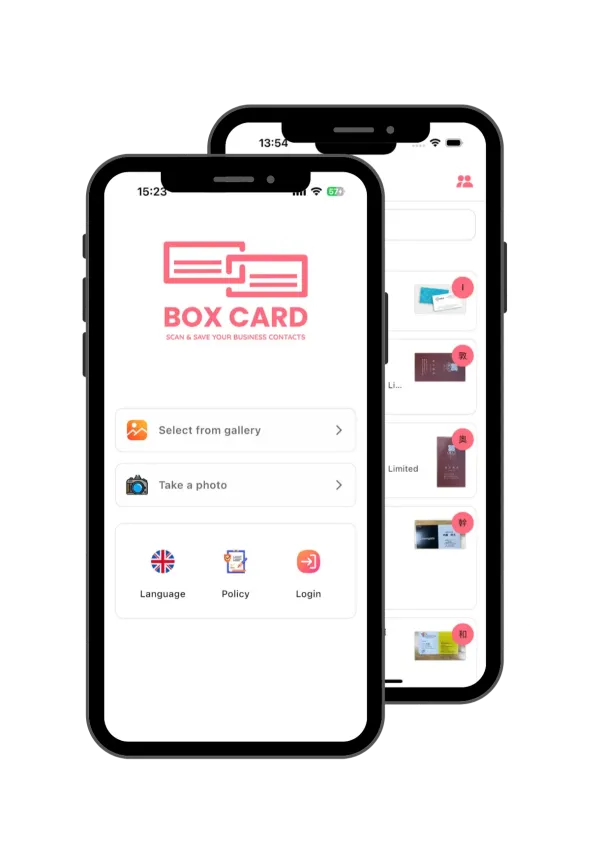
Discover how Boxcard helps you manage business cards smarter. Powered by AI, designed for speed and simplicity — everything you need to scan, save, and organize your professional connections in one place.
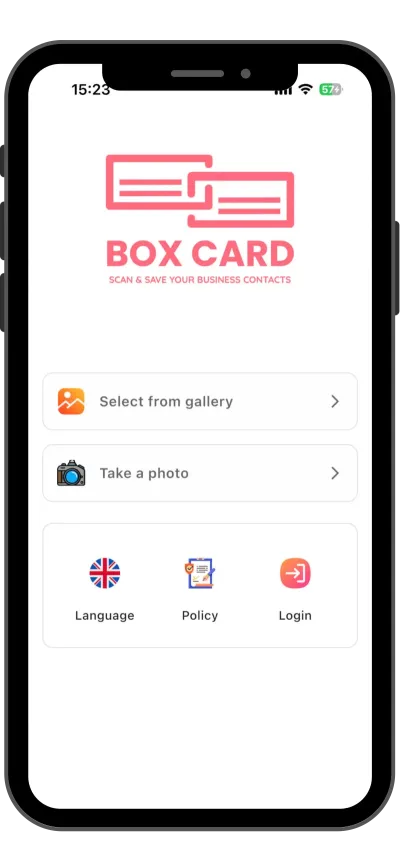
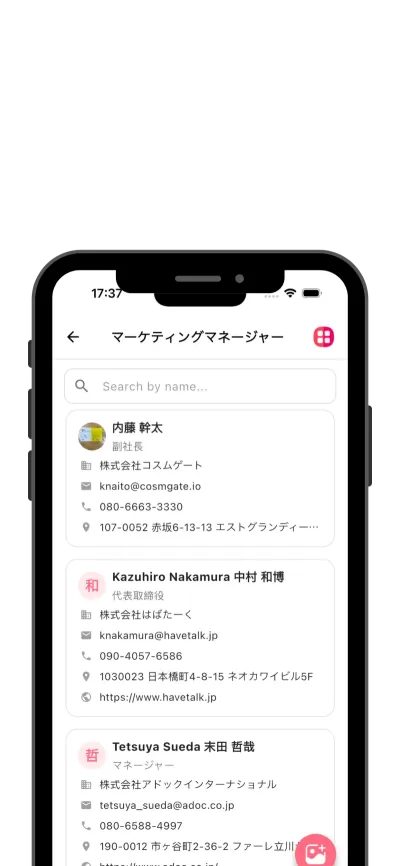
BoxCard’s AI engine automatically detects and digitizes all details from your business cards — including name, title, company, phone number, and email — with exceptional accuracy. Forget manual input; simply scan, and your data is instantly ready for use.
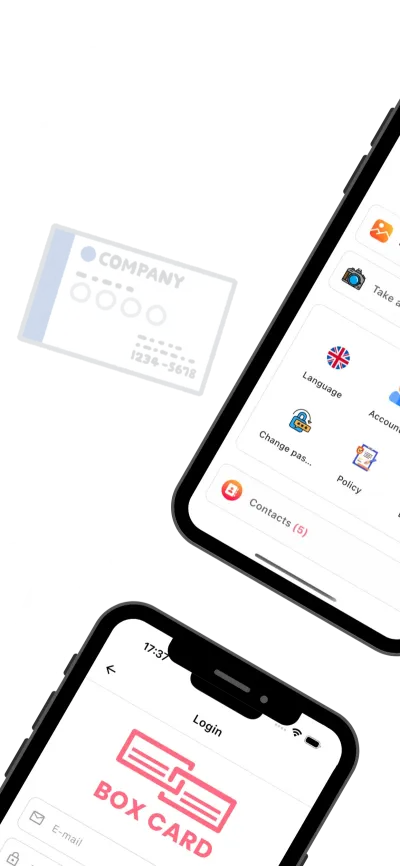
Easily export your digital contacts to Excel or CSV files and share them via email or within your team. Whether you're managing leads, syncing with CRM tools, or sharing client lists, Boxcard ensures smooth and flexible data handling.
All your scanned cards are securely stored in the cloud, allowing you to access them anytime, anywhere, from any device. Even if you change phones or reinstall the app, your contact database remains safe and always up to date.
Find the right contact in seconds using smart search filters by name, company, or keyword. Organize your connections with customizable tags to manage hundreds of business relationships effortlessly.
There are many variations of passages of Lorem Ipsum available, but the majority have suffered alteration in some form.
Accurately scan both sides of a business card to automatically capture all information.
Easily download saved business card information in CSV format.
Automatically displays mutual acquaintances, helping you visualize your network connections.
Integrate with your phone and email contacts to get in touch instantly.
Experience a clean, intuitive, and user-friendly design built for professionals. From scanning business cards to managing contacts and sharing data, every feature is designed for speed, simplicity, and efficiency.

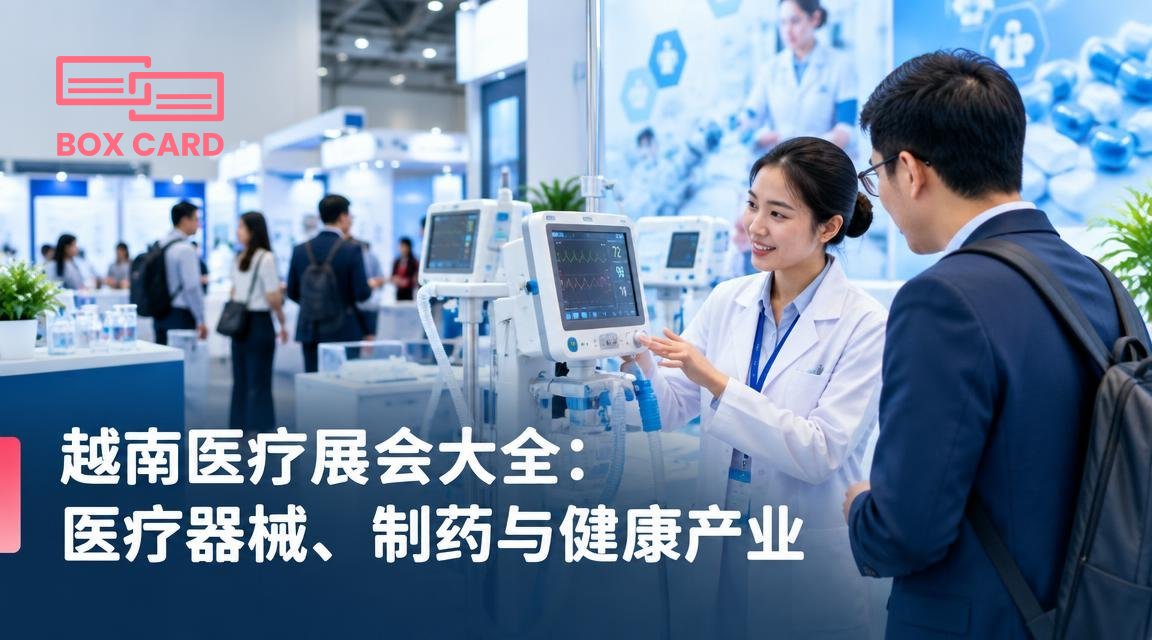
挑对展会比参加所有展会更重要。本文按展会类型、选择标准、越南市场准备清单和现场名片管理流程给出可执行步骤,帮助你把展会名片转成实际商机。
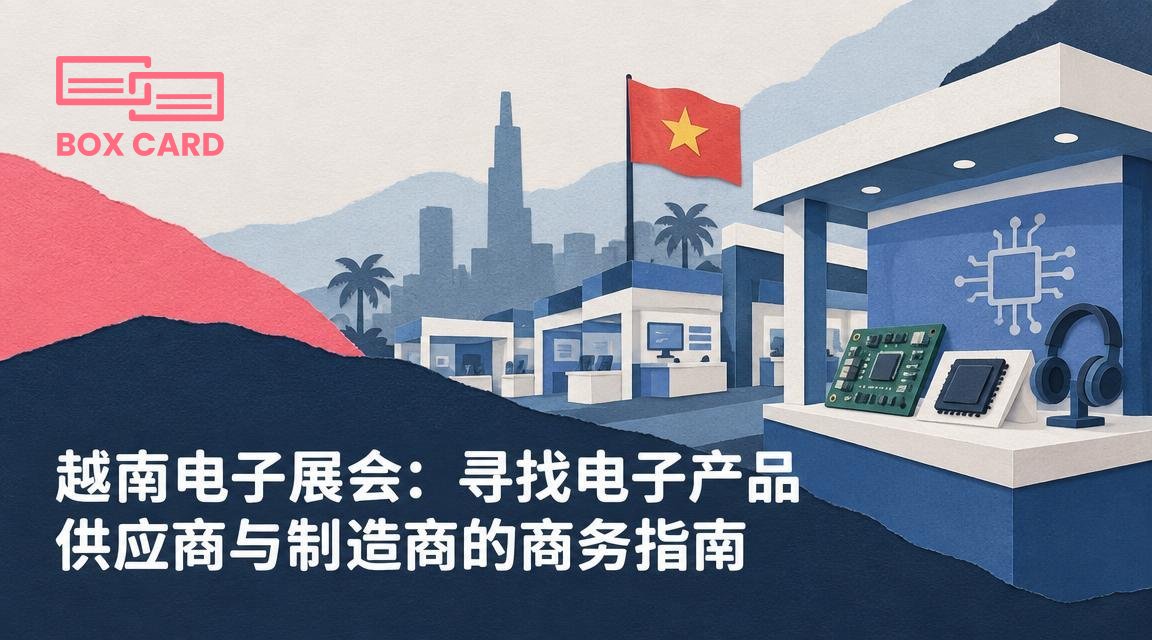
将越南电子展会的短暂接触,转化为可执行的采购流程需要明确目标、现场快速判断、样品与证件验证,以及系统化的展会跟进。本文给出可直接用的准备清单、现场问题模板和跟进步骤。
选择越南工业展会前,先明确你的采购目标与评估标准;展会现场立即扫描并记录名片,48小时内完成跟进与样品安排,能把临时交流转为可执行的合作。
Boxcard uses advanced AI technology to automatically detect and digitize names, phone numbers, emails, and other details with high accuracy.ably haven't heard of them accusamus labore sustainable VHS.
Yes. Your data is securely synced through the cloud, allowing you to access all your cards anytime, on any device.
Absolutely. All information is encrypted and stored securely on our servers, ensuring your privacy and protection.
Yes, Boxcard supports exporting data to Excel (XLSX) and CSV, making it easy to manage or share with your team.
Yes. Boxcard currently supports English, Japanese, Vietnamese, Korean, and Chinese, and more languages will be added in future updates.
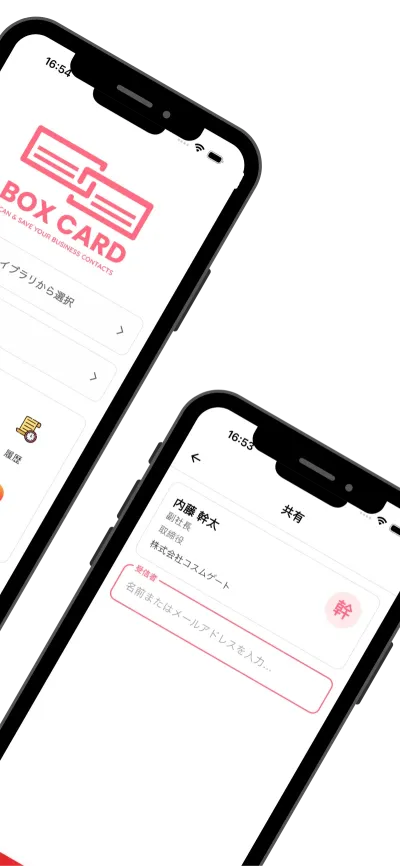
Yes. Boxcard allows you to easily share your business cards with other accounts in the system, enabling smooth and collaborative use.