5 Business Card Management Mistakes That Drive Customers Away | Practical Data Management Strategies to Protect Sales Performance
Small mistakes in business card management can quietly lead to lost sales opportunities, weakened customer trust, and lower follow-up success rates.
1. Why Business Card Management Directly Impacts Sales Performance
A business card is more than just contact information. It is the starting point of a customer relationship and a key source of sales data.
Business cards typically contain:
- ・Contact names
- ・Departments and job titles
- ・Company information
- ・The starting point of sales conversations
When this information is not properly organized, companies often face:
- ・Missed follow-ups
- ・Duplicate outreach
- ・Messages sent to outdated contacts
These issues damage both customer experience and sales performance.
Effective business card management is the foundation of organized sales operations.
Business cards are still a small but powerful sales tool. When managed poorly, they create friction, reduce response rates, and weaken long-term customer relationships.
2. Mistake #1: Keeping Business Cards in Personal Storage
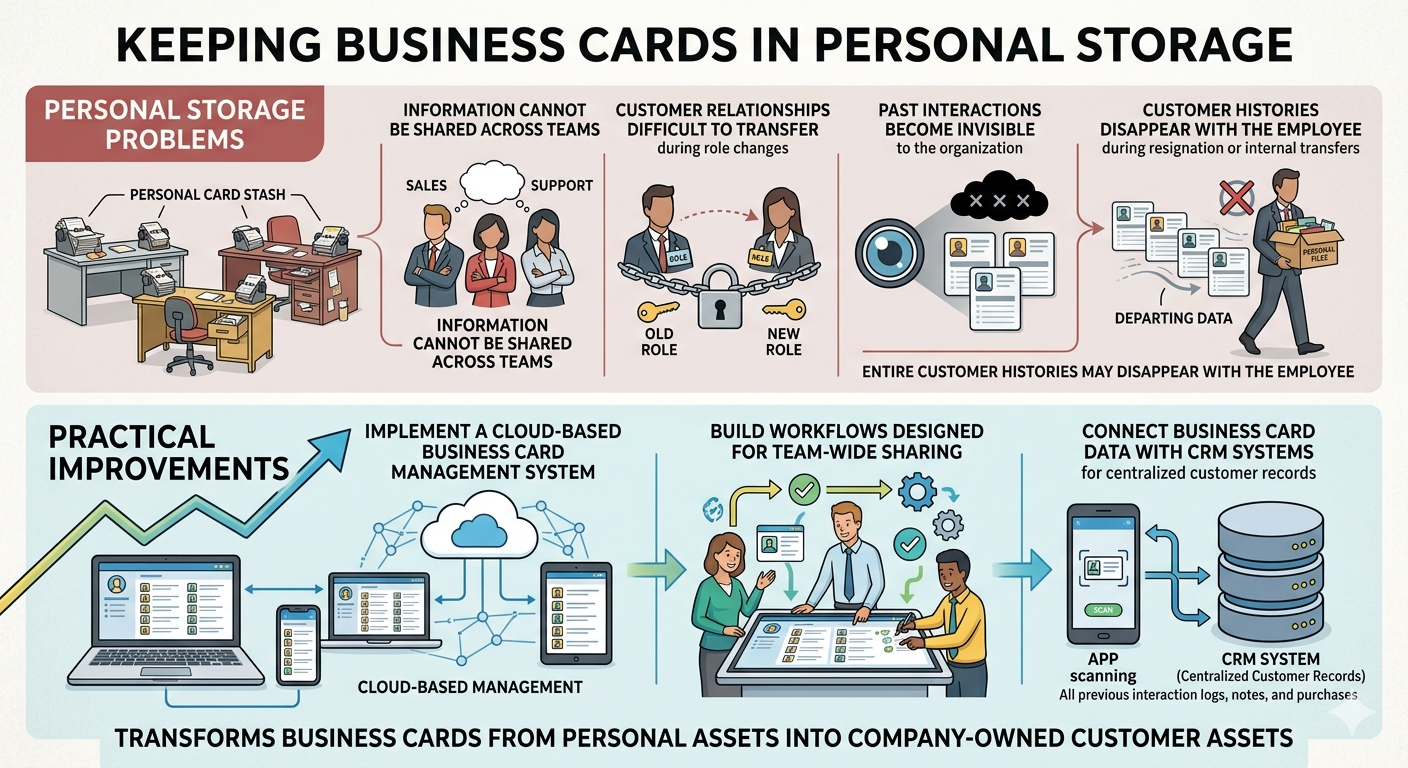
Many companies still allow individual sales representatives to manage their own business cards.
However, personal storage creates several problems:
- ・Information cannot be shared across teams
- ・Customer relationships are difficult to transfer during role changes
- ・Past interactions become invisible to the organization
In cases of resignation or internal transfers, entire customer histories may disappear with the employee.
Practical Improvements
- ・Implement a cloud-based business card management system
- ・Build workflows designed for team-wide sharing
- ・Connect business card data with CRM systems for centralized customer records
This transforms business cards from personal assets into company-owned customer assets.
3. Mistake #2: Failing to Remove Duplicate Data
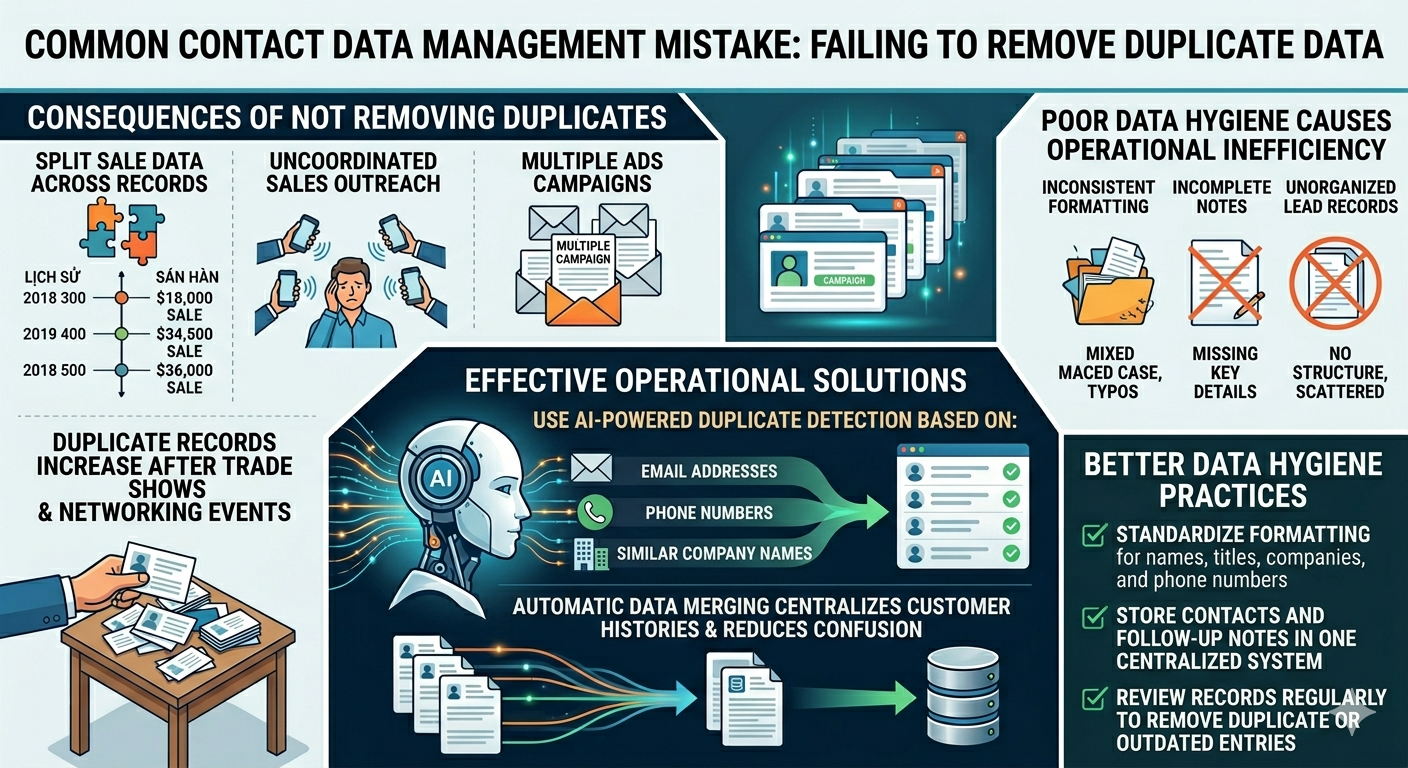
When the same contact is registered multiple times, businesses often encounter:
- ・Fragmented sales histories
- ・Multiple employees contacting the same person
- ・Duplicate email campaigns
Duplicate records increase significantly after trade shows and networking events, making management even more difficult.
Poor data hygiene also creates operational inefficiencies. Inconsistent formatting, incomplete notes, and unorganized lead records make it harder for teams to track customer activity and respond quickly.
Effective Operational Solutions
Use AI-powered duplicate detection based on:
- ・Email addresses
- ・Phone numbers
- ・Similar company names
Automatic data merging helps centralize customer histories and reduce operational confusion.
Better Data Hygiene Practices
- ・Standardize formatting for names, titles, companies, and phone numbers
- ・Store contacts and follow-up notes in one centralized system
- ・Review records regularly to remove duplicate or outdated entries
4. Mistake #3: Not Updating Contact Information
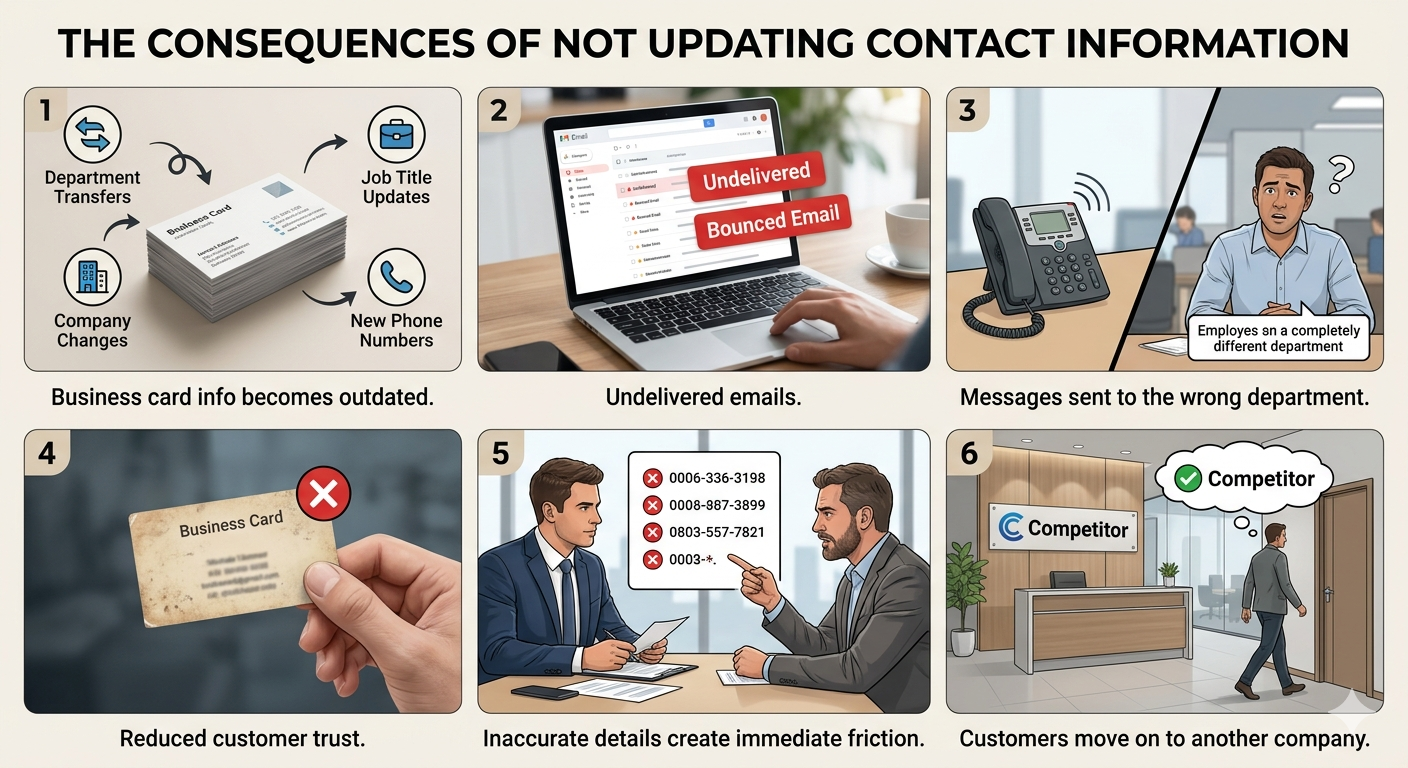
Business card information becomes outdated over time.
Changes happen constantly, including:
- ・Department transfers
- ・Job title updates
- ・Company changes
- ・New phone numbers
Using outdated information can result in:
- ・Undelivered emails
- ・Messages sent to the wrong department
- ・Reduced customer trust
A card with inaccurate contact details creates immediate friction. If customers cannot reach the right person quickly, they often move on to another company.
Example Update Rules
Timing | Recommended Action |
After exchanging business cards | Register information on the same day |
Every 6 months | Verify contact information |
After meetings | Update the latest customer details |
CRM synchronization | Automate updates whenever possible |
Using QR codes or digital business cards can also reduce outdated information and simplify future updates.
5. Mistake #4: Not Recording Follow-Up History
Many companies stop after simply storing business card data.
However, the most important information is what happens after the initial contact.
Without follow-up records:
- ・Teams cannot identify who contacted the customer
- ・Sales progress becomes unclear
- ・Important follow-up timing gets missed
Handing out business cards without a structured follow-up process often wastes potential leads.
Practical Recommendations
- ・Attach meeting notes and email histories to business card records
- ・Use tags to organize interests and priority levels
- ・Regularly review and update interaction histories
- ・Link every contact record to a follow-up action such as a call, email, or CRM task
Consistent tracking creates better visibility across the sales process.
6. Mistake #5: Not Integrating with CRM
When business card management and CRM systems operate separately:
- ・Manual data entry increases
- ・Missing information and delayed updates become common
- ・Inconsistent records and duplicate management issues appear
The advantages of CRM integration are clear:
- ・Automatic registration after scanning business cards
- ・Centralized sales history management
- ・Easier customer analysis
For startups and growing sales teams, early CRM integration helps prevent long-term data management problems.
7. Additional Mistakes That Reduce Customer Trust
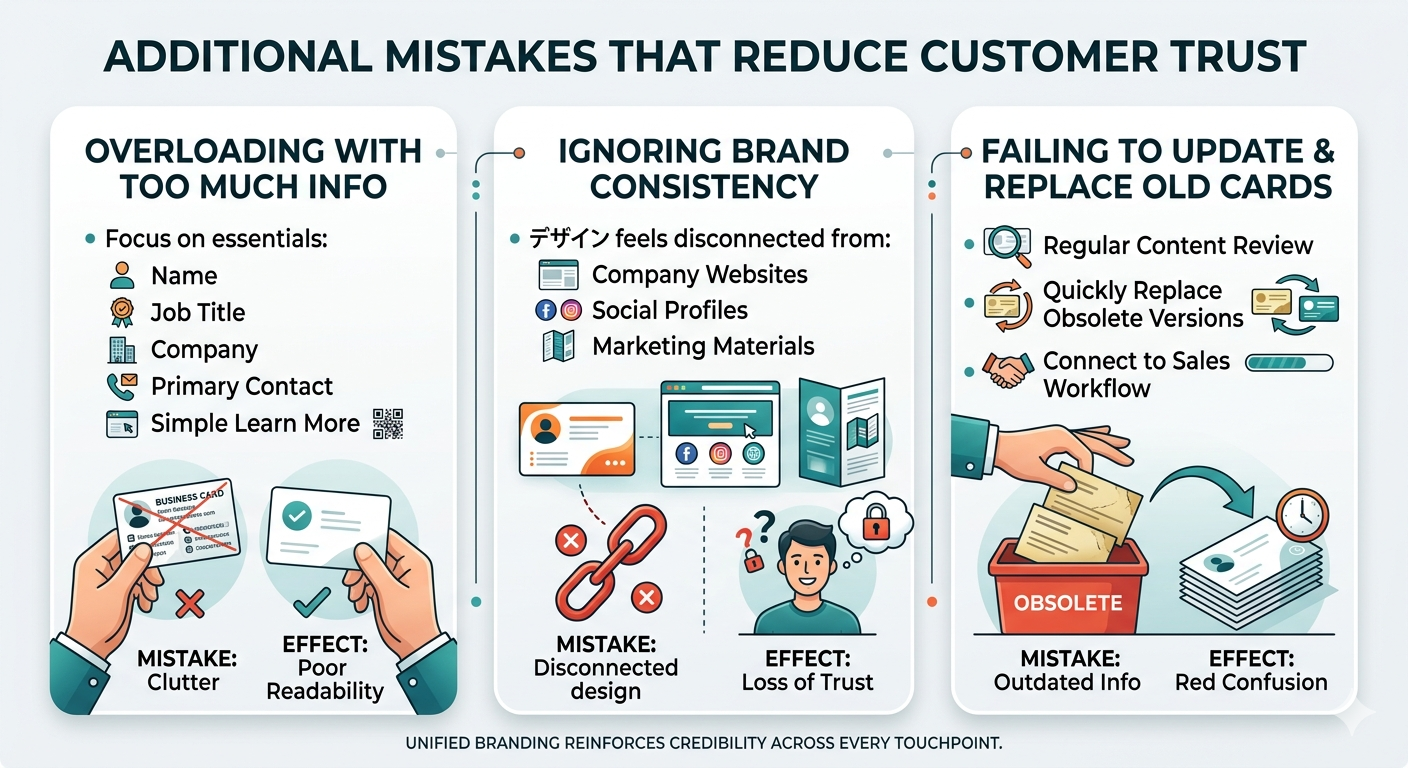
Overloading the Card with Too Much Information
A crowded business card is difficult to read and easy to ignore. The most effective cards focus on essential information:
- ・Name
- ・Job title
- ・Company
- ・One primary contact method
- ・A simple way to learn more
Clear and minimal layouts improve readability and make stronger first impressions.
Ignoring Brand Consistency
Business cards should match the visual identity of the company.
If the design feels disconnected from
- ・Company websites
- ・Social profiles
- ・Marketing materials
customers may perceive the brand as inconsistent or less trustworthy.
Unified branding helps reinforce credibility across every customer touchpoint.
Failing to Update and Replace Old Cards
Outdated cards often continue circulating long after company information has changed.
Businesses should:
- ・Review card content regularly
- ・Replace obsolete versions quickly
- ・Connect card distribution to a structured sales workflow
This helps reduce confusion and protects brand credibility.
8. Practical Ways to Improve Business Card Management
Business card management should focus on sales enablement, not simple storage.
Standardize Operational Rules
Create company-wide standards for:
- ・Input formats
- ・Tagging rules
- ・Update frequency
Use AI OCR Technology
AI OCR tools can help automate:
- ・Text normalization
- ・Duplicate matching
- ・Automatic categorization
Focus on Business Utilization, Not Just Storage
The goal is to:
- ・Improve follow-up activities
- ・Increase sales opportunities
- ・Maintain long-term customer relationships
When managed correctly, business cards become more than paper records or contact databases. They become valuable sales assets that support long-term business growth.
9. Boxcard – AI Business Card Management in Practice
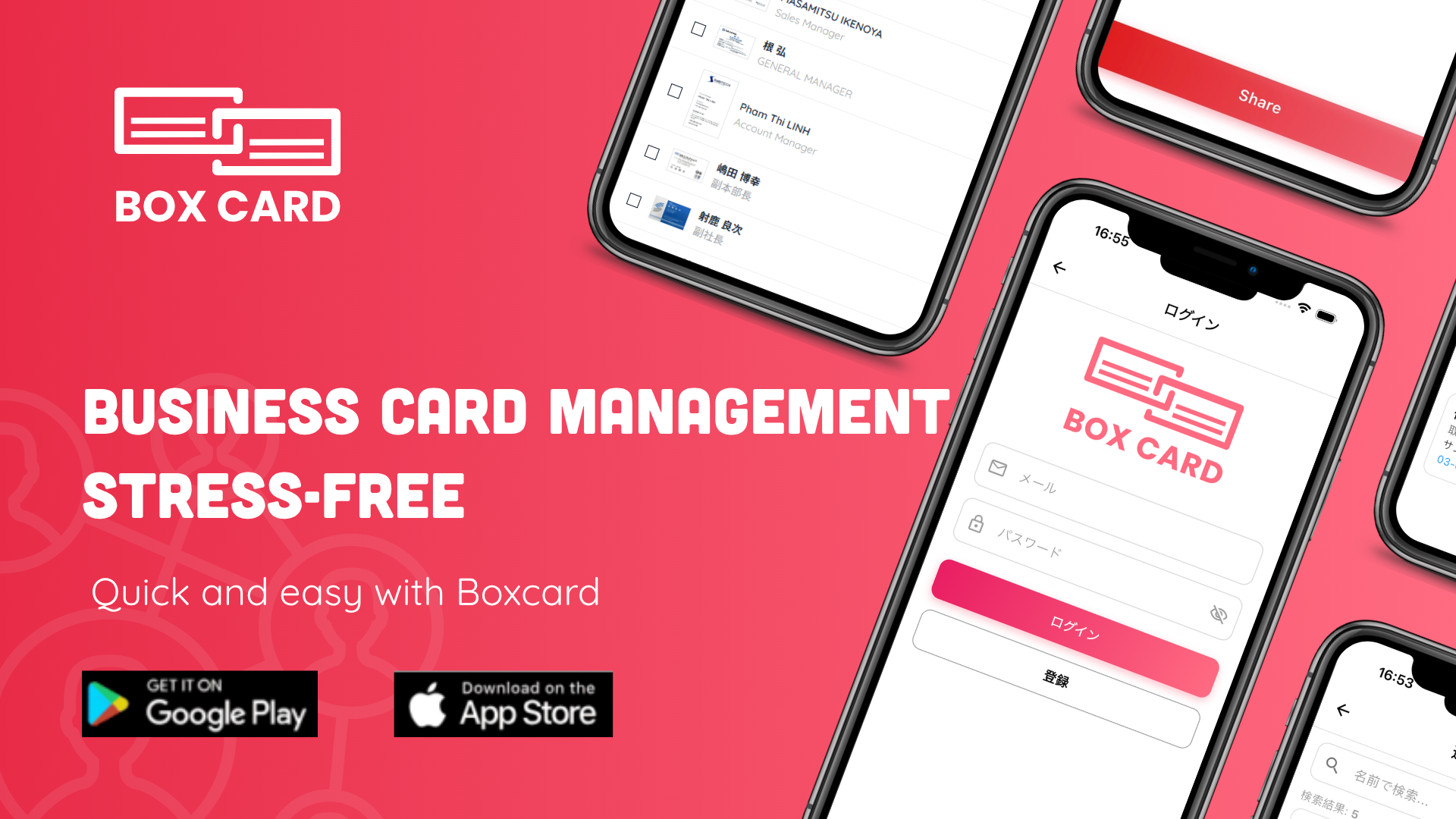
“Business card apps sound useful, but they’re often complicated, slow, or eventually require payment.”
If you’ve ever felt this way, BoxCard is a great option to consider.
Boxcard is designed with three key strengths in mind: simplicity, lightweight performance, and free access, making it easy for anyone to get started right away.
・Easy to use: Intuitive interface with no complicated setup
・Lightweight and fast: Smooth performance without lag
・Free to use: Core features available without hidden costs
・Multilingual support: Supports English, Japanese, Vietnamese, Korean, and Chinese (Simplified & Traditional)
What Makes BoxCard Different?
Many business card management apps offer advanced features but come with trade-offs such as high costs, complex interfaces, or heavy performance.
BoxCard takes a different approach by focusing on essential functionality with a seamless user experience:
・Streamlined workflow with minimal setup
・Fast scanning, organizing, and searching
・Core features fully accessible without requiring payment
As a result, BoxCard stands out by offering a balance between usability, performance, and cost-efficiency.
This makes it especially useful for professionals handling multilingual business cards or working in international environments.
Who Should Use BoxCard?
・Beginners looking for a simple solution
・Users who want a free and efficient tool
・Professionals managing multilingual contacts
・Anyone who prefers lightweight and easy-to-use apps
👉 Download BoxCard now on the App Store or Google Play and start managing your business cards more efficiently.
 |  |
Effective business card management is not just about storage or design, but about keeping data accurate, organized, and linked to sales activities. Problems like duplicate records, outdated information, and lack of CRM integration can reduce efficiency. By using AI OCR, centralized data management, and CRM systems, businesses can turn business cards into valuable sales assets that improve customer relationships and performance.
