AI名刺スキャンの落とし穴と、選ばれるための“信頼設計”とは
名刺交換後の情報管理では、OCR精度よりも誤認識による信頼・売上損失リスクとその対処構造こそ、システム導入時に最も重視すべきポイントである。
Instantly scan, save, and manage all your business cards with AI. Connect smarter, work faster, and never lose a contact again.
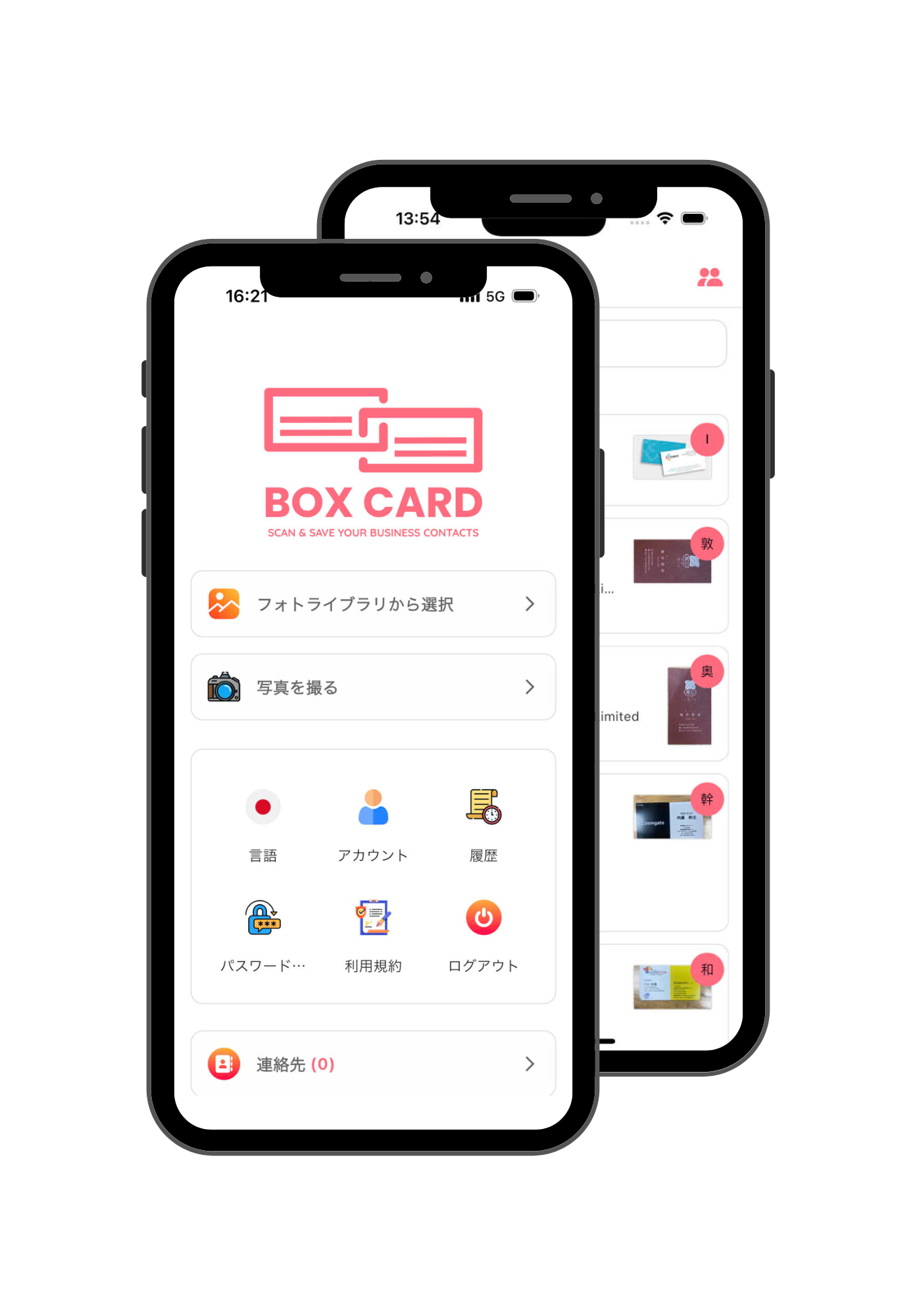
Discover how Boxcard helps you manage business cards smarter. Powered by AI, designed for speed and simplicity — everything you need to scan, save, and organize your professional connections in one place.
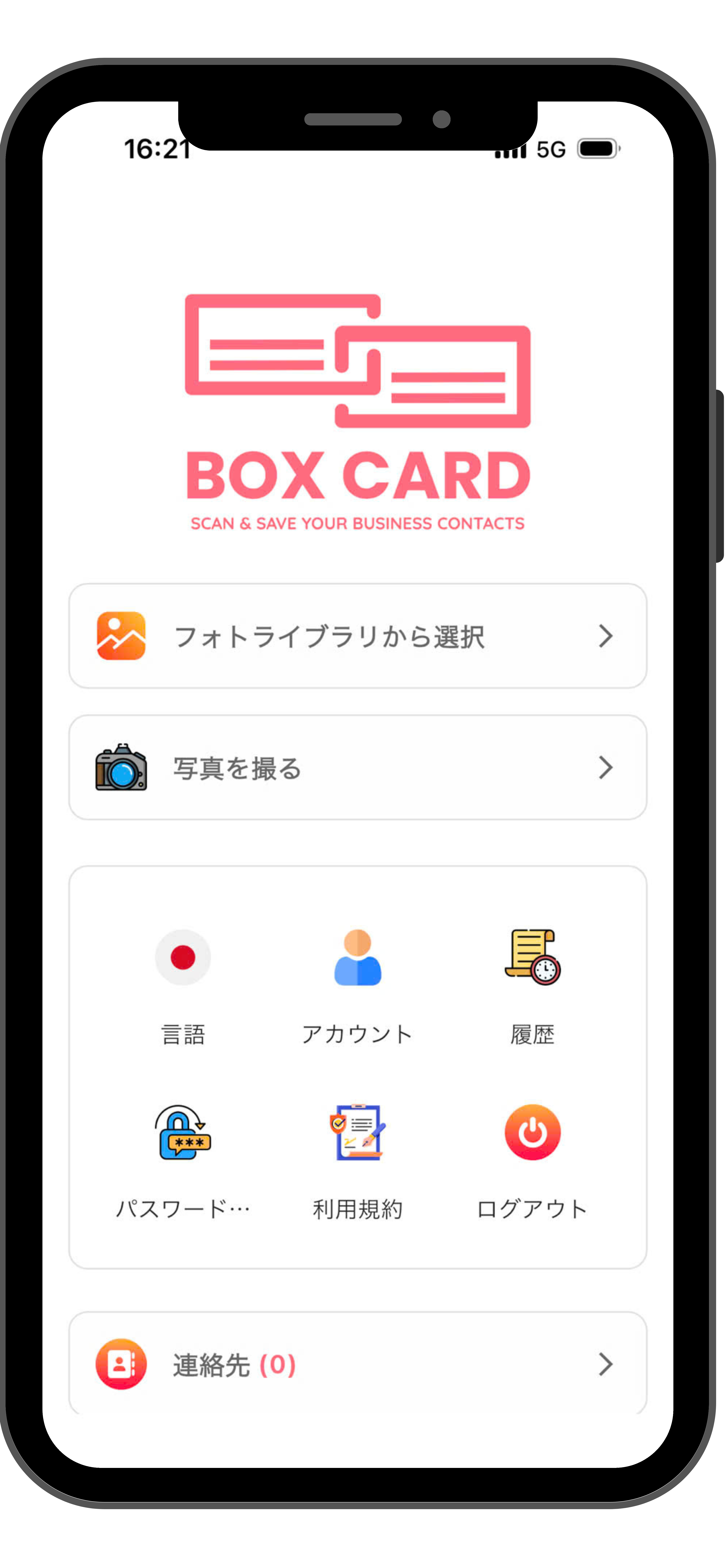
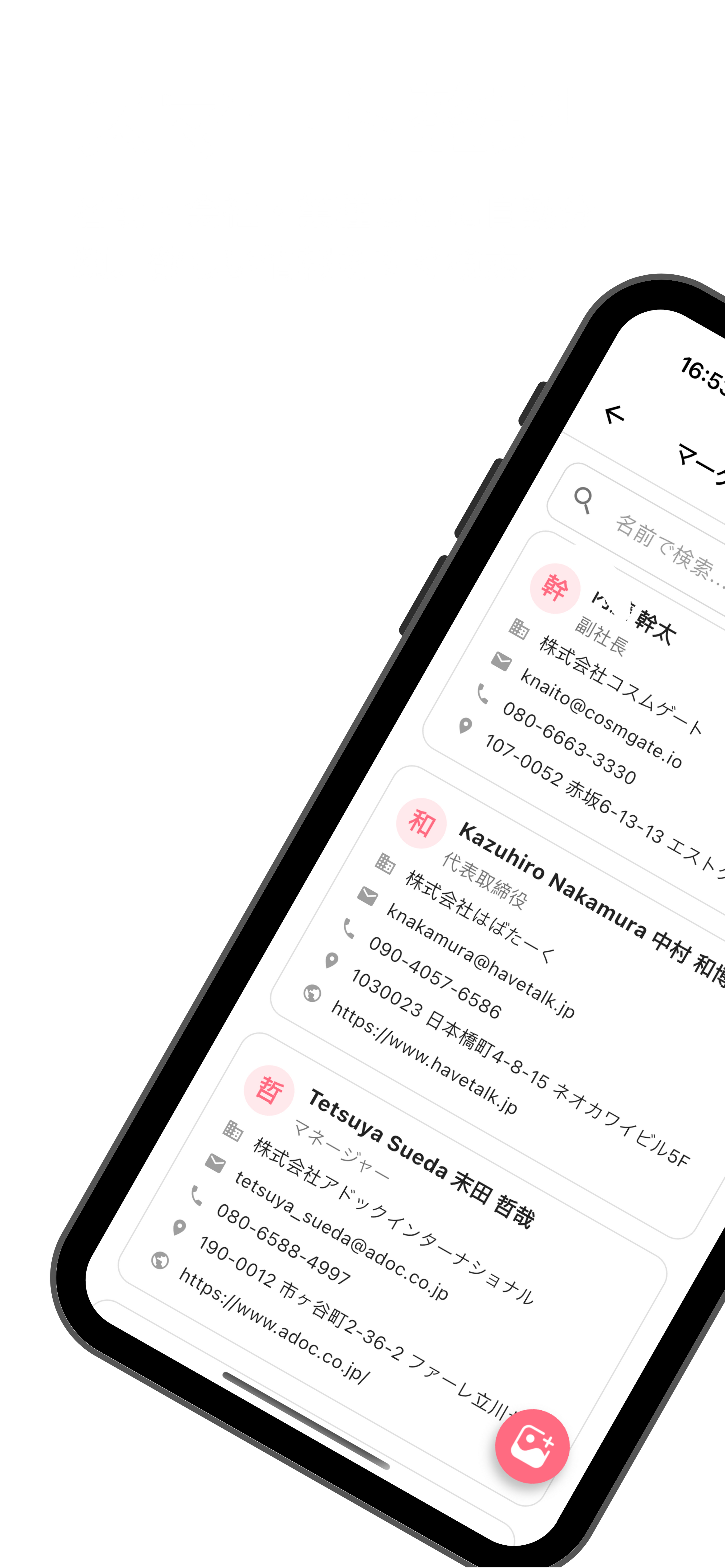
BoxCard’s AI engine automatically detects and digitizes all details from your business cards — including name, title, company, phone number, and email — with exceptional accuracy. Forget manual input; simply scan, and your data is instantly ready for use.
Easily export your digital contacts to Excel or CSV files and share them via email or within your team. Whether you're managing leads, syncing with CRM tools, or sharing client lists, Boxcard ensures smooth and flexible data handling.
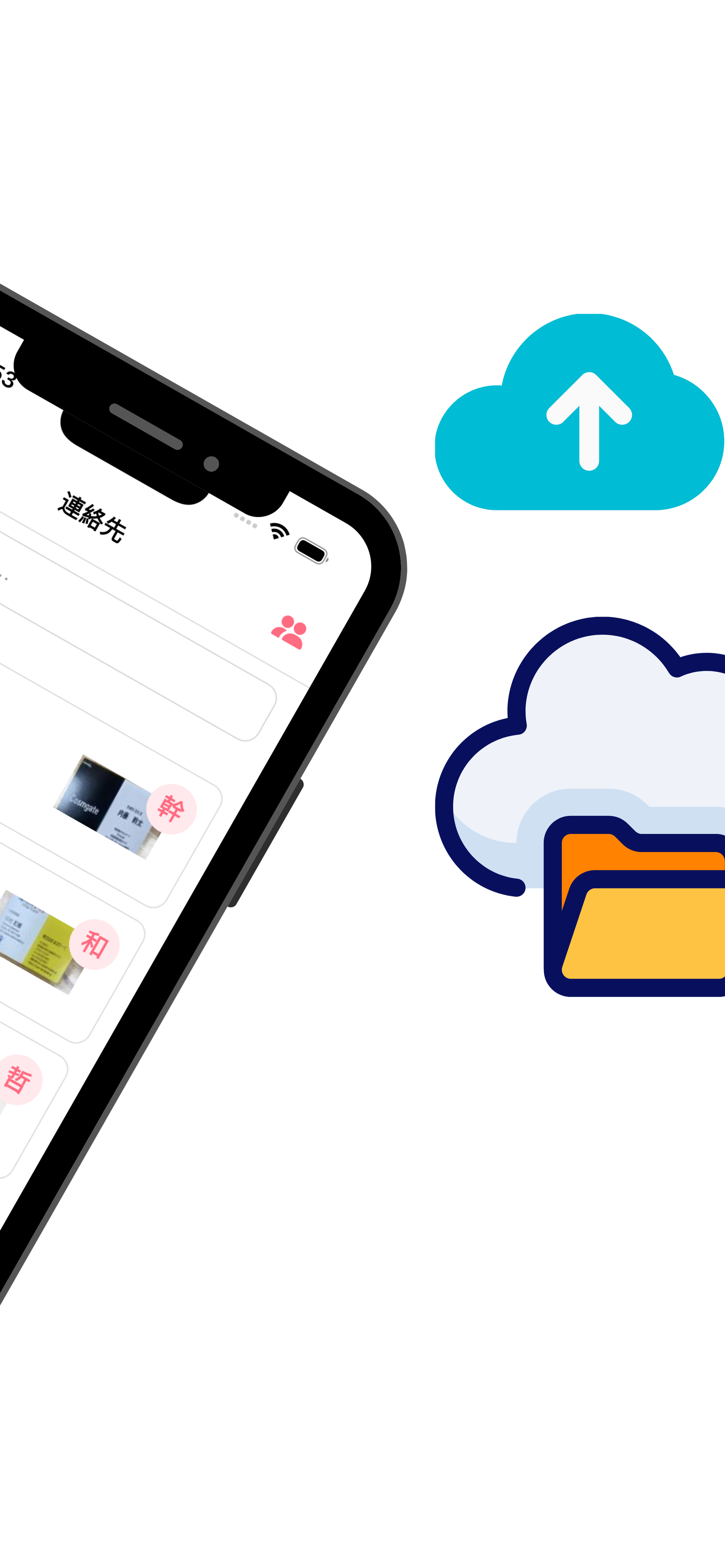
All your scanned cards are securely stored in the cloud, allowing you to access them anytime, anywhere, from any device. Even if you change phones or reinstall the app, your contact database remains safe and always up to date.
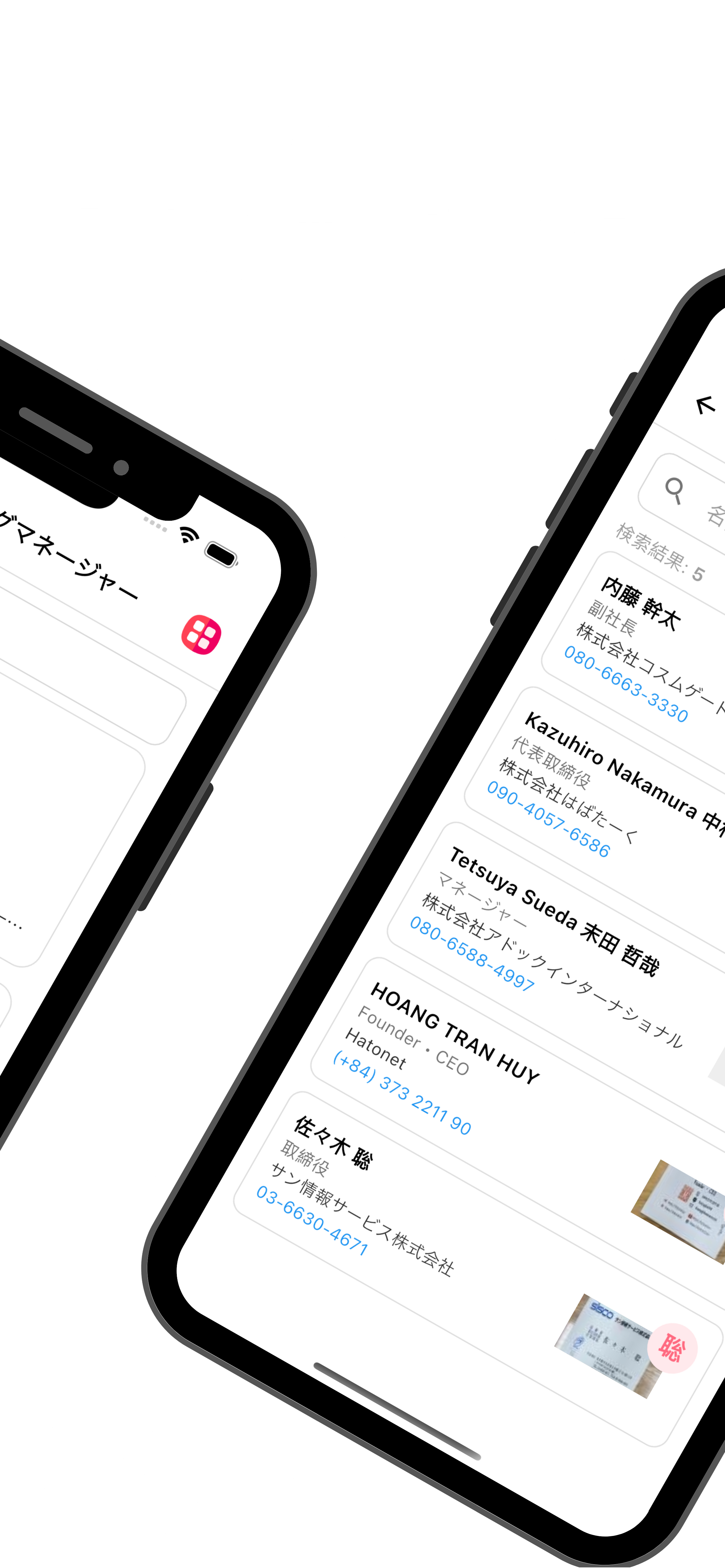
Find the right contact in seconds using smart search filters by name, company, or keyword. Organize your connections with customizable tags to manage hundreds of business relationships effortlessly.
There are many variations of passages of Lorem Ipsum available, but the majority have suffered alteration in some form.
Accurately scan both sides of a business card to automatically capture all information.
Easily download saved business card information in CSV format.
Automatically displays mutual acquaintances, helping you visualize your network connections.
Integrate with your phone and email contacts to get in touch instantly.
Experience a clean, intuitive, and user-friendly design built for professionals. From scanning business cards to managing contacts and sharing data, every feature is designed for speed, simplicity, and efficiency.
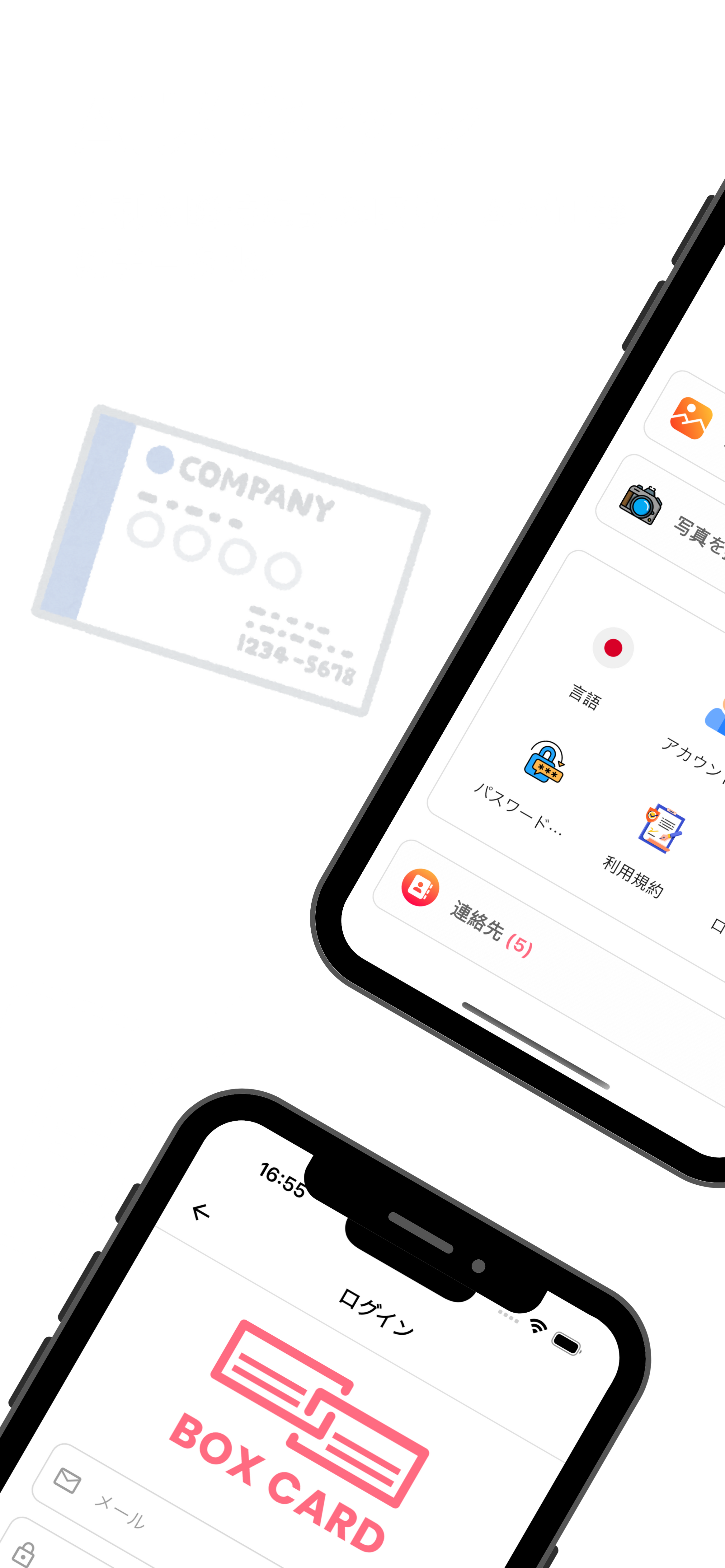
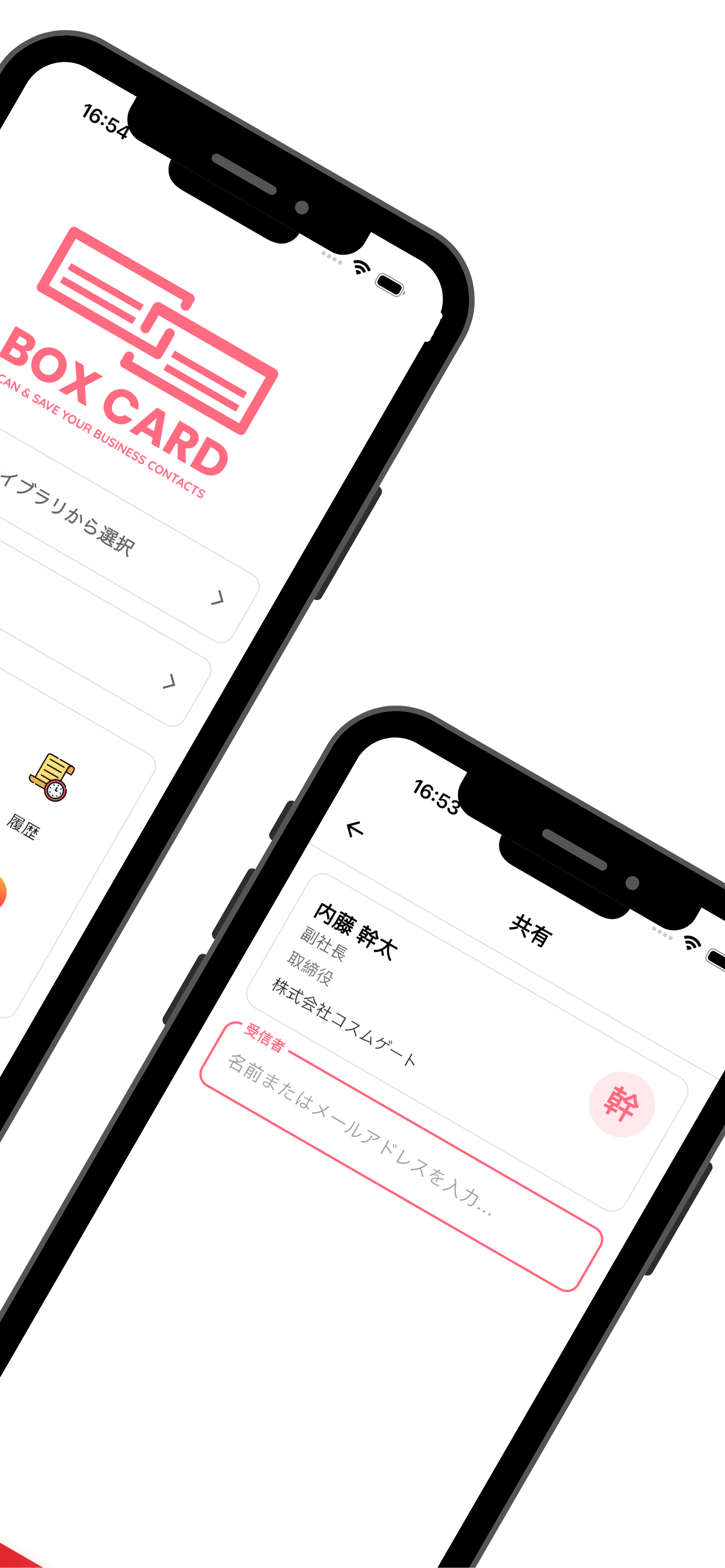
名刺交換後の情報管理では、OCR精度よりも誤認識による信頼・売上損失リスクとその対処構造こそ、システム導入時に最も重視すべきポイントである。
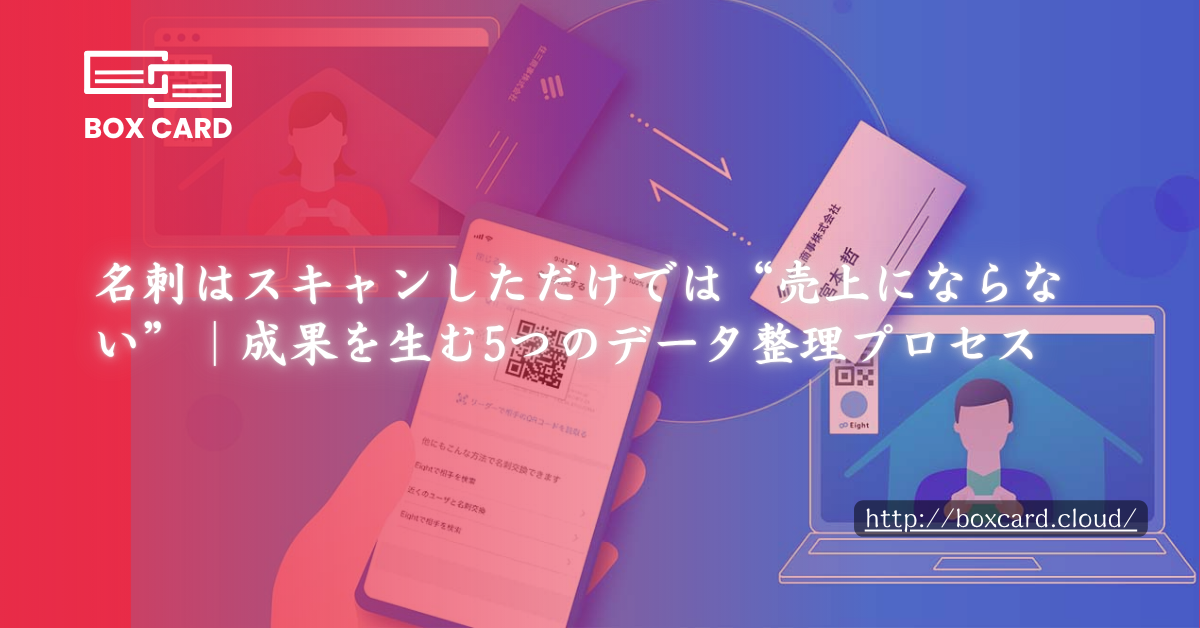
名刺をスキャンしてデータ化する企業は増えていますが、その後の運用まで設計できているケースは多くありません。スキャン後の整理プロセスがない限り、名刺データは営業資産ではなく「埋もれた情報」のまま終わってしまいます。
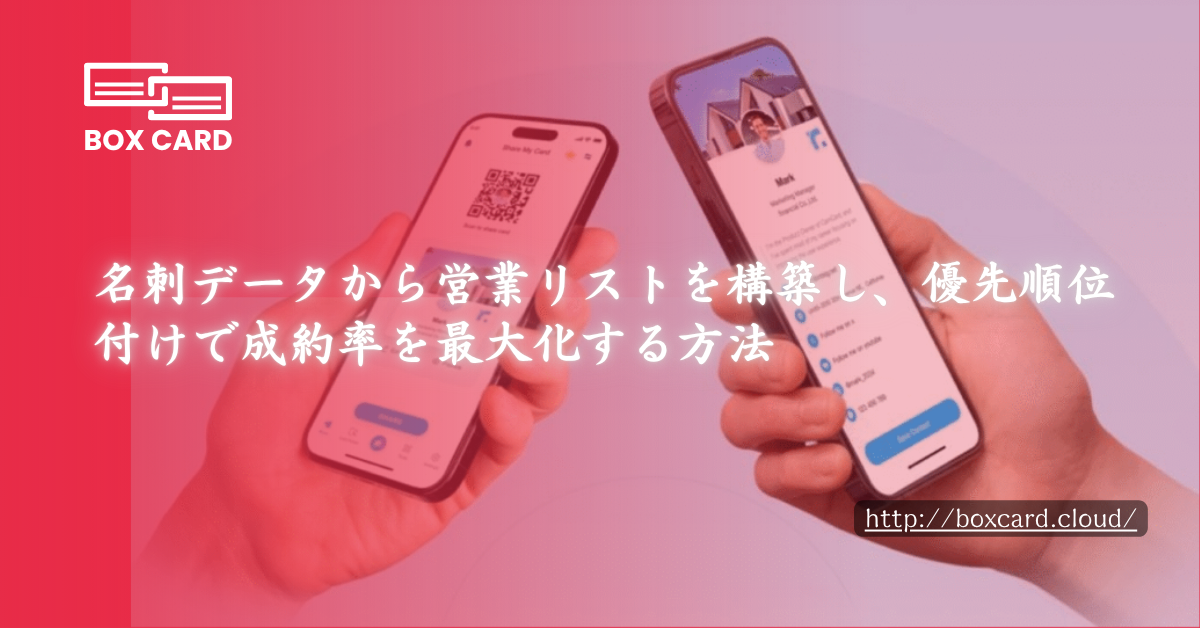
営業活動において、名刺をデータ化・整理し、リードの関心度に応じて優先順位付けを行うことで、営業効率と成約率を向上させる方法を解説します。
Boxcard uses advanced AI technology to automatically detect and digitize names, phone numbers, emails, and other details with high accuracy.ably haven't heard of them accusamus labore sustainable VHS.
Yes. Your data is securely synced through the cloud, allowing you to access all your cards anytime, on any device.
Absolutely. All information is encrypted and stored securely on our servers, ensuring your privacy and protection.
Yes, Boxcard supports exporting data to Excel (XLSX) and CSV, making it easy to manage or share with your team.
Yes. Boxcard currently supports English, Japanese, Vietnamese, Korean, and Chinese, and more languages will be added in future updates.
Yes. Boxcard allows you to easily share your business cards with other accounts in the system, enabling smooth and collaborative use.