名刺管理アプリおすすめ10選【2026年最新版】無料・法人向け・AI対応を徹底比較
展示会や営業で受け取った名刺を効率的に管理したい方必見。2026年最新版のおすすめ名刺管理アプリ10選を徹底比較します。AI OCRの精度、無料プラン、法人向け機能、CRM連携、チーム共有などをわかりやすく解説し、自社に最適な名刺管理サービス選びをサポートします。
Instantly scan, save, and manage all your business cards with AI. Connect smarter, work faster, and never lose a contact again.
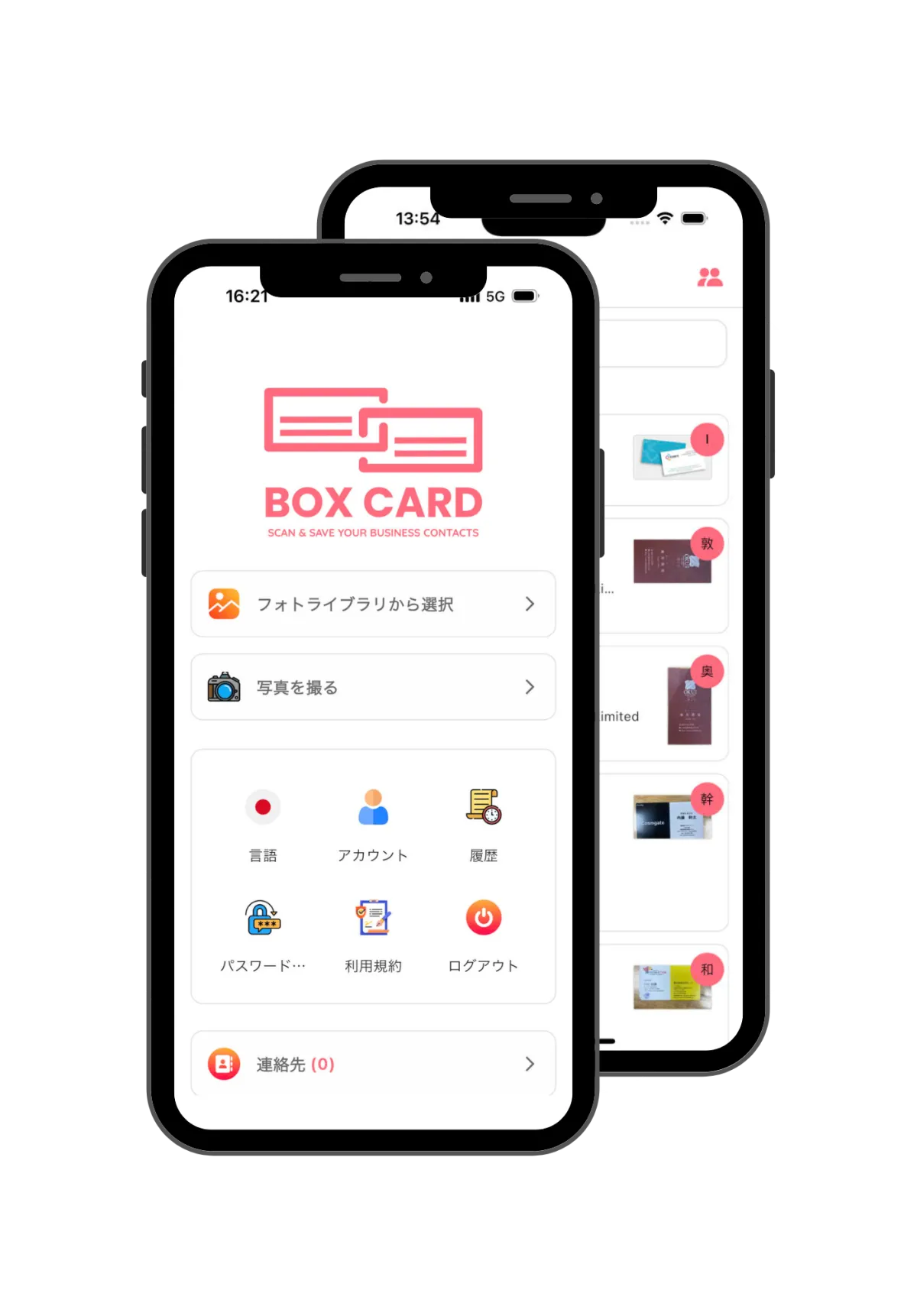
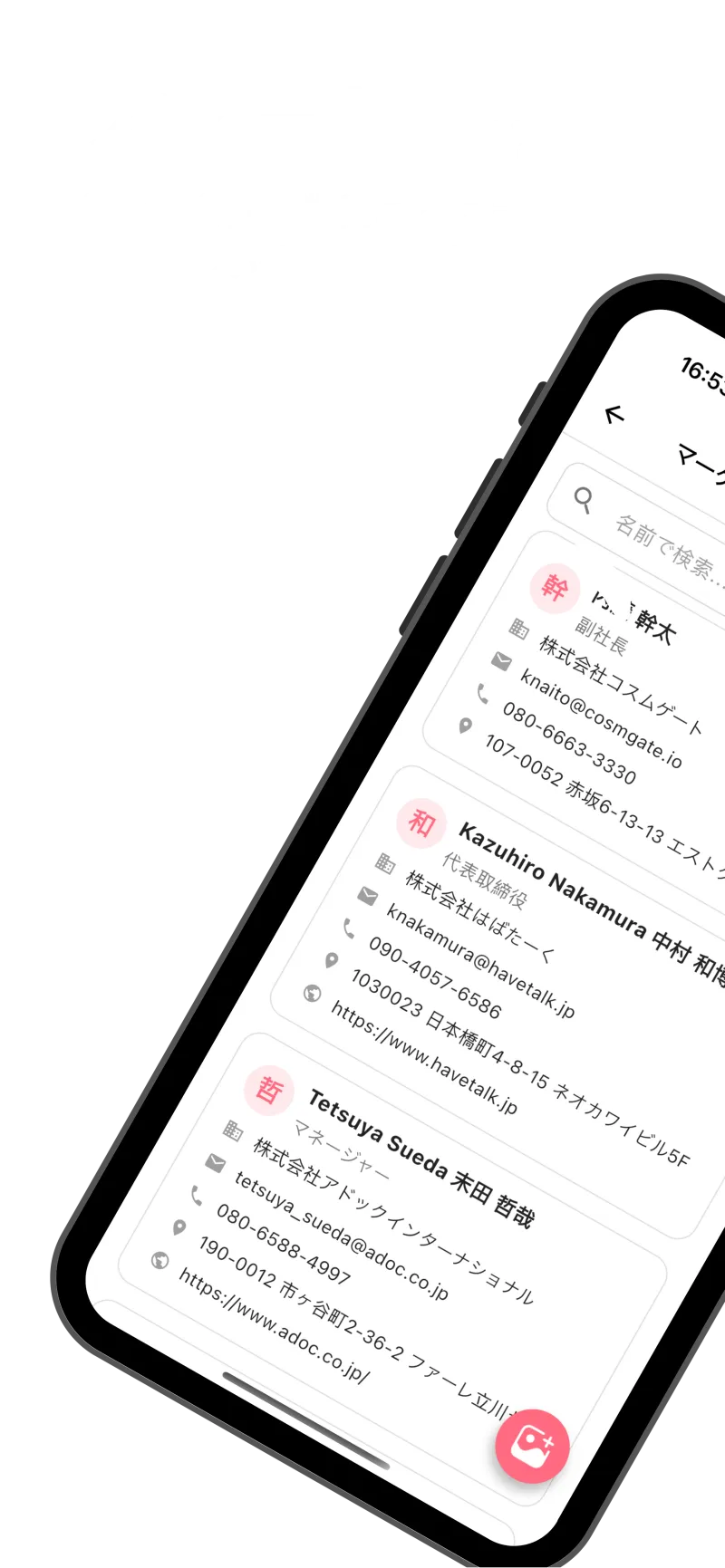
Discover how Boxcard helps you manage business cards smarter. Powered by AI, designed for speed and simplicity — everything you need to scan, save, and organize your professional connections in one place.
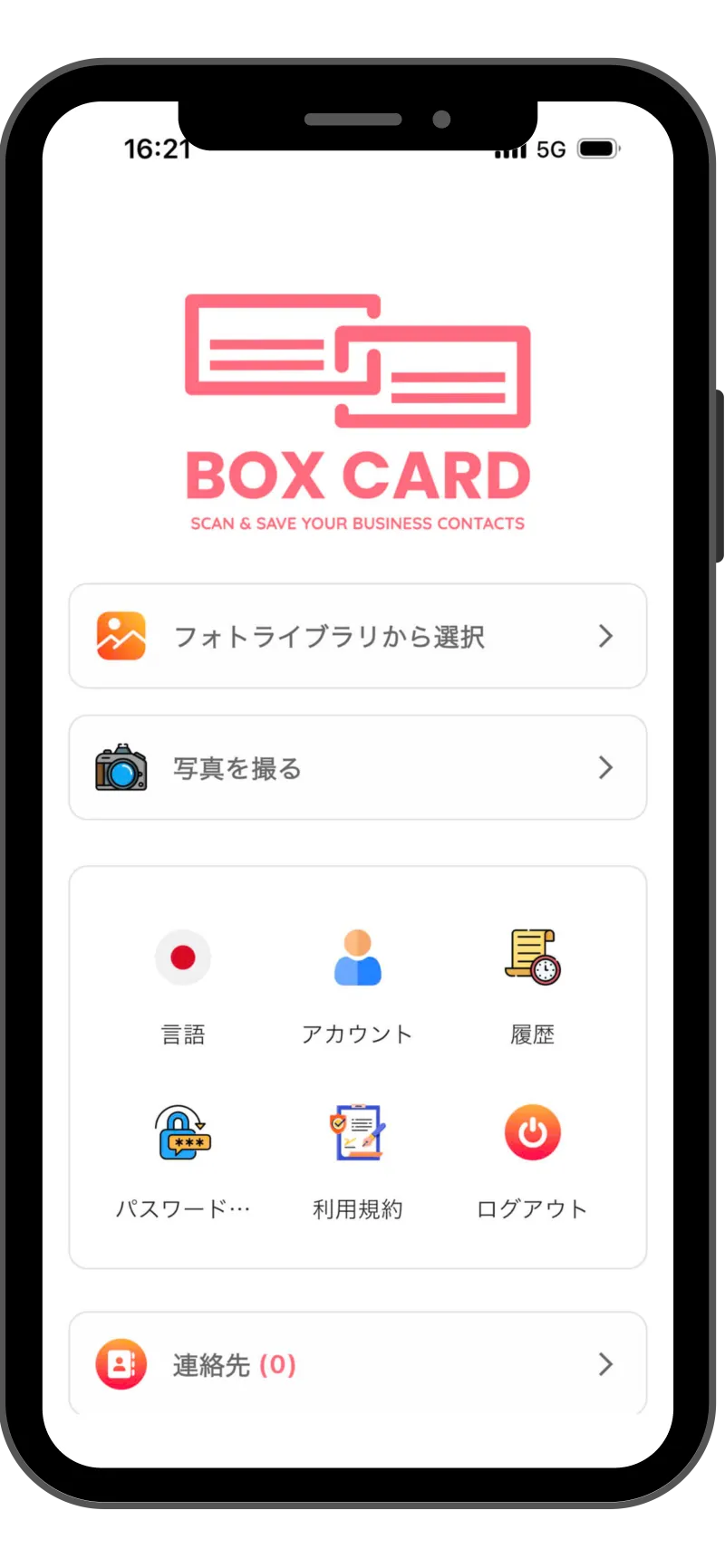
BoxCard’s AI engine automatically detects and digitizes all details from your business cards — including name, title, company, phone number, and email — with exceptional accuracy. Forget manual input; simply scan, and your data is instantly ready for use.
Easily export your digital contacts to Excel or CSV files and share them via email or within your team. Whether you're managing leads, syncing with CRM tools, or sharing client lists, Boxcard ensures smooth and flexible data handling.
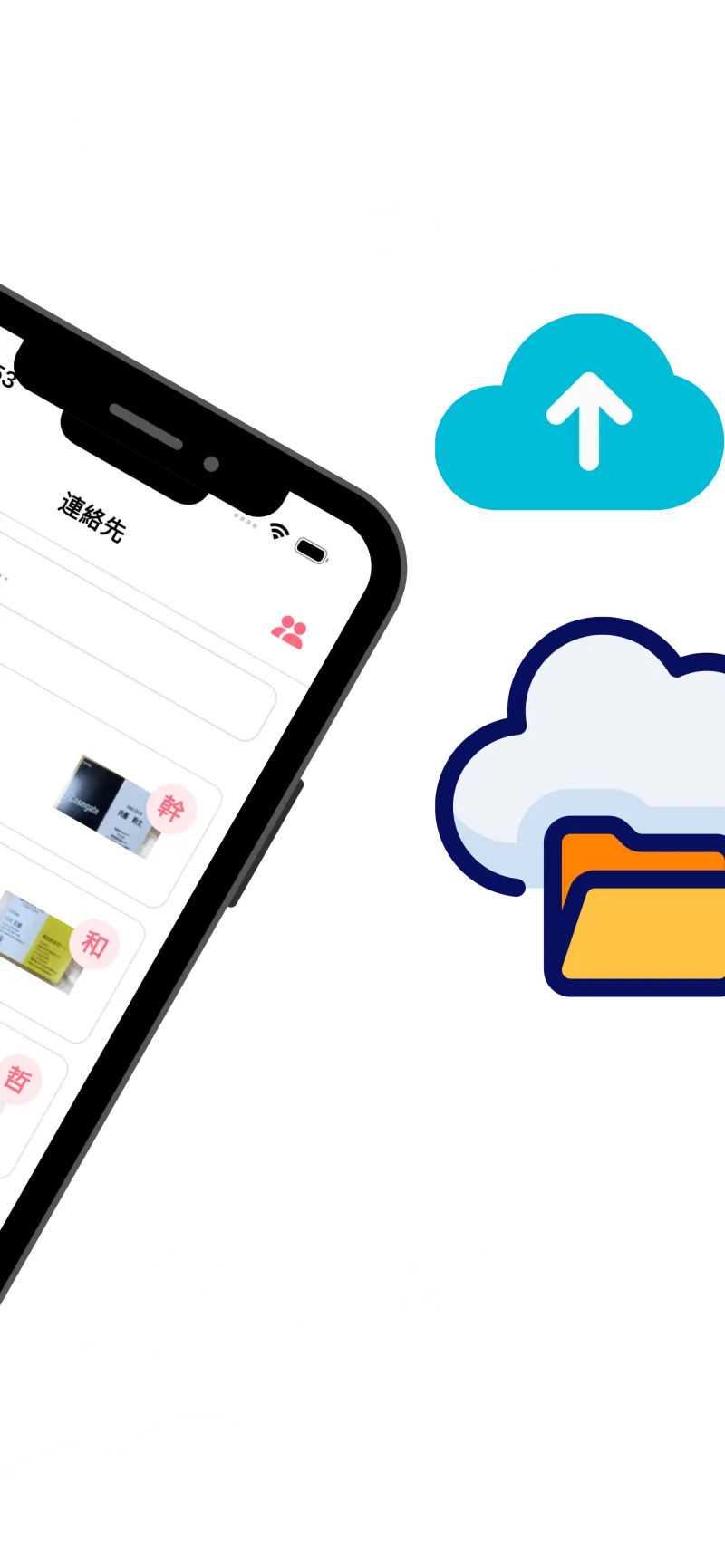
All your scanned cards are securely stored in the cloud, allowing you to access them anytime, anywhere, from any device. Even if you change phones or reinstall the app, your contact database remains safe and always up to date.
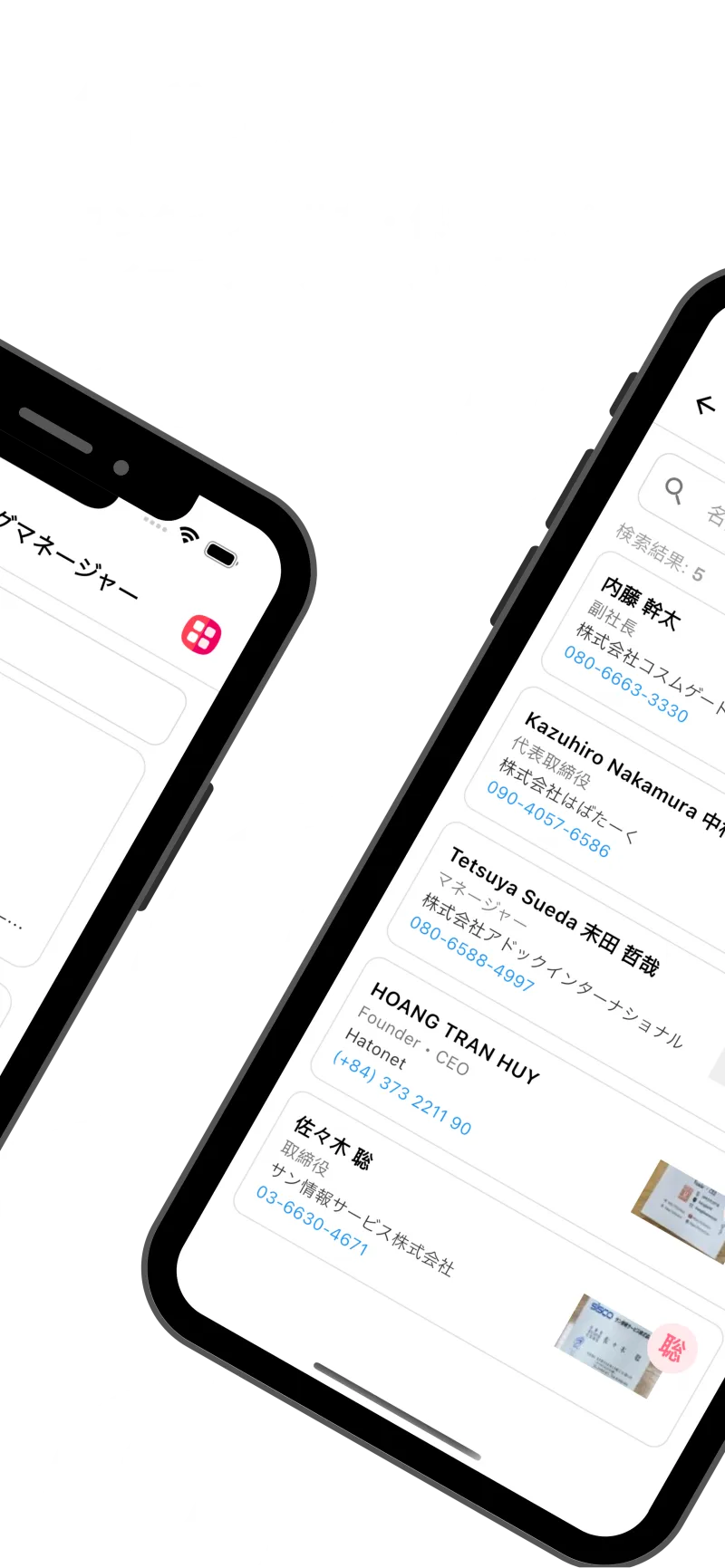
Find the right contact in seconds using smart search filters by name, company, or keyword. Organize your connections with customizable tags to manage hundreds of business relationships effortlessly.
There are many variations of passages of Lorem Ipsum available, but the majority have suffered alteration in some form.
Accurately scan both sides of a business card to automatically capture all information.
Easily download saved business card information in CSV format.
Automatically displays mutual acquaintances, helping you visualize your network connections.
Integrate with your phone and email contacts to get in touch instantly.
Experience a clean, intuitive, and user-friendly design built for professionals. From scanning business cards to managing contacts and sharing data, every feature is designed for speed, simplicity, and efficiency.
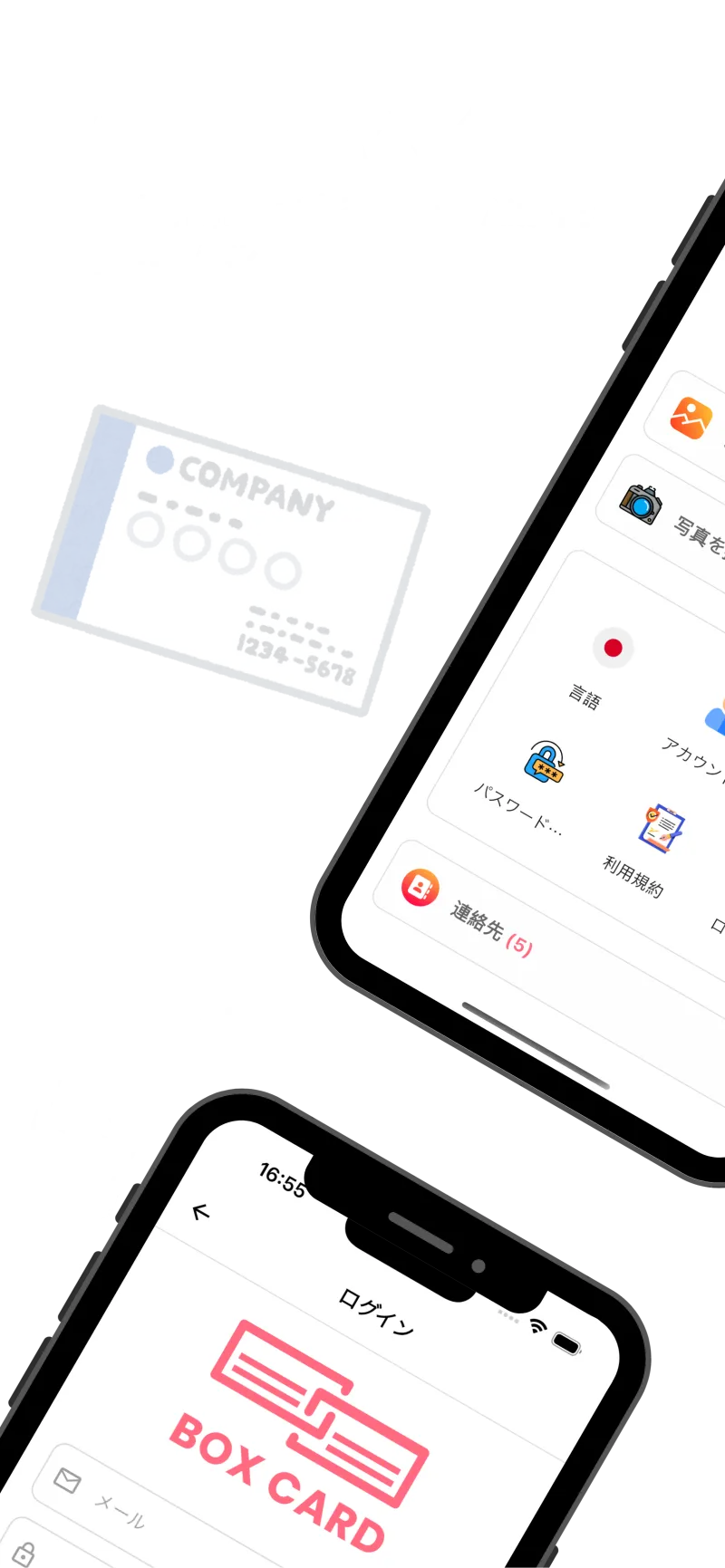
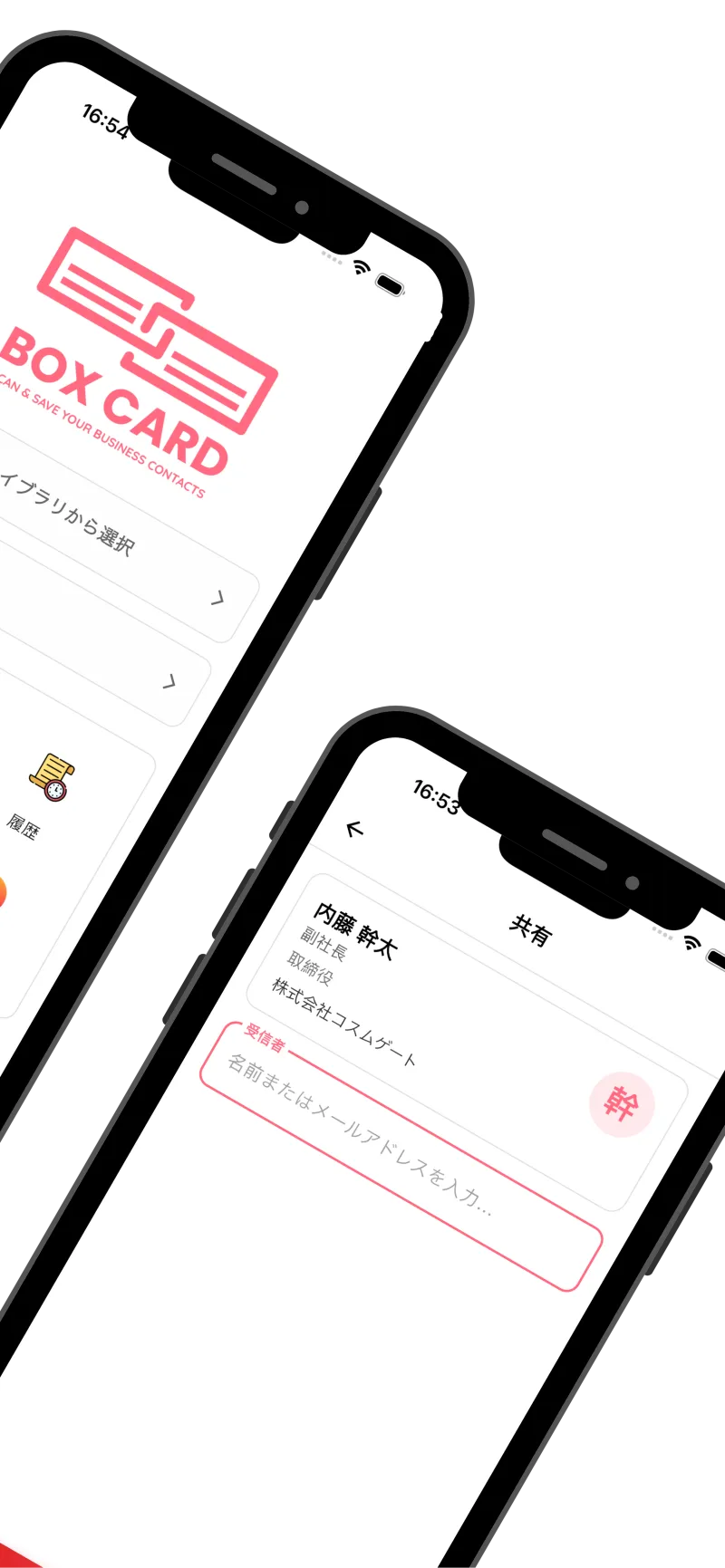
展示会や営業で受け取った名刺を効率的に管理したい方必見。2026年最新版のおすすめ名刺管理アプリ10選を徹底比較します。AI OCRの精度、無料プラン、法人向け機能、CRM連携、チーム共有などをわかりやすく解説し、自社に最適な名刺管理サービス選びをサポートします。
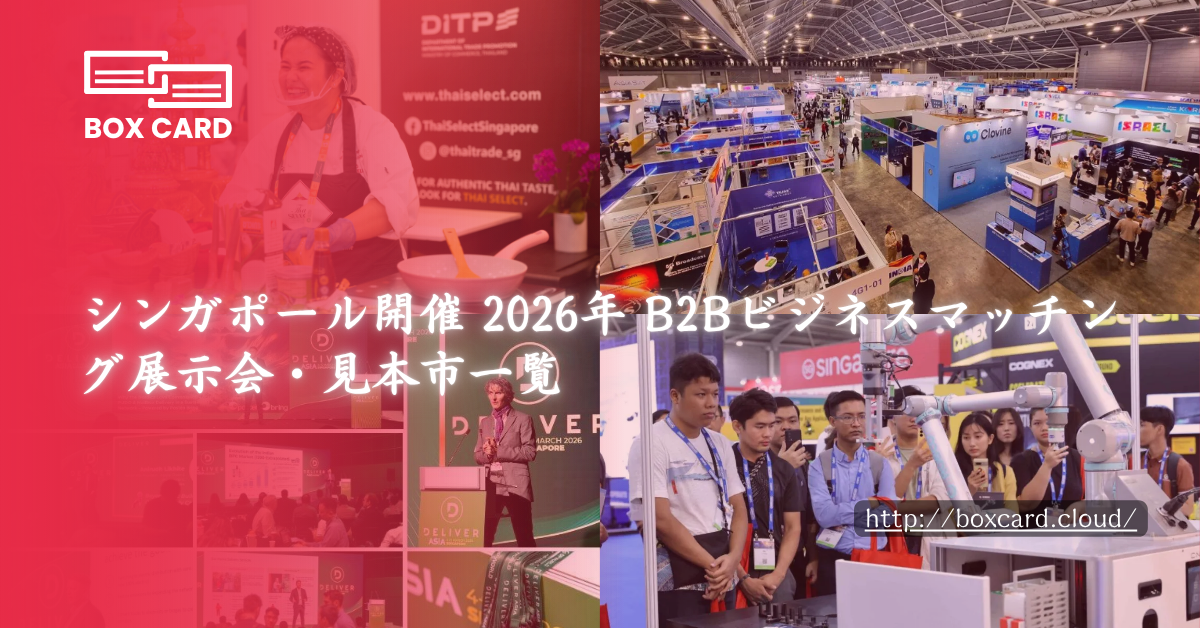
シンガポールは単なるB2B展示会の開催地ではありません。現在では、一つひとつの出会いが実際のビジネス機会へとつながる「戦略的な接点」として注目されています。
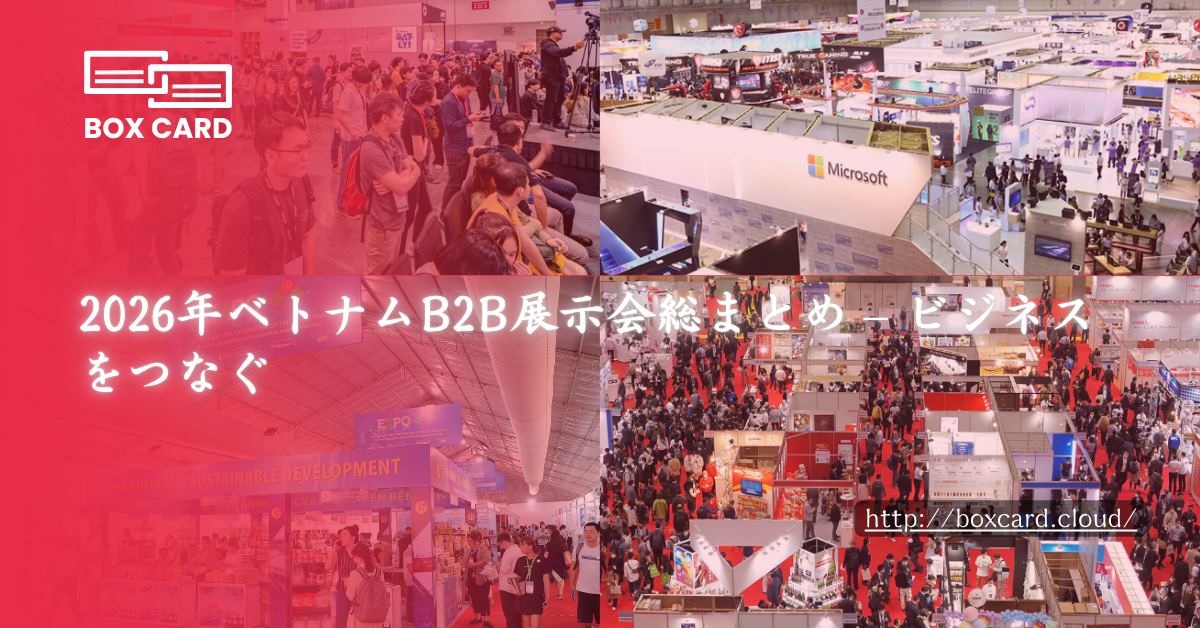
2026年、国際B2B展示会は高速ネットワーキングの戦いの場となり、企業は数日間で数百人のバイヤーやパートナーに会うことができますが、イベント後のコンタクト管理に頭を悩ませます。
Boxcard uses advanced AI technology to automatically detect and digitize names, phone numbers, emails, and other details with high accuracy.ably haven't heard of them accusamus labore sustainable VHS.
Yes. Your data is securely synced through the cloud, allowing you to access all your cards anytime, on any device.
Absolutely. All information is encrypted and stored securely on our servers, ensuring your privacy and protection.
Yes, Boxcard supports exporting data to Excel (XLSX) and CSV, making it easy to manage or share with your team.
Yes. Boxcard currently supports English, Japanese, Vietnamese, Korean, and Chinese, and more languages will be added in future updates.
Yes. Boxcard allows you to easily share your business cards with other accounts in the system, enabling smooth and collaborative use.